10.2.Operation check
265
Maintenance
10
10.2.5. BCD output check
Whether or not the BCD output that is wired with CSD-912B is operating properly can be
checked.
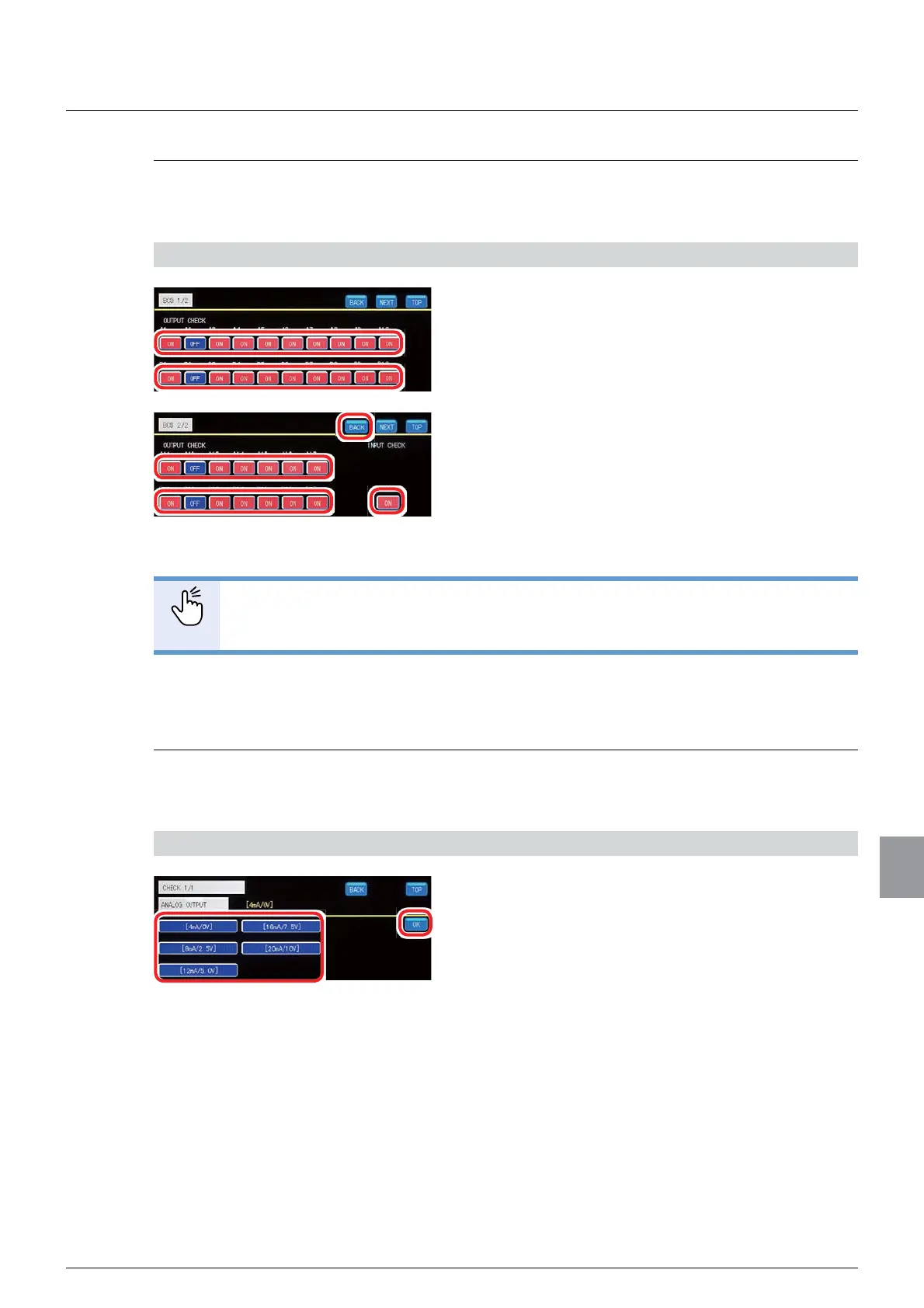
1) Check the BCD output operation
1. Check the BCD output operation.
Check that, when [A1] to [A17], and [B1] to [B17] are
tapped to switch between ON/OFF, all
corresponding BCD outputs are operating.
2. Check the BCD input operation.
Input can be checked when B18 is ON on the BCD
output.
3. Tap [BACK].
The operation check screen 1/1 will be displayed.
POINT
- When two BCD output boards are installed, both units operate the same way.
10.2.6. Analog output check
Whether or not the analog output that is wired with CSD-912B is operating properly can be
checked.
1) Check the analog output operation
1. Check the analog output operation.
Check that, when either of [4mA/0V], [8mA/2.5V],
[12mA/5.0VF], [16mA/7.5V], and [20mA/10V] is
tapped, the analog output is operating.
2. Tap [OK].
The operation check screen 1/1 will be displayed.



 To Next Page