10.2.Operation check
262
Maintenance
10
10.2.1. ROM version check
Optional units that are wired to CSD-912B and the software version, etc. of the main CPU
can be checked.
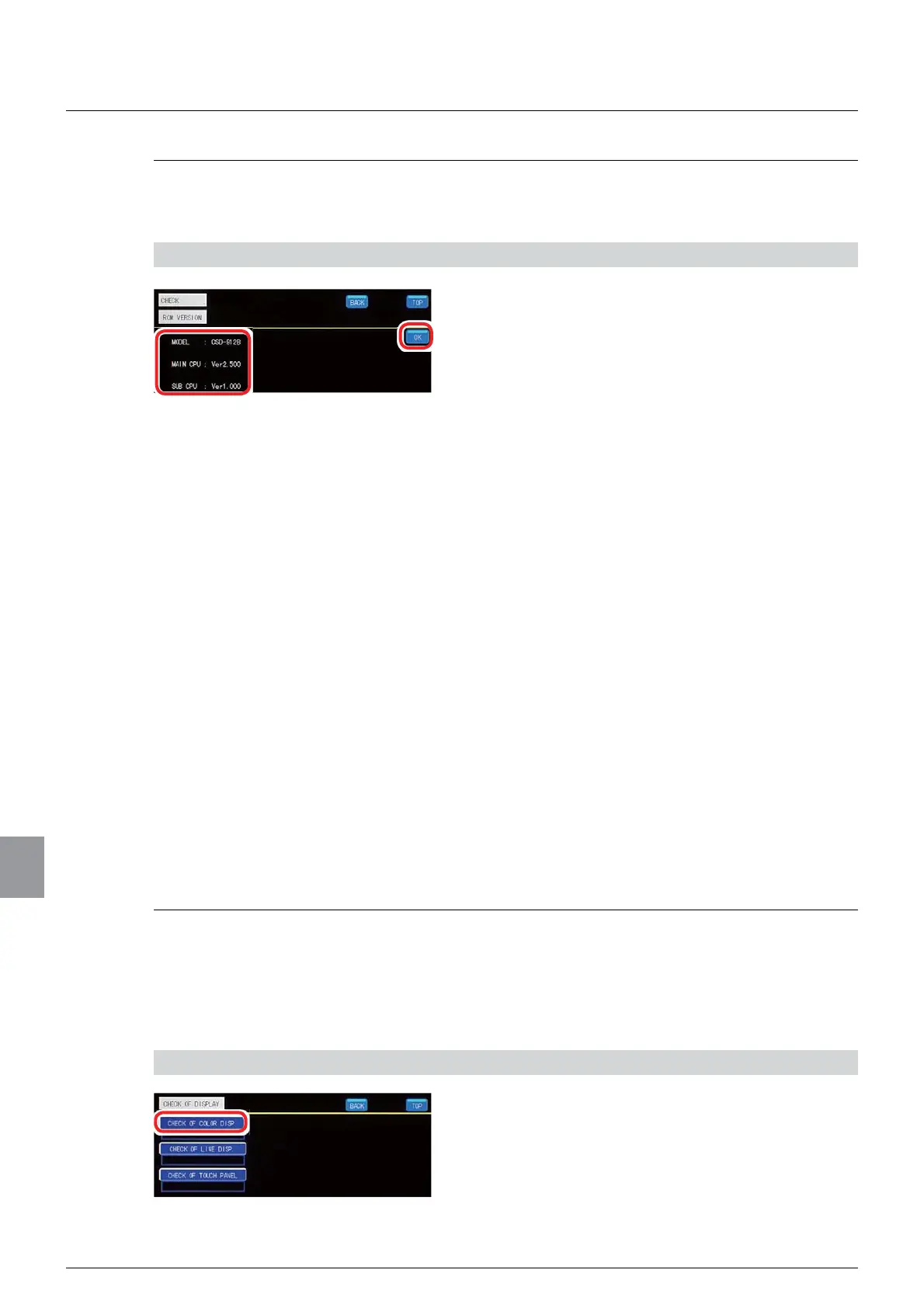
1) Check the ROM version
1. Check the ROM version.
MODEL: Indicates external units wired to CSD-
912B. Each external unit is indicated by a number
as shown below:
- Analog current output: 07
- Analog voltage output: 25
- BCD output: 15
- PROFIBUS: 70
- CC-Link: 73
- RS-232C: 74
- RS-422/485: 76
Example) When the analog current output and
the BCD output are wired to CSD-912B
CSD-912B-07-15
MAIN CPU: Indicates the software version of the
main CPU.
Example) Ver.2.400
SUB CPU: Indicates the software version of the sub
CPU.
Example) Ver.1.000
2. Tap [OK].
The operation check screen 1/1 will be displayed.
10.2.2. Display check
The color display, line display, and touch panel operation of the display can be checked.
(1) Color display check (CHECK OF COLOR DISP. )
Whether or not the display color is displayed properly can be checked.
1) Display the color display check screen
1. Tap [CHECK OF COLOR DISP. ].
The color display check screen will be displayed.



 To Next Page