10.2.Operation check
263
Maintenance
10
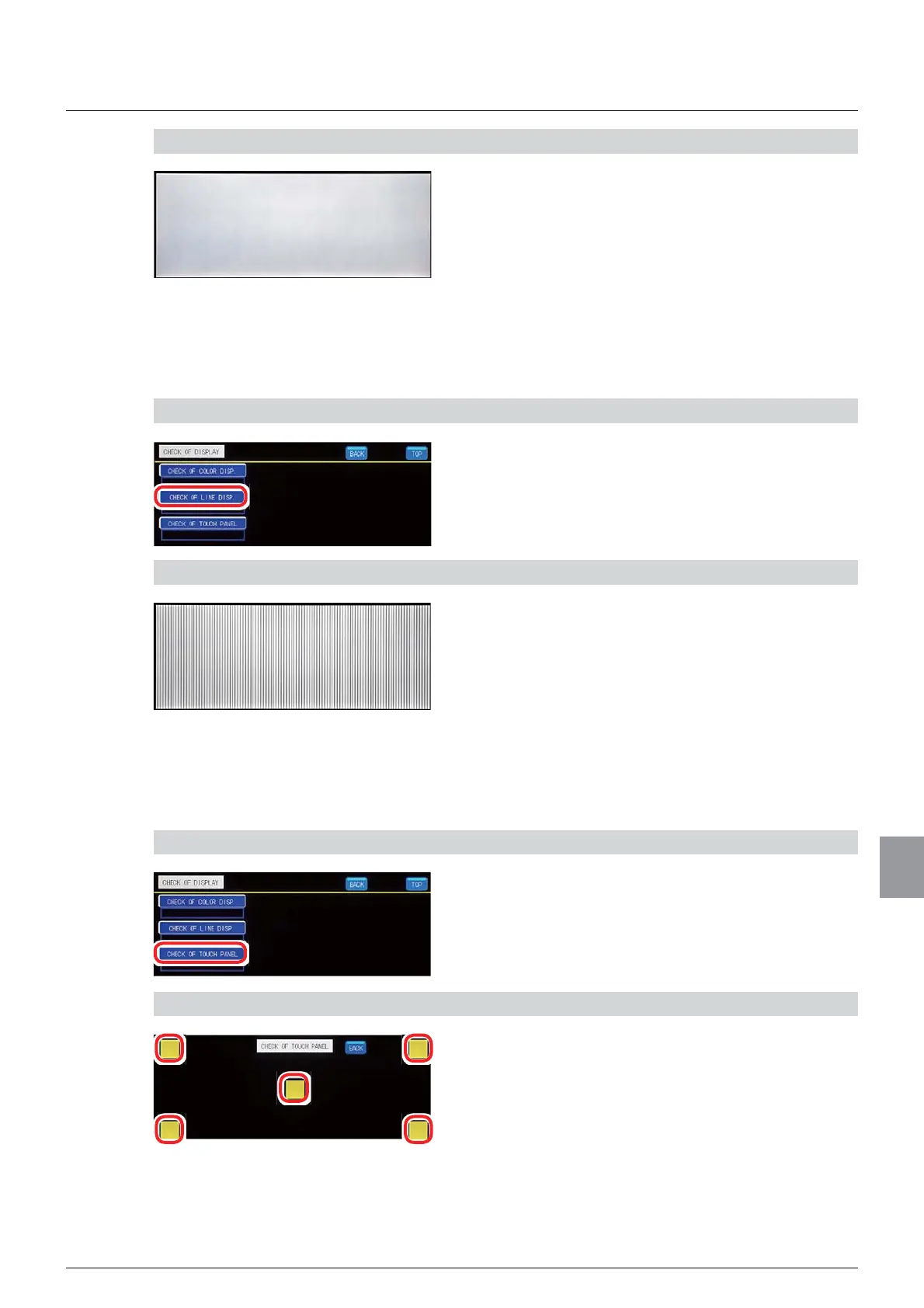
2) Check the color displayed on the display screen
1. Check the color.
Check that the display color is switched in the order
of white, black, red, green, and blue.
Upon completion of the color switching, the
operation check screen 1/1 will be displayed.
(2) Line display check
Whether or not lines are displayed properly on the display screen can be checked.
1) Display the line display check screen
1. Tap [CHECK OF LINE DISP. ].
The line display check screen will be displayed.
2) Check the lines displayed on the display screen
1. Check the lines.
Check that vertical and horizontal lines are
displayed in this order.
Upon completion of the line display, the operation
check screen 1/1 will be displayed.
(3) Touch panel check
Whether or not the touch panel is operating properly can be checked.
1) Display the touch panel check screen
1. Tap [CHECK OF TOUCH PANEL].
The touch panel check screen will be displayed.
2) Check the touch panel operation
1.
Tap the switches, which are located at the upper
left, upper right, center, lower left, and lower right.
Make sure that the switches turn yellow when
tapped. If so, this indicates that the touch panel is
operating properly.
2. Tap [BACK].
The operation check screen 1/1 will be displayed.



 To Next Page