1.2. Names and functions of parts
3
Product summary
1
1.2. Names and functions of parts
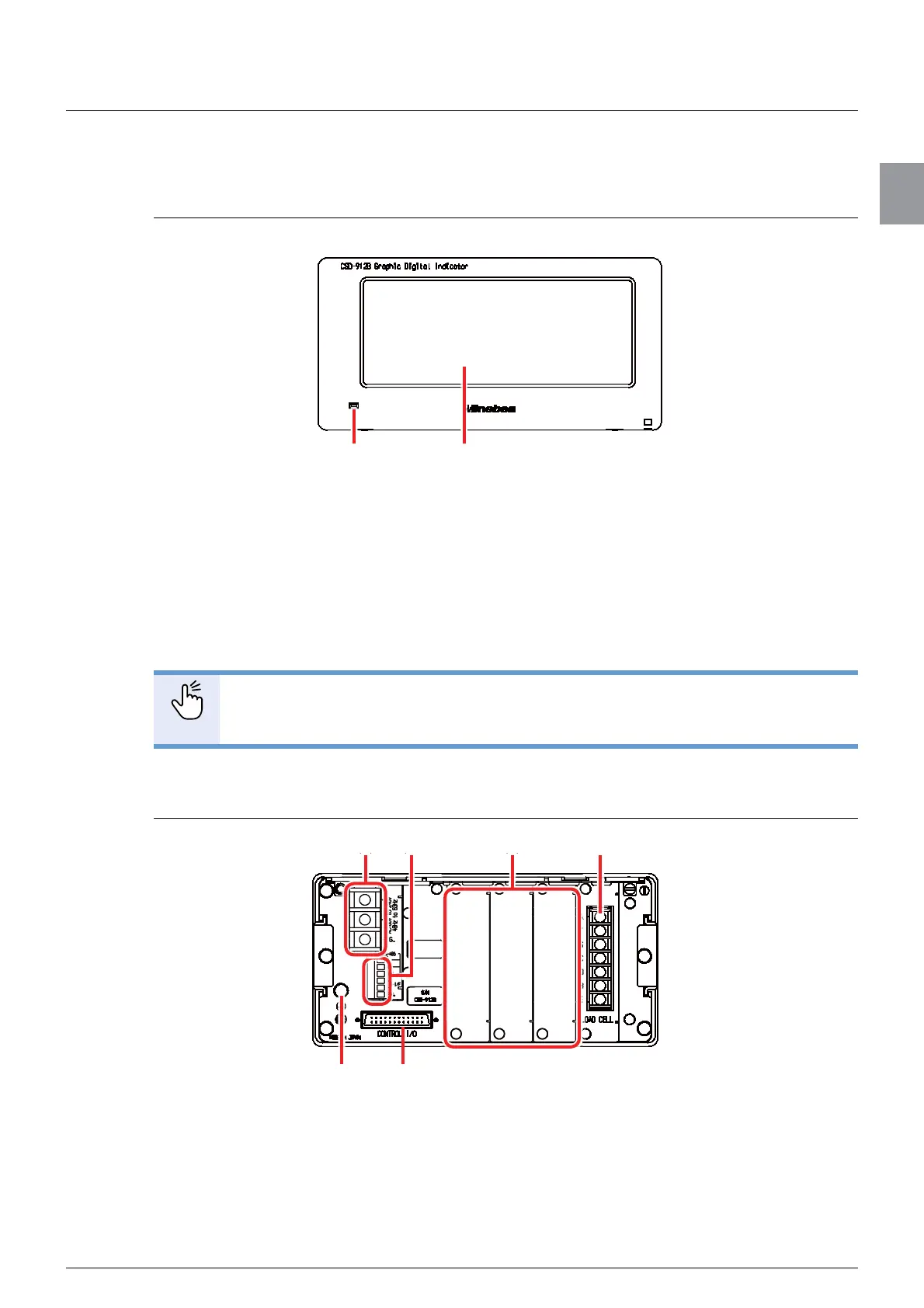
1.2.1. Front panel
(1) Power LED
The LED lights while the power of CSD-912B is turned on.
The LED turns off while the power of CSD-912B is turned off.
(2) Display
Various information including weighing values and state lamps is displayed.
You can operate CSD-912B by directly touching the touch panel display.
POINT
- There is the calibration lock switch inside the body to prevent calibration results
from being changed. Refer to “4.4.6. Calibration lock” for more information.
1.2.2. Rear panel
(1) Power supply terminals
Connect a power cable and a grounding wire. Refer to “2.3. Power supply connection” for
more information.
(1) (2)
(2)
(3)
(4)(1)
(5) (6)



 To Next Page