4.3.Calibration
29
4
Calibration
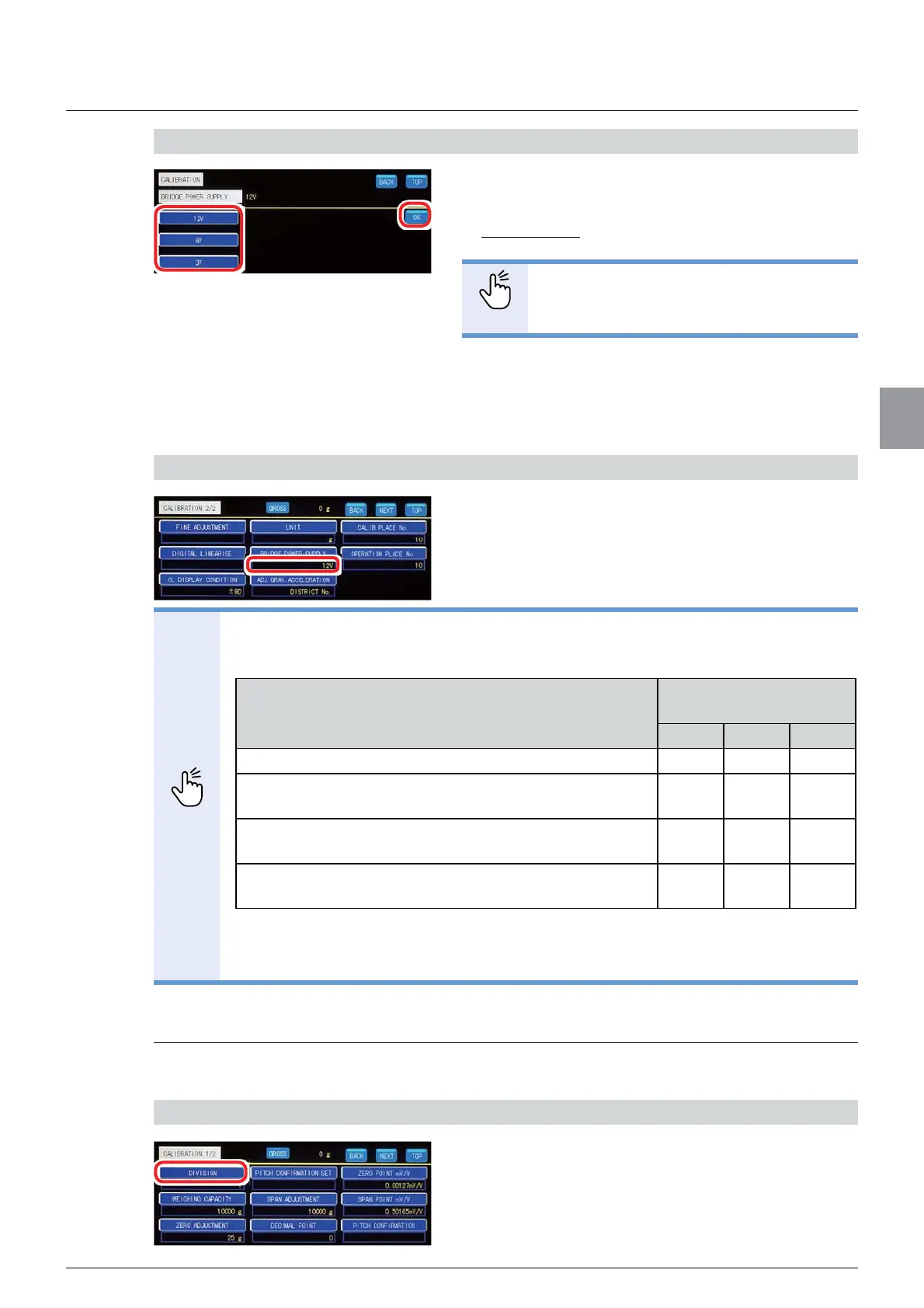
2) Set [BRIDGE POWER SUPPLY]
1. Select [BRIDGE POWER SUPPLY].
Selectable items: 12 V, 6 V, 3 V
Default: 12 V
POINT
- Select the voltage that is within the load
cell’s recommended excitation voltage.
2. Tap [OK].
[BRIDGE POWER SUPPLY] has been set, and
[CALIBRATION 2/2] will be displayed.
&RQ¿UPWKHVHWWLQJV
&RQ¿UPWKHVHWWLQJVRI>%5,'*(32:(5
SUPPLY].
The setting is completed if the item set by the step
2) appears under [BRIDGE POWER SUPPLY].
POINT
- As for measurement systems using zener barrier, set [BRIDGE POWER
SUPPLY] as follows.
H[&DEOH&$%ZLUHV/RDGFHOOȍW\SH
6\VWHPFRQ¿JXUDWLRQ
[BRIDGE POWER
SUPPLY] (DC)
12 V 6 V 3 V
One load cell + Zener barrier X O O
Two load cells + Summing type junction box + Zener
barrier
XXO
Three load cells + Summing type junction box + Zener
barrier
XXO
Four load cells + Summing type junction box + Zener
barrier
XXO
O: Can be used. X: Cannot be used.
- To stabilize CSD-912B and the load cell, energize them for about ten minutes
after setting [BRIDGE POWER SUPPLY].
4.3.2. Set the division (minimum scale)
Set the minimum unit of weighing values.
1) Display the screen to set [DIVISION]
1. Tap [DIVISION] on [CALIBRATION 1/2].
The screen to set [DIVISION] will be displayed.



 To Next Page