10.2.Operation check
266
Maintenance
10
10.2.7. Maintenance date registration
Registers a date maintenance is executed.
1) Register a maintenance date
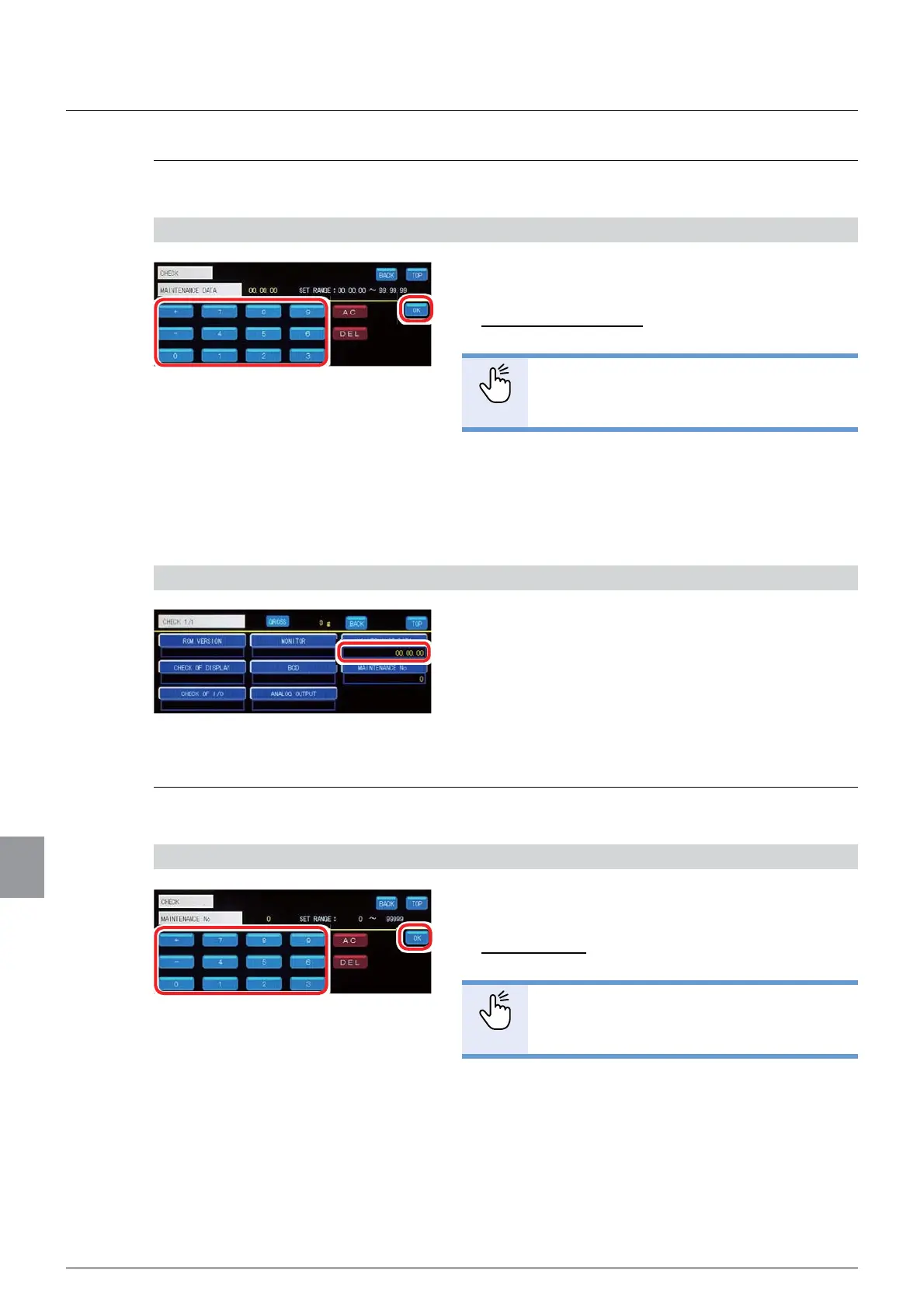
1. Input a maintenance date (Year. Month. Day).
Settable range: 00.00.00 to 99.99.99
Initial value: 00.00.00
POINT
- Refer to “3.5. Input of numerical values”
for more information about how to enter
numerical values.
2. Tap [OK].
The maintenance date will be registered, and the
operation check screen 1/1 will be displayed.
2) Check the registration
1. Check the maintenance date.
Make sure that the value set in Step 1) above is
displayed under [MAINTENANCE DATA]. If so, this
completes the registration.
10.2.8. Maintenance number registration
A maintenance number can be optionally registered.
1) Register a maintenance number
1. Input a maintenance number.
Settable range: 0 to 99 999
Initial value: 0
POINT
- Refer to “3.5. Input of numerical values”
for more information about how to enter
numerical values.
2. Tap [OK].
The maintenance number will be registered, and the
operation check screen 1/1 will be displayed.



 To Next Page