68
(2) Function of the data of measurement comparison value 1
Item Set data No. Set value Contents
FINAL SET1 000000 ~ 999999
●000000
Unit : 1D
FREE FALL SET2 -999999 ~ 999999
●000000
Unit : 1D
PRELIMINARY 1 SET3 000000 ~ 999999
●000000
Unit : 1D
PRELIMINARY 2 SET4 000000 ~ 999999
●000000
Unit : 1D
OVER SET5 000000 ~ 999999
●000000
Unit : 1D
UNDER SET6 000000 ~ 999999
●000000
Unit : 1D
ZERO BAND SET7 000000 ~ 999999
●000000
Unit : 1D
FULL SET8 000000 ~ 999999
●000000
Unit : 1D
● Has been set as default
● Brand number
Set the brand number.
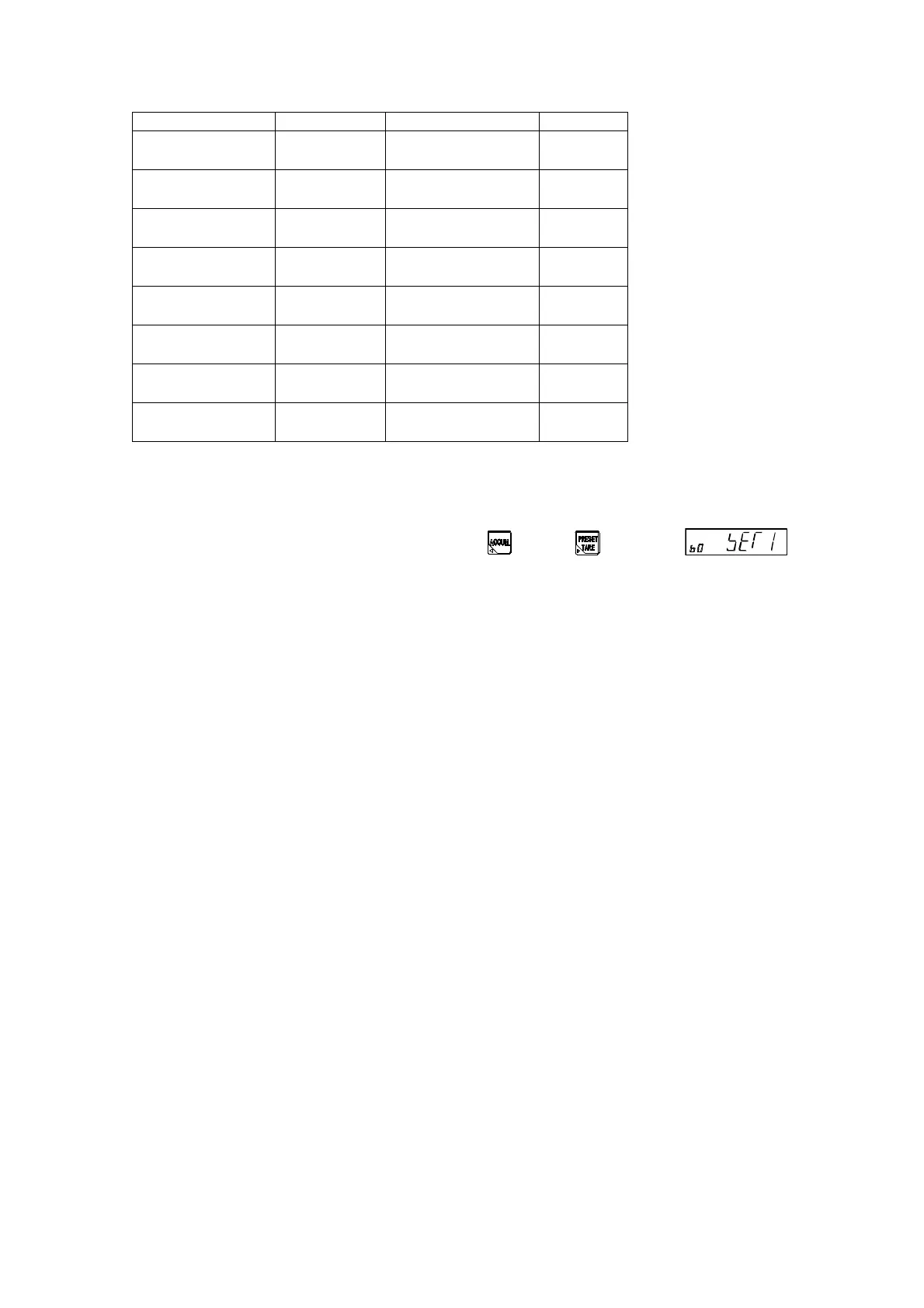
The brand number can be changed by pressing the key or key when is
displayed.
Setting range: 0 to 7 Unit: 1D
Default is set to [0].
● FINAL
Set the target value for the measurement.
Setting range:000000-999999 Unit:1D
Default is set to [000000].
● FREE FALL
Set the target value for the free fall.
Setting range:-999999-999999 Unit:1D
Default is set to [000000].
In the simple comparison mode, when the value of [FINAL (SET1) – F.FALL (SET2)] is obtained the
D.FLOW output will be ON, and in the sequential mode the D.FLOW will be OFF when arrived at the
value of D.FLOW.
The setting is [FINAL ≦ F.FALL], it becomes SQ.ERR 3. When the start signal is in putting,
● PRELIMINARY 1
Set the value of PRELIMINARY 1.
Setting range:000000 ~ 999999 Unit:1D
Default is set to [000000].
In the sequential mode, when the value of [FINAL (SET1)– PRELIM 1(SET3)] is obtained the
M.FLOW output will be ON, and in the Simple comparative mode the D.FLOW will be OFF when
arrived at the value of M.FLOW.
When the start signal is inputting, the setting is [FINAL≦F.FALL], it becomes SQ.ERR 3.
one before ≧ of 1 or the head is measured before the setting measures fixed quantity ≦
PRELIM1.


 To Next Page
 Loading...


