E13
Set Up
E12
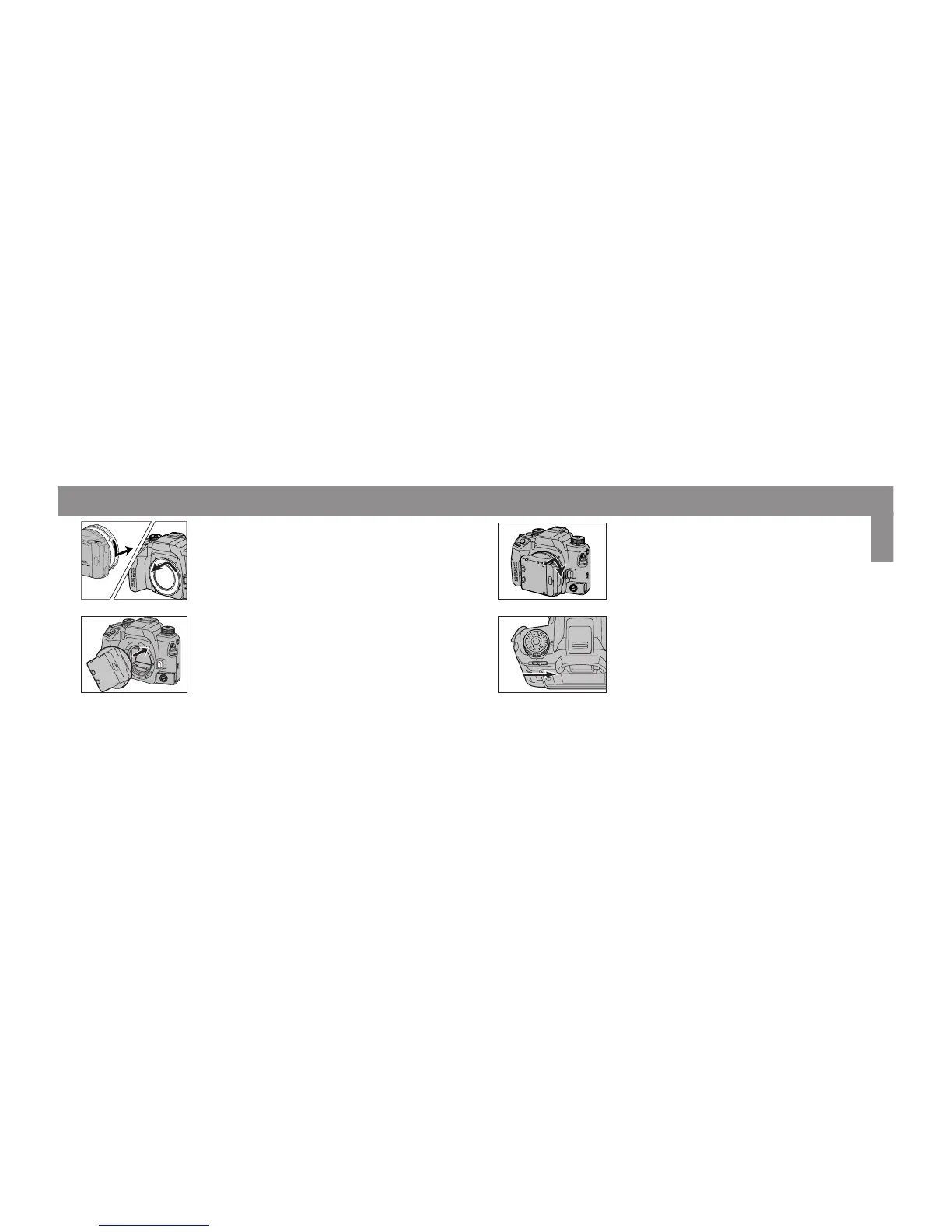
Attaching to the Camera
1. Remove the body and rear caps.
2. Turn the camera switch to OFF and align the
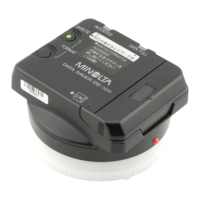
red mounting dots on the Data Saver DS-
100 and camera body.
3. Gently insert the Data Saver DS-100 into the
mount, then turn it clockwise until it clicks
into the locked position.
4. Slide the main switch to ON.



 To Next Page