E15
Set Up
E14
Formatting a SmartMedia Card
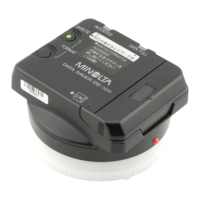
The 4MB, 3.3V SmartMedia card provided with the Data Saver DS-100 has already
been properly formatted for use with the Data Saver DS-100. See below to format cards
not included with this unit.
Minolta’s Image Memory Card RM-2S/RM-4S is not usable with the DS-100 since it
requires 5.5v.
See page 42 for explanation of SmartMedia cards.
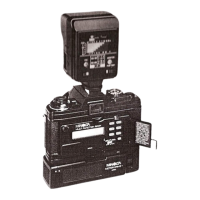
1. To format a SmartMedia card, insert the card
into the card slot.
2. Simultaneously push the FORMAT and the
WRITE buttons until the ACCESS lamp
(green) starts to blink.
• If the SmartMedia card is not formated, the ACCESS
lamp (red) and the DATA-FULL lamp (yellow)will blink
rapidly. Keep pressing the FORMAT and WRITE buttons
until the ACCESS lamp changes to green and blinks
slowly.
• When a card is formated, all the previous data stored on
the card will be lost.
• When the green ACCESS lamp stops blinking, formating
is complete.



 To Next Page