E17
Data Memory
E16
Saving Photographic Data to SmartMedia
The Maxxum/Dynax 7 camera can store up to 7 rolls of
films’ photographic data.
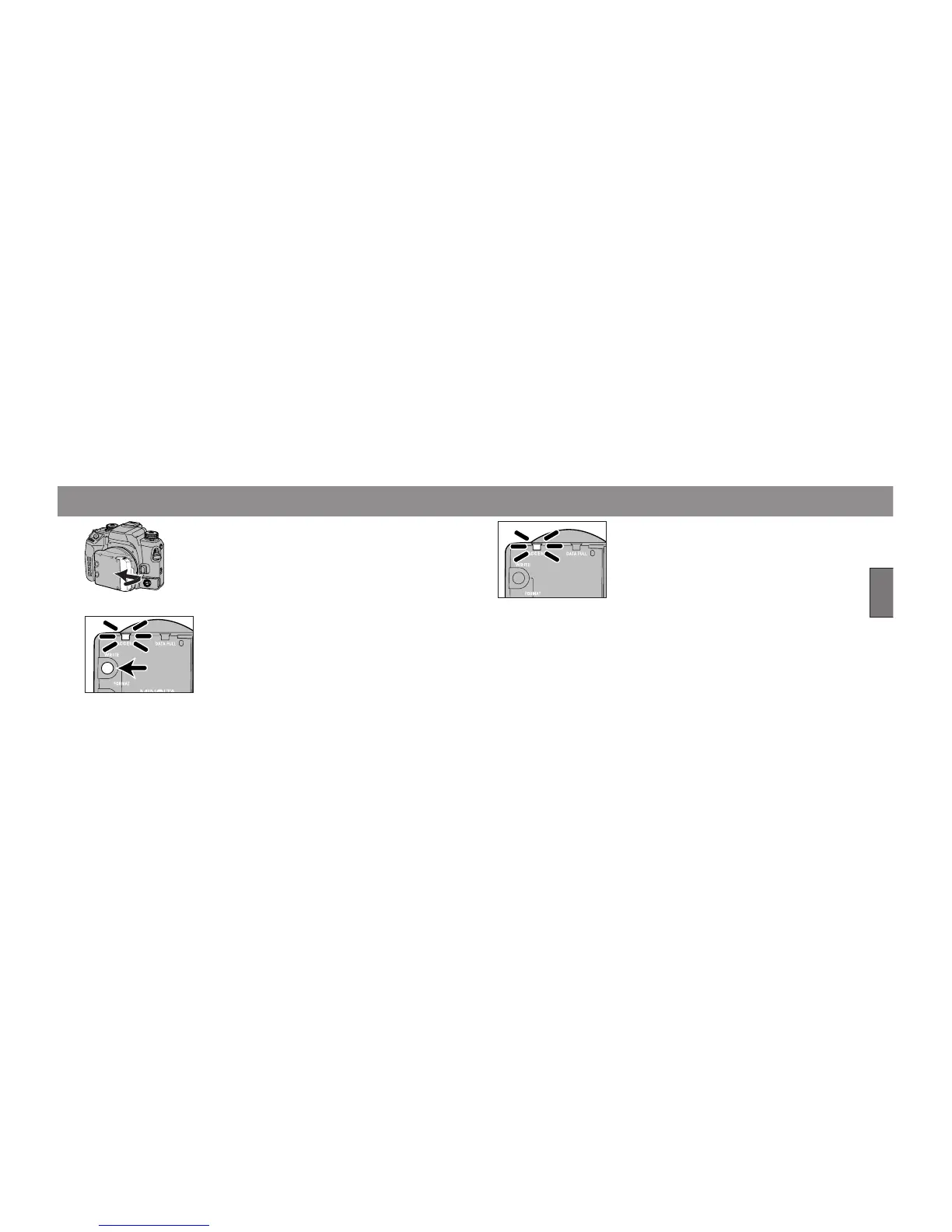
1. Insert the card into the card slot and close
the door.
2. Press the WRITE buton until the green
ACCESS lamp starts to blink.
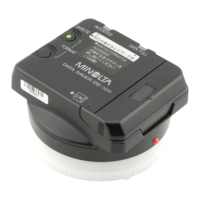
• The Data Saver DS-100 takes the data from the camera
and stores it onto the SmartMedia card.
• When the DATA FULL lamp blinks (yellow), the card
does not have enough capacity. To overwrite stored
data, refer to page 18.
Capacity
of card
Maximum recording
time for 7 rolls of film
(approximate)
2MB
4MB
8MB
16MB
32MB
27 seconds
41
42
73
74
When data is bering recorded, the ACCESS lamp
(green) will blink.
• The Data Saver DS-100 takes the data from the camera
and stores it onto the SmartMedia card. So even if the
same data is on the card, it will be overwritten.
• The data recording time depends on the capacity of the
card.
• Do not remove the card while data is being recorded.



 To Next Page