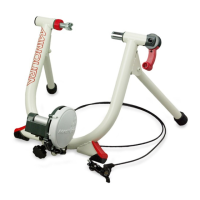
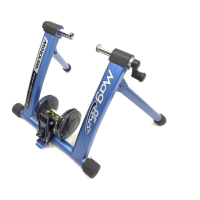
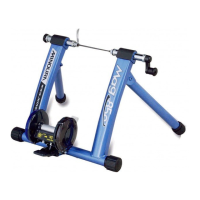
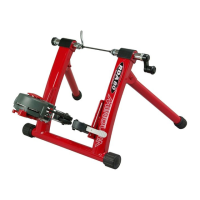
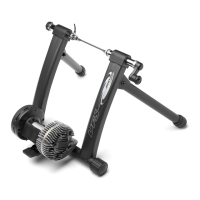
How To Adjust Resistance Level (B60-D)
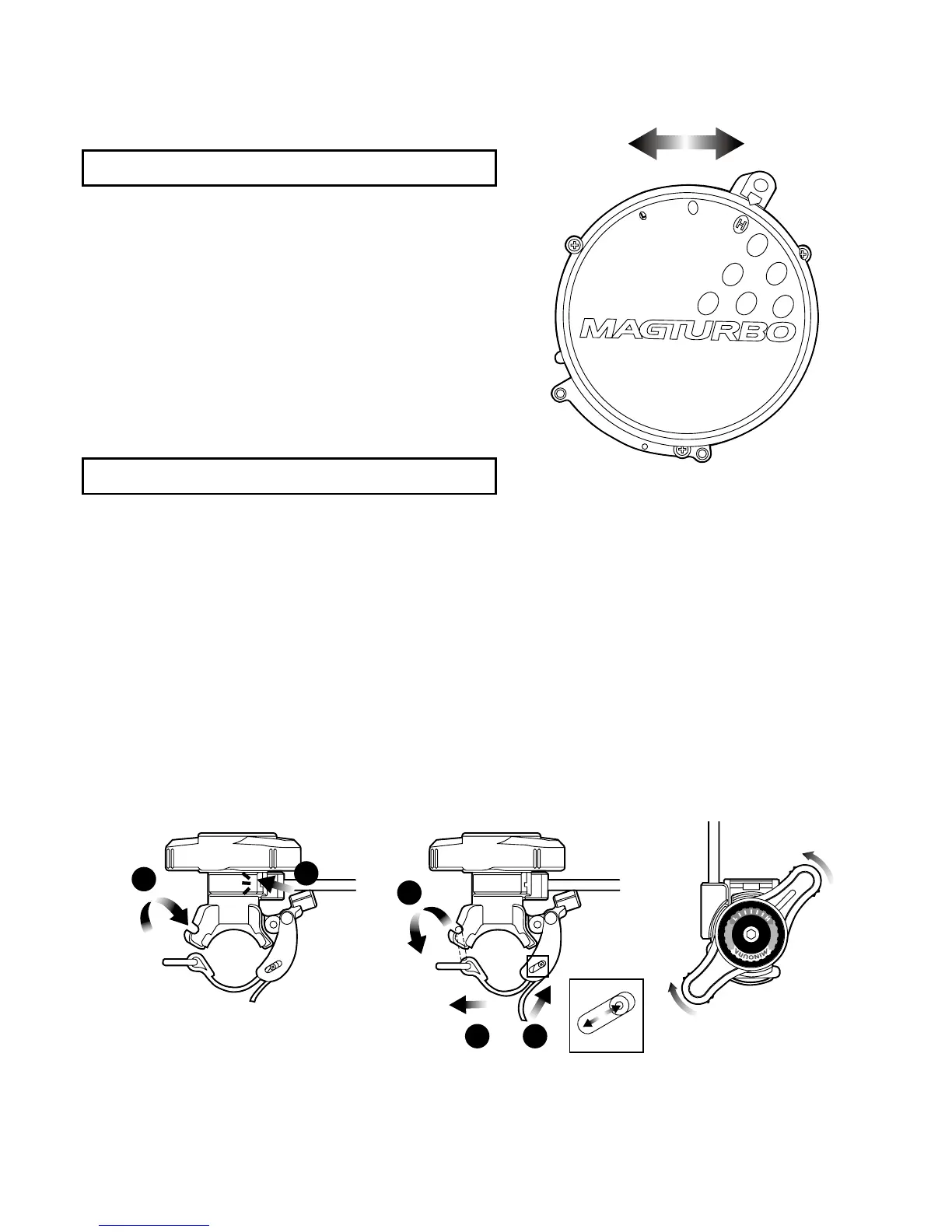
B60-D provides 3 different resistance levels to suit your
training level.
To Increase Resistance Level:
Slide the Dial Lever toward "H" position.
To Decrease Resistance Level:
Slide the Dial Lever toward "L" position.
5.
To remove the bike from B60, loosen the micro adjust knob rst, then loosen the Hub Handle.
If you remove the bike without changing the roller position, the next installation may become difcult
because the rear wheel has been pushed forward by the roller.
- Page 7 -
1.
Wind the band around the handlebar or stem, and hook the metal ring to the gutter on the remote shifter
base. (see Fig. M-1)
3.
The soft fabric band is pre-adjusted to t normal 22mm diameter handlebar.
If you need to mount onto an oversized or specially shaped handlebar or stem, adjust the band (see Fig. N).
At this moment, we suggest you to slide the guide pin downward (see the column) to loosen the band for
easier work.
1
2
1
23
B60-R features a convenient remote shifter lever. You can install it on the handlebar or stem, then you can
control the resistance power in 7 levels without necessary of getting off the bike.
Decrease
Increase
(Fig. M)
(Fig. N)
(Fig. O)
2.
F
lip up the lever to lock (see Fig. M-2). If it is loosened, adjust the band tighter as per instructed in the
following section.
4.
To increase the resistance, twist the lever toward "H". To decrease the resistance, twist the lever towawrd
"L". (see Fig. O)
You can choose from 7 different levels to suit your desired workout level.
How To Adjust Resistance Level (B60-R)
(Fig. L)


 To Next Page