EasyManua.ls Logo

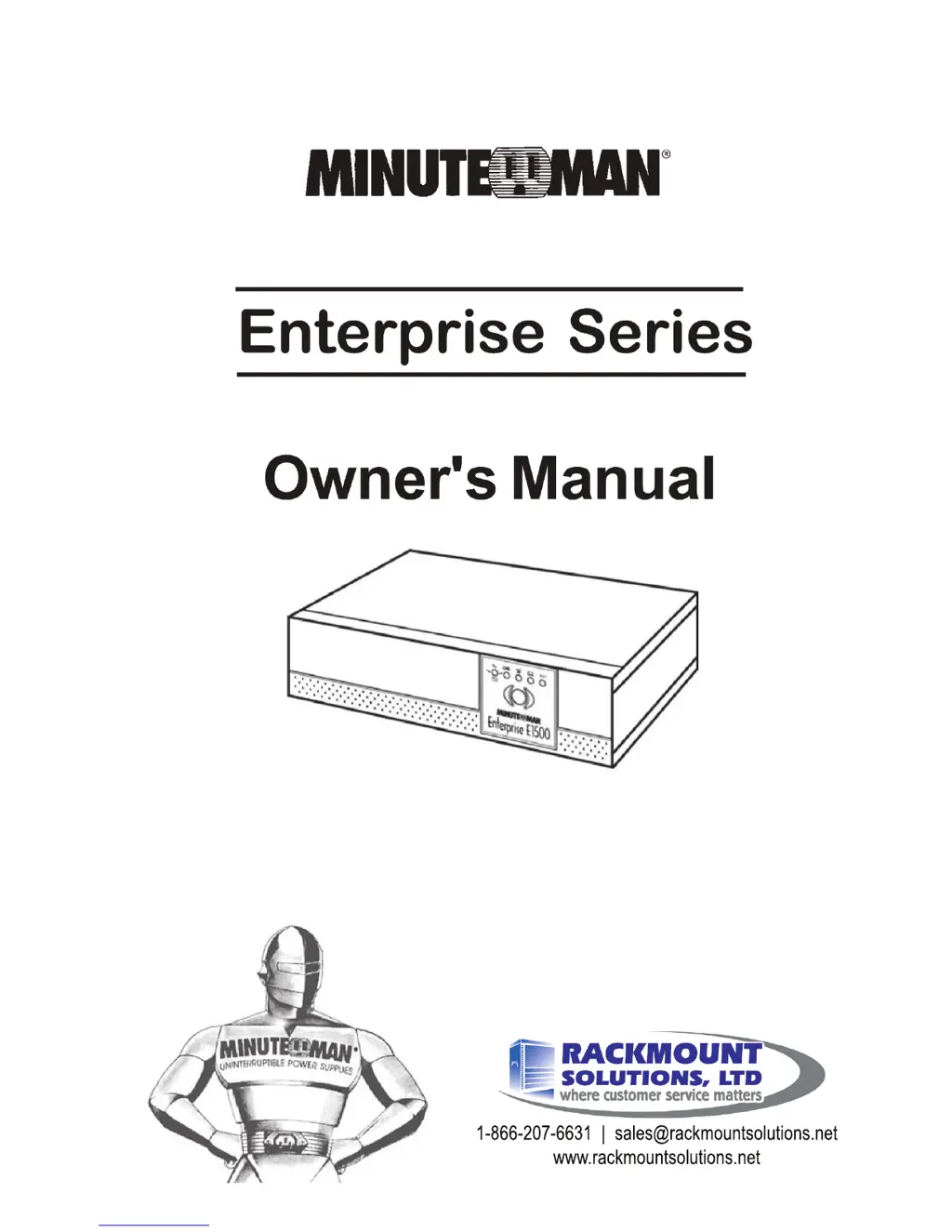
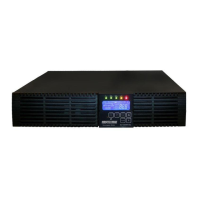
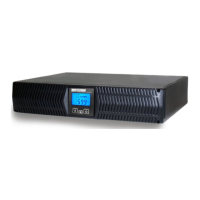
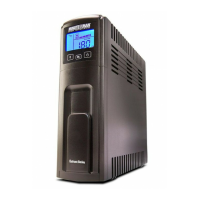
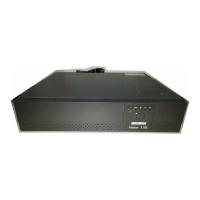
Minuteman Enterprise Series - User Manual

Minuteman Enterprise Series
22 pages
Print Icon
To Next Page IconTo Next Page
Loading...
1-866-207-6631 | sales@rackmountsolutions.net
www.rackmountsolutions.net

Questions and Answers

  • R
    Robin ChangAug 15, 2025
    Why Minuteman UPS is beeping constantly with the overload LED on?
    • S
      swilliamsAug 15, 2025
      The overload LED and constant alarm indicate that the load connected to the Minuteman UPS exceeds its capacity. Refer to the specifications to verify the UPS's capacity and remove some of the load to resolve the issue.
  • S
    Sheryl JohnsonAug 19, 2025
    What to do if Weak/Bad Battery LED is illuminated on Minuteman Enterprise UPS?
    • X
      xallenAug 19, 2025
      If the Weak/Bad Battery LED is illuminated, it indicates weak or bad batteries, or a bad battery connection. Check the battery connection and replace the batteries if necessary. Follow the battery replacement procedures in section 6.
  • J
    john75Aug 22, 2025
    What to do if my Minuteman Enterprise UPS operates on battery even with normal AC power?
    • Z
      Zachary HallAug 22, 2025
      If your Minuteman UPS is operating in battery mode despite normal AC power, the input AC circuit breaker may have tripped. Try resetting it by pressing the plunger back in. If the breaker trips again after the UPS starts, reduce the load on the UPS.
  • T
    Tanya JonesAug 26, 2025
    What to do if the On-line/On- Battery LED is illuminated, but there is no output from my Minuteman Enterprise?
    • L
      Lisa NelsonAug 26, 2025
      If the On-line/On-Battery LED is lit but there's no output from your Minuteman UPS, it might be controlled via its computer port. Disconnect the computer cable and press the On button momentarily. If it works normally, the software is controlling the UPS.
  • U
    ubrooksAug 28, 2025
    Why Minuteman Enterprise does not provide expected backup time?
    • J
      John MorrisonAug 29, 2025
      If your Minuteman UPS isn't providing the expected backup time, the batteries may be weak or nearing the end of their service life, or the Battery Pack's circuit breaker may be tripped. Try charging the batteries for 8 hours and retest. If the backup time is still insufficient, the batteries might need replacement. Also, check and reset the Battery Pack's circuit breaker.
  • N
    nvillanuevaAug 31, 2025
    How to fix the Site Wiring Fault LED on my Minuteman Enterprise UPS?
    • J
      Jasmine HernandezAug 31, 2025
      The Site Wiring Fault LED indicates incorrect service wiring. You should have a qualified electrician correct the service wiring.
  • F
    frank61Sep 4, 2025
    What to do if my Minuteman Enterprise will not turn on?
    • I
      Ian SimsSep 4, 2025
      If the Minuteman UPS will not turn on, make sure you press the On button momentarily (one beep) to start the UPS.
  • D
    Dylan NicholsSep 7, 2025
    What to do if Minuteman Battery Pack does not charge?
    • J
      Joshua RichardsonSep 7, 2025
      If the Battery Pack does not charge, the DC circuit breaker may have tripped, or the Battery Pack's internal fuse may be blown. Reset the DC circuit breaker. If the issue persists, call for service.
  • J
    Joseph Mosley MDSep 12, 2025
    What does it mean when the Fault LED is illuminated on my Minuteman UPS?
    • K
      Karl SmithSep 12, 2025
      If the Fault LED is illuminated on your Minuteman UPS, it indicates that the UPS has detected an internal fault. Call for service.

Summary

Introduction and Safety

Safety Instructions and Warnings

Important safety instructions, warnings, and notices for safe operation and installation of the UPS.

Installation

Operation

Troubleshooting

Troubleshooting Guide

A table detailing common UPS symptoms, their possible causes, and recommended solutions.

Replacing the Battery

Battery Replacement Warnings

Important warnings and precautions for safely replacing UPS batteries.

Battery Replacement Procedure

Step-by-step instructions for safely removing and installing batteries in the UPS.

Obtaining Service

Specifications

Technical Specifications

Detailed technical specifications for various UPS models, including voltage, load, and environmental data.

Configurable Parameters and Settings

Minuteman Enterprise Series Specifications

General IconGeneral
CategoryUPS
SeriesEnterprise Series
ManufacturerMinuteman
TopologyDouble Conversion Online
Hot-Swappable BatteriesYes
Relative Humidity0-95% non-condensing
Output Power Capacity Range1 kVA - 10 kVA
Output Voltage120/208/240 VAC (depending on model)
Frequency50/60 Hz
Battery TypeSealed Lead-Acid (SLA)
Communication InterfaceRS-232, USB
DisplayLCD
Form FactorTower, Rackmount
Operating Temperature0-40°C
Audible Noise<55 dBA at 1 meter
Regulatory ComplianceUL, cUL, CE
Data Line ProtectionRJ45
Typical Runtime at Full Load5-15 minutes

Related product manuals