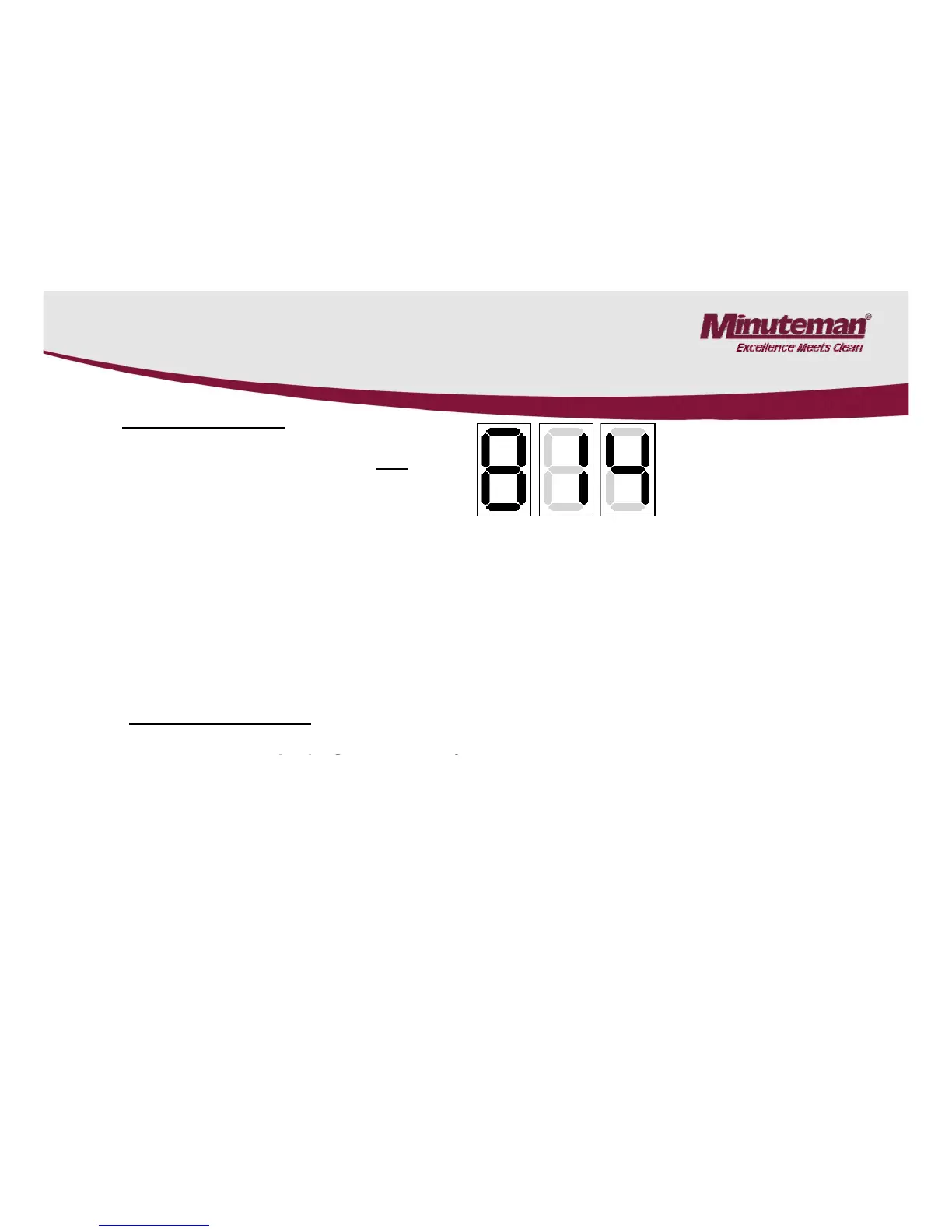
6.2 Programming The Drive Controller
• Enter Password
(Password for potentiometer setting only)
• Use the “UP” and “Down” keys to select the first and flashing number of the three-digit password
and acknowledge by pressing the “Mode” key. Then, enter and acknowledge the next flashing
.
• Upon entering and acknowledging the last, right-hand cipher and in total, the correct password,
display changes to the last parameter or to “F0”
• If entering of one of the three ciphers is incorrect, complete the procedure until after entering if the
last cipher and acknowledgement by
complete entering procedure.
• Modify Parameter
In some cases, the 5-
in the machine has to be disconnected
before programming the controller.
After correct entering of password, the parameter “F..” selected before appears in the display.
Invoke the numeric value of the parameter by pressing the “MODE” key.
Modify this numeric value of the selected parameter by the
.
Acknowledge modification by pressing the “MODE” key.
Then the selected parameter “F..“ is displayed.
20



 To Next Page