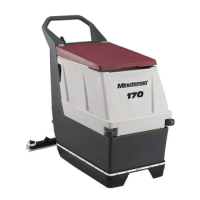
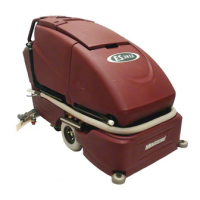
4.1 ES2832,CP2832, and Phoenix 34
It is now available to change the brush pressure settings in
the field, when changing brush decks on current production
models of the Easy Scrub 28 and 32. No other modifications
will be required.
Changing the brush pressure settings will only be required,
when changing the cylindrical over to the disk deck or disk
over to the cylindrical decks. Changing the size only
(Example: Changing the 28 disk to 32 disk) will not require
changing the settings.
change settings.
Connecting the orange/violet wire to the terminal block puts it
in the low-pressure mode for cylindrical decks.
Disconnecting the orange/violet from the terminal block puts
the brush
Instructions:
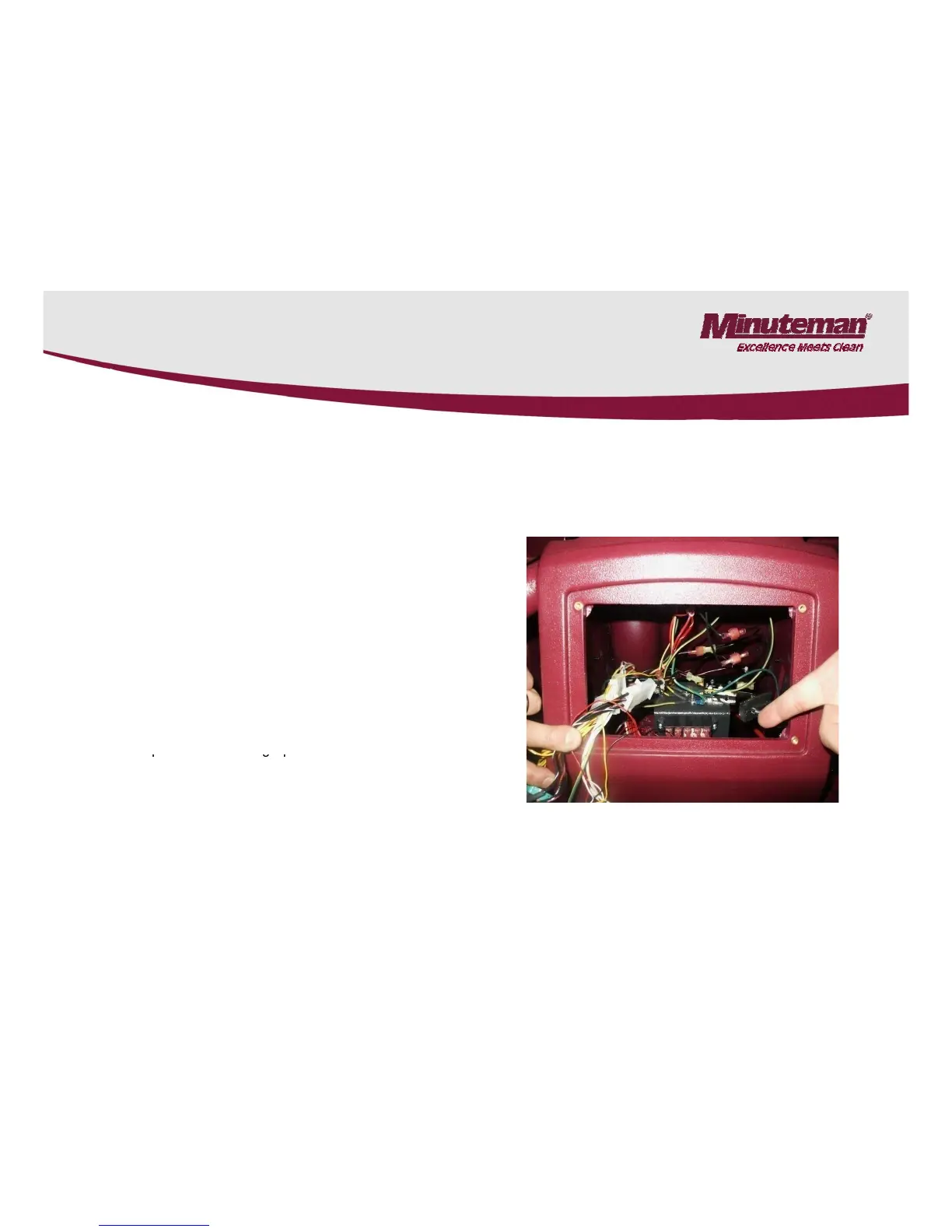
1. Remove the switch panel, by removing the four screws.
2. Locate the terminal block. See Photograph.



 To Next Page