2
English
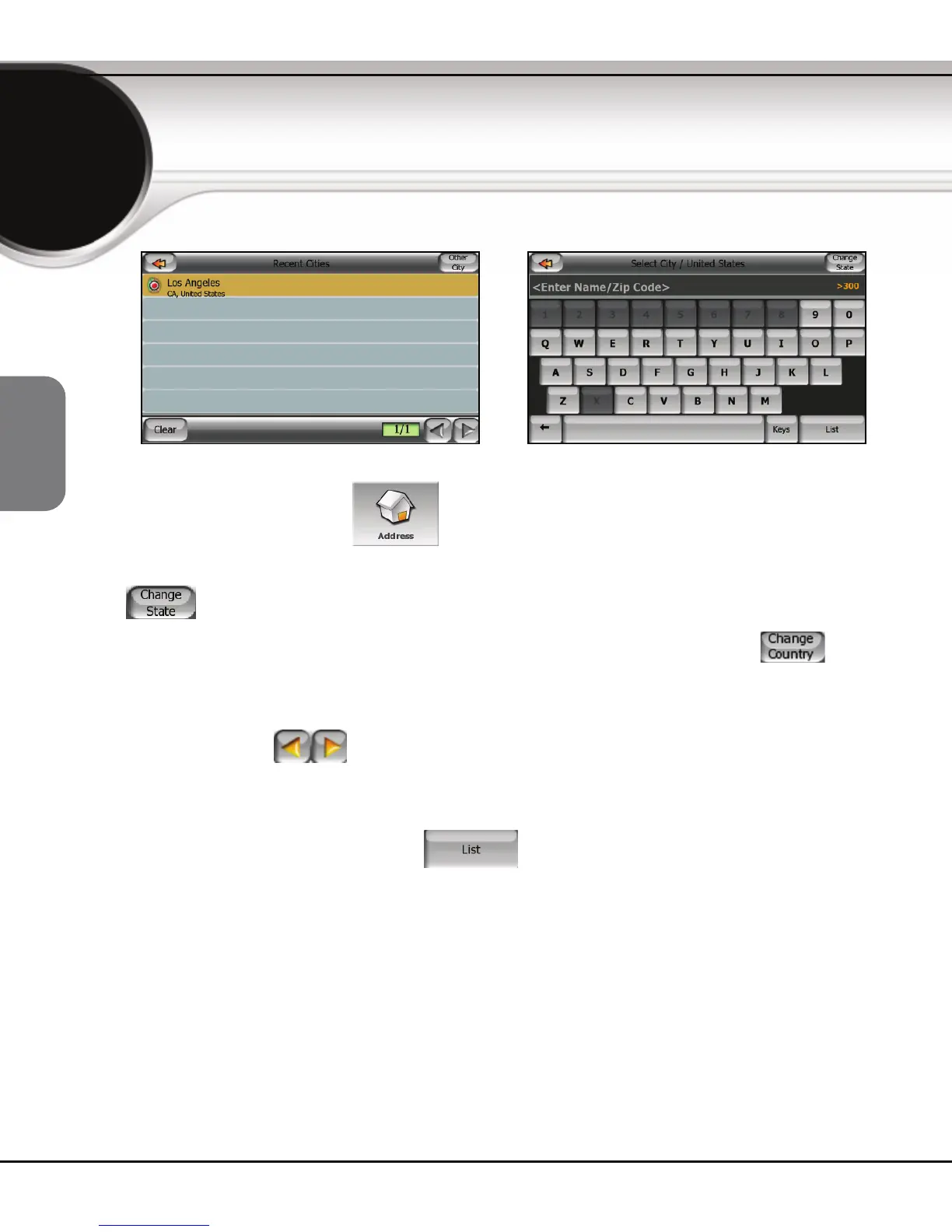
From the Main menu tap to specify an address as your destination.
If your destination is not located in the state/province you are currently in, first
tap
in order to specify another state/province.
To change to another country (if available with your device), tap
then
select a country from the list displayed.
Now from the list of states/provinces choose the state/province for your
address. Use the
to scroll through the state/province list. Tap on the
state/province name to select.
After selecting the state/province, you can enter the name of the city. A list of
cities will be displayed. Tapping
leads you to a new screen with a
full list of matching cities. Tap on your city to select.
To find an address



 To Next Page