8
English
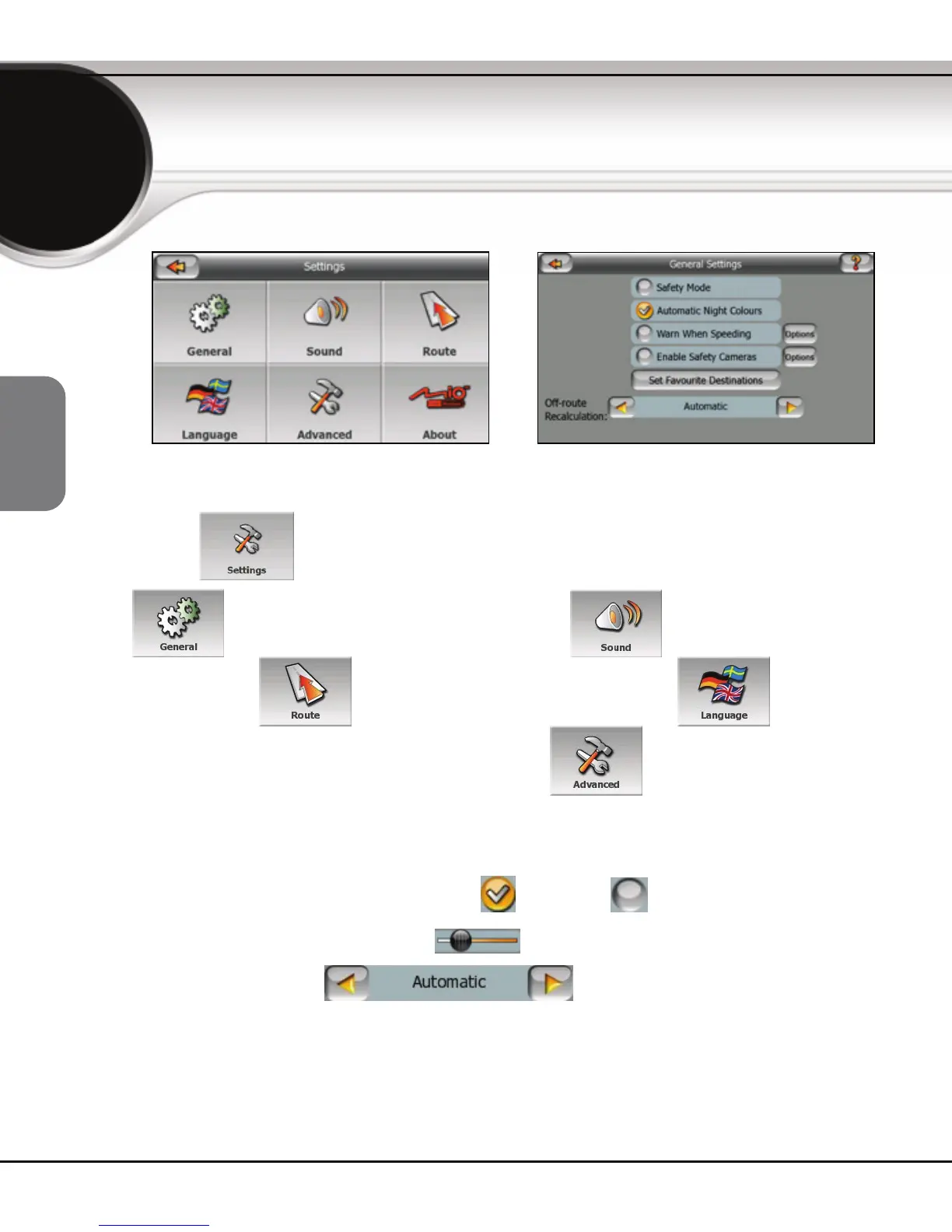
The Settings screen lets you fine-tune the way MioMap works. From the Main
menu, tap
to open the Settings menu.
Tap to set the General parameters; for keypad tones and
voice guidance; for route calculation settings; to set the
language and select measurement units; or
to adjust advanced
settings such as display backlight or map colors.
You will find similar controls on all settings screens:
z Tap Switches to turn features on and off ,
z Move the handles of Sliders to adjust numeric values, or
z Tap List selectors to change their values.
Settings


 To Next Page
 Loading...













