5
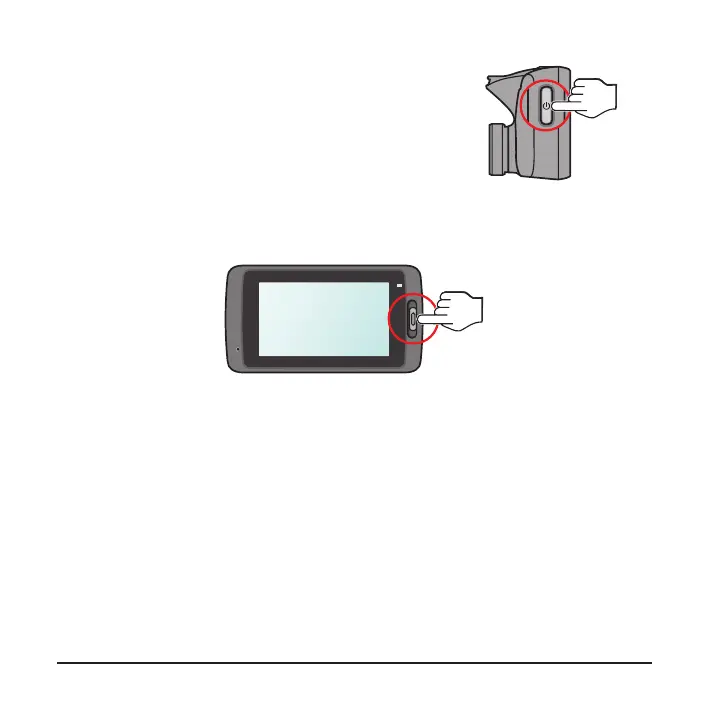
Power button
l
Press and hold for 2 seconds to manually turn
the dash cam on and off.
l
When the dash cam is turned on, press to switch
the LCD screen on and off.
Event button
Press to manually start an event recording.
LED indicators
l
System indicator
Glows in green when the dash cam is charging. During charging, the LED
ashes in green and amber alternately while the recording is in progress.
l
Parking indicator
Flashes in red when Parking recording is in progress.












 To Next Page