NV8500 family Digital Routers • User’s Guide 79
2. Installation
Making Monitor Connections
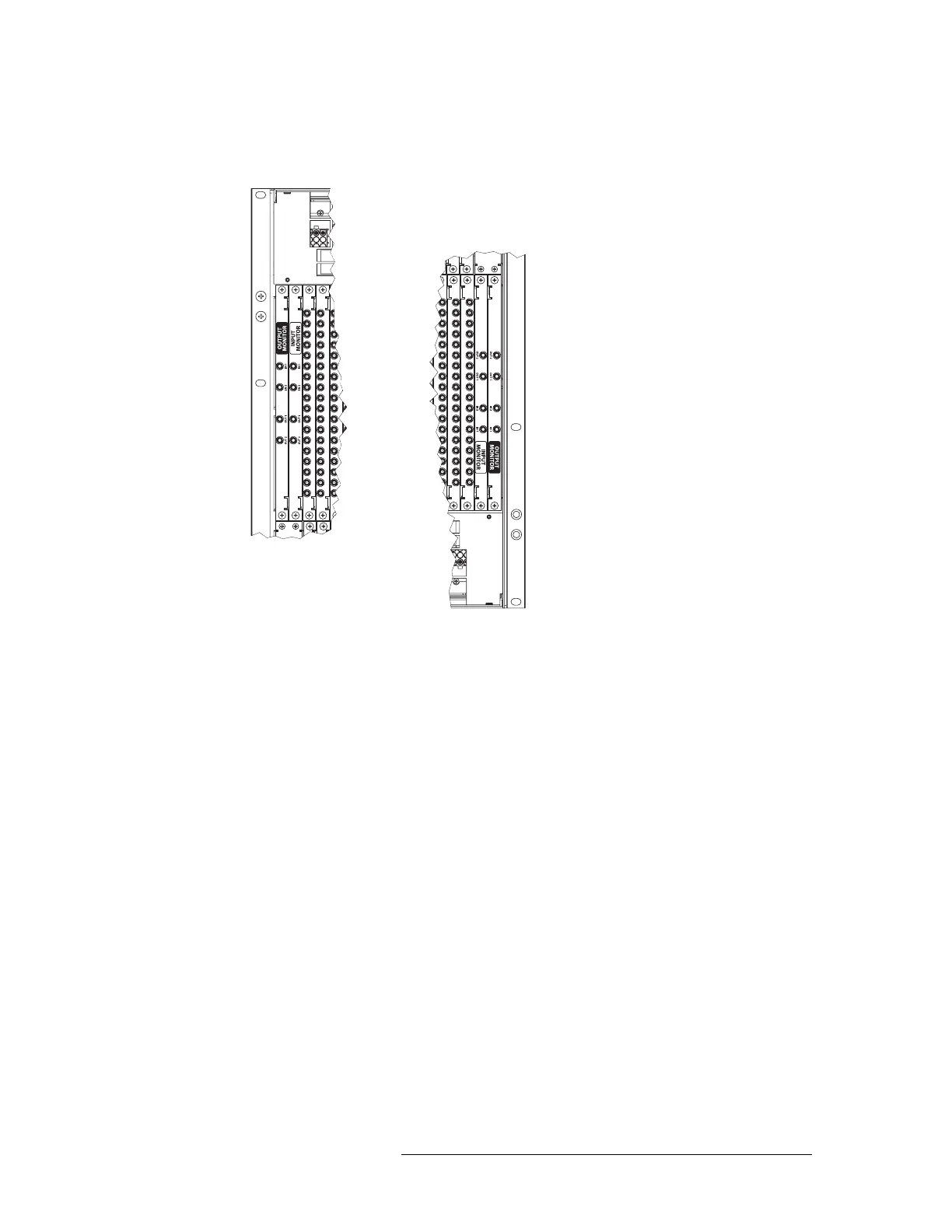
1 Locate the output monitor backplanes. Figure 2-23 is an example of the NV8576/NV8576-Plus
router:
Figure 2-23. Monitor Backplanes
Depending on the router frame, facing the rear of the router, the monitor backplanes are located
as follows:
• NV8144
— the single monitor backplane is located directly to the right of the output
backplanes.
• NV8280/NV8280-Plus
— there are two monitor backplanes located in the upper left-hand
corner next to the output backplanes.
• NV8576/NV8576-Plus
— there are four monitor backplanes: two are located in the upper
left-hand corner and two in the lower right-hand corner next to the output cards, as shown in
Figure 2-23.
Upper Output Bay
Lower Output Bay



 To Next Page