Press MANUAL SWING button or SWING button
to change up/down air fl ow direction. Press FAN
SPEED button to change the fan speed of indoor
unit. Press TEMPERATURE ADJUSTMENT button
to change the temperature setting.
Press MANUAL SWING button or swing button
to change up/down air fl ow direction. Press FAN
SPEED button to change the fan speed of indoor
Press MANUAL SWING button or SWING button
to change up/down air fl ow direction. Press FAN
SPEED button to change the fan speed of indoor
Press MANUAL SWING button or swing button
to change up/down air fl ow direction. Press FAN
SPEED button to change the fan speed of indoor
unit. Press TEMPERATURE ADJUSTMENT button
to change the temperature setting.
7. Timer operation (12 Hour)
1 Press button when air conditioner is not
1 Press button when air conditioner is not
1 Press button when air conditioner is not
operating, “I” of “ I” will fl icker on the
operating, “I” of “ I” will fl icker on the
operating, “I” of “ I” will fl icker on the
operating, “I” of “ I” will fl icker on the
operating, “I” of “ I” will fl icker on the
Remote Controller display.
button when air conditioner
Remote Controller display.
button to enter time setting.
button once, and the timer
will increase by 1 hour, the time will display on
3 Press buttonto enter time setting. “I” or
3 Press buttonto enter time setting. “I” or
3 Press buttonto enter time setting. “I” or
will stop fl ickering on the Remote
Controller display once the times have been set.
If you want to turn the timer operation off, press
the button until the set time and “
the button until the set time and “
the button until the set time and “
the button until the set time and “
the button until the set time and “
the button until the set time and “
the button until the set time and “
the button until the set time and “
or “ I” disappears from the Remote
or “ I” disappears from the Remote
or “ I” disappears from the Remote
or “ I” disappears from the Remote
or “ I” disappears from the Remote
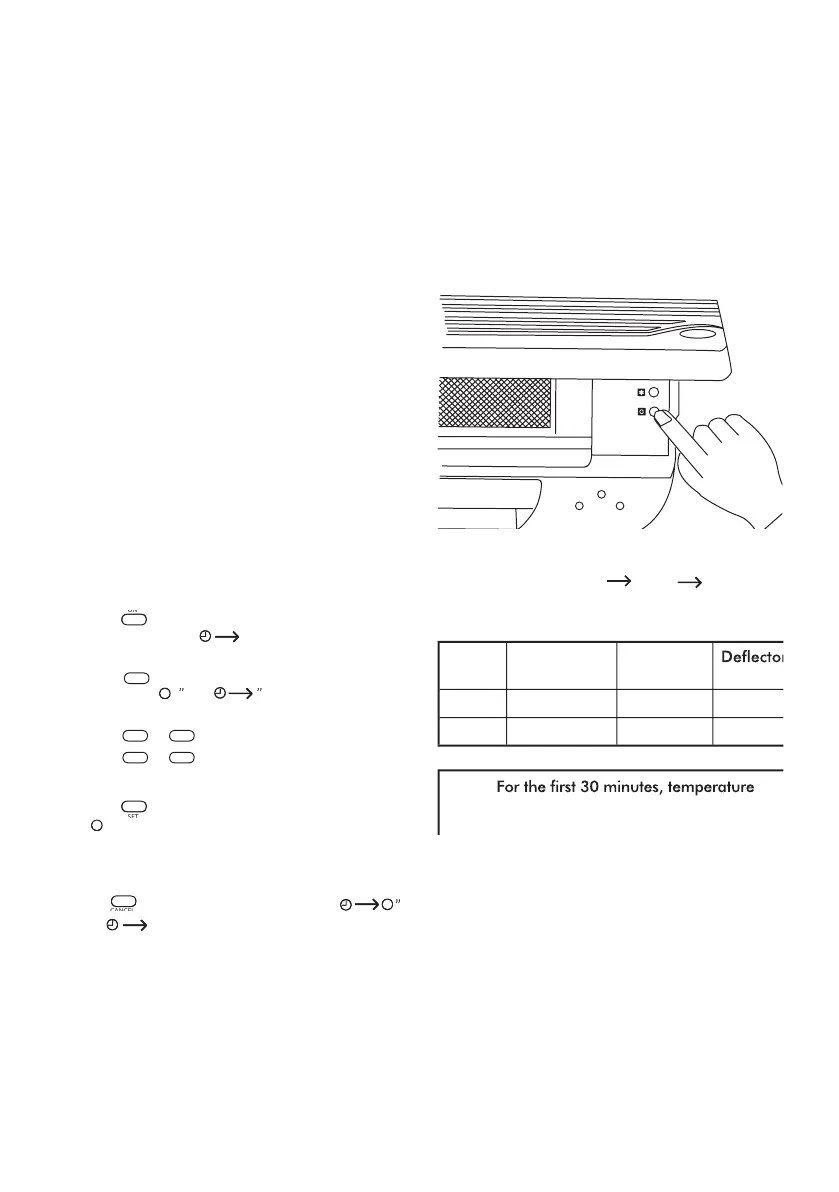
• Should the Remote Controller be faulty you can
use the manual operation switch located under
the top cover of the indoor unit. (see diagram
Each time the switch is pressed, the operation
Emergency run operation procedure:



 To Next Page