5
Mode
•
Normal wind
•
Natural wind
•
•
Sleep Wind
•
•
Silent
•
•
•
•
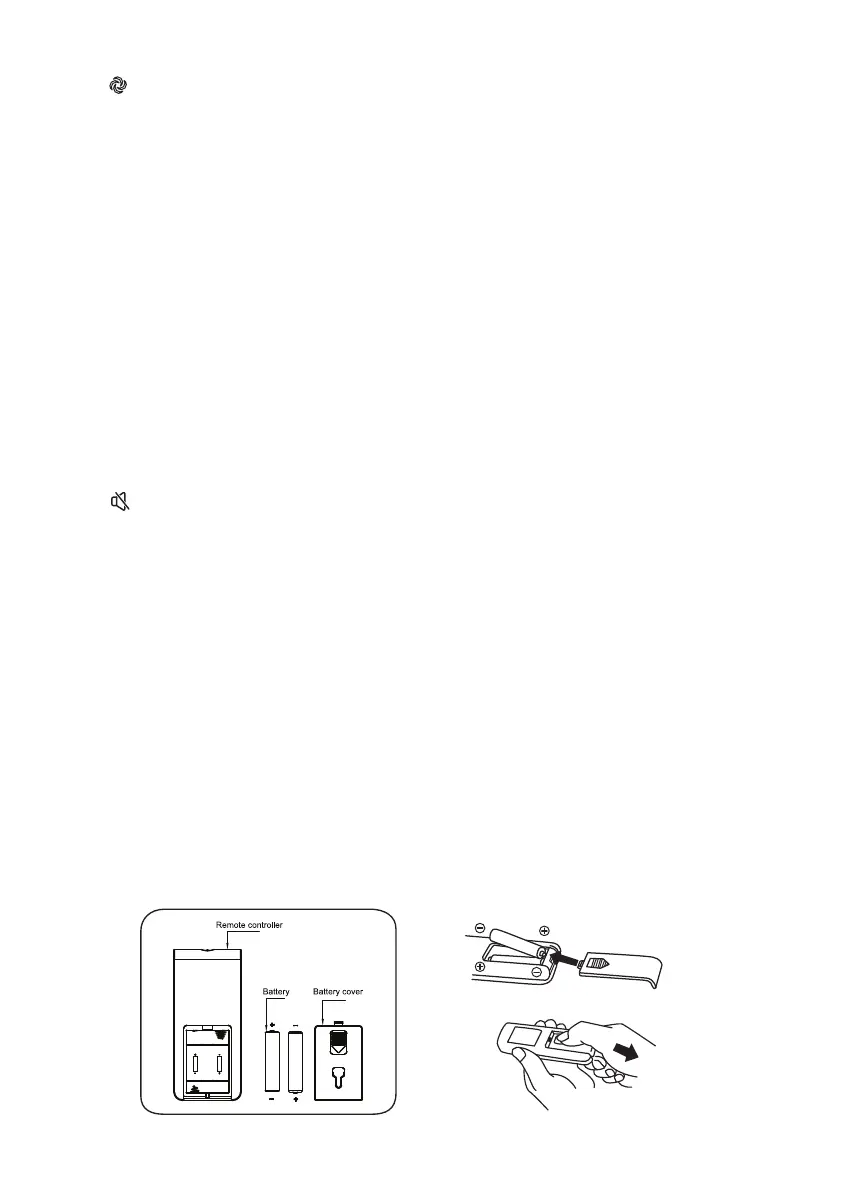
Battery
•
1.
2.
3.
Notes:
•
Press this key to select mode. The sequence is normal, natural and sleep when this
key being touched repeatedly or continuously. The light can indicate mode state.
Press the mode button to select the normal wind, then press the “speed” repeatedly
to choose 3 speed.
Press the mode button to select the natural wind.
Natural wind is not adjustable.
Press the mode button to select the sleep wind.
Sleep wind is not adjustable.
In the state of non-silence, press silence button, the fan would be in silent state and
the silence icon is lightened, while the indicator icons of the other wind types and
wind levels would turn o.
In silent state, press wind type button, blast volume + and – buttons, there would be no
response, while other buttons could respond normally.
Press silence button again to quit and the fan would return to the previous working state.
The silence icon turns o and 00 is displayed on the digital screen.
Battery not included in the packing.
Slide the battery compartment Cover.
Insert the batteries, and make sure that the batteries are placed as shown in the Fig.10.
Slide back the battery cover.
Use size “AAA” manganese or alkaline batteries. Do not use rechargeable batteries.


 To Next Page