Personalising your device
You can easily customise the device for personal settings through the Settings menu, such as
personalising the Home screen, changing the display and sound settings, configuration the
connection settings, and more.
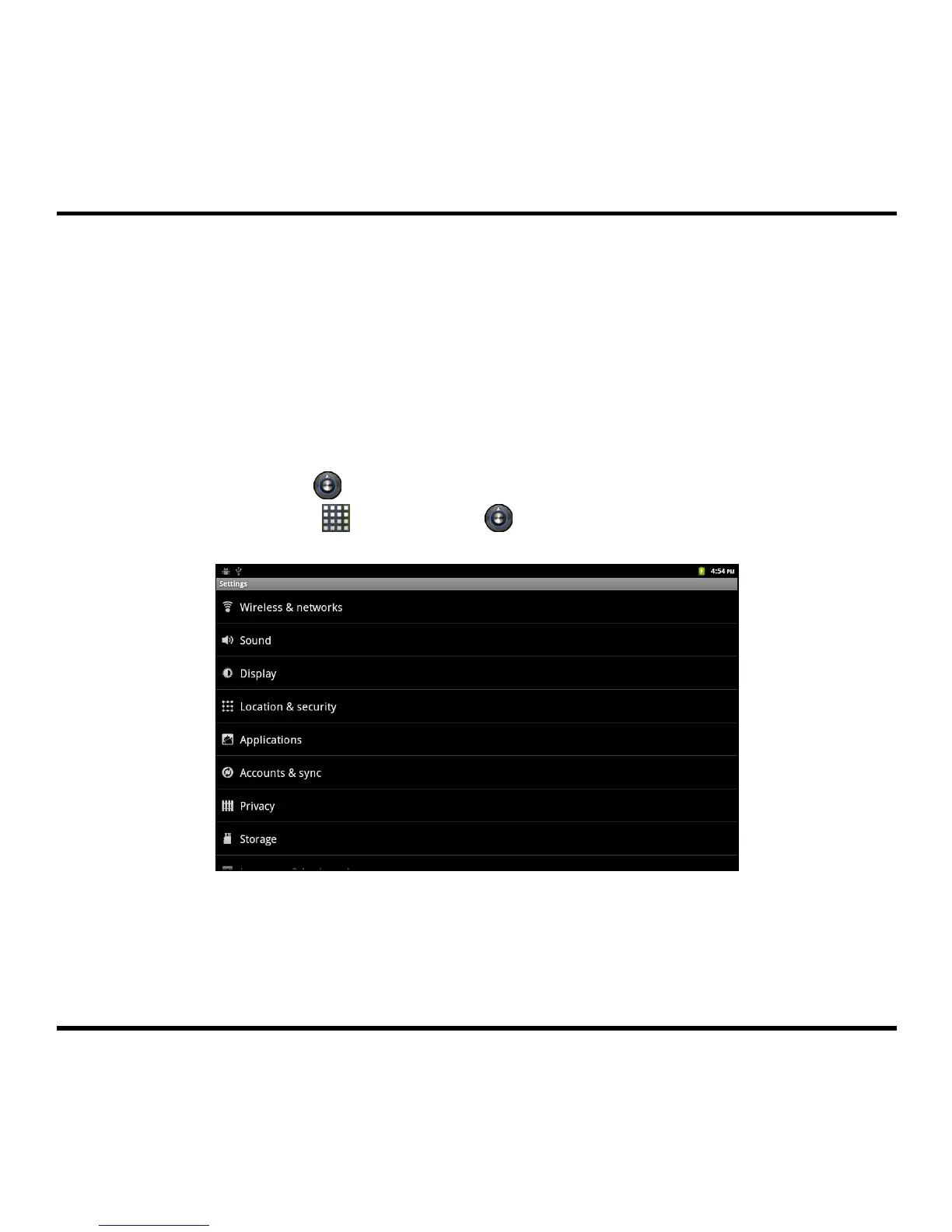
Accessing the Settings menu
From the Home screen, do one of the following to access the Settings menu:
Press the MENU button and then tap Settings.
Tap the Settings icon (
) on Quick Launcher.
Tap the Launcher icon (
) Æ Settings (
).
11



 To Next Page