Page 16 © Mitchell & Johnson UK 2013 SAP201V IB Ver 1.0 Rev 0.0
6. Listening to Audio
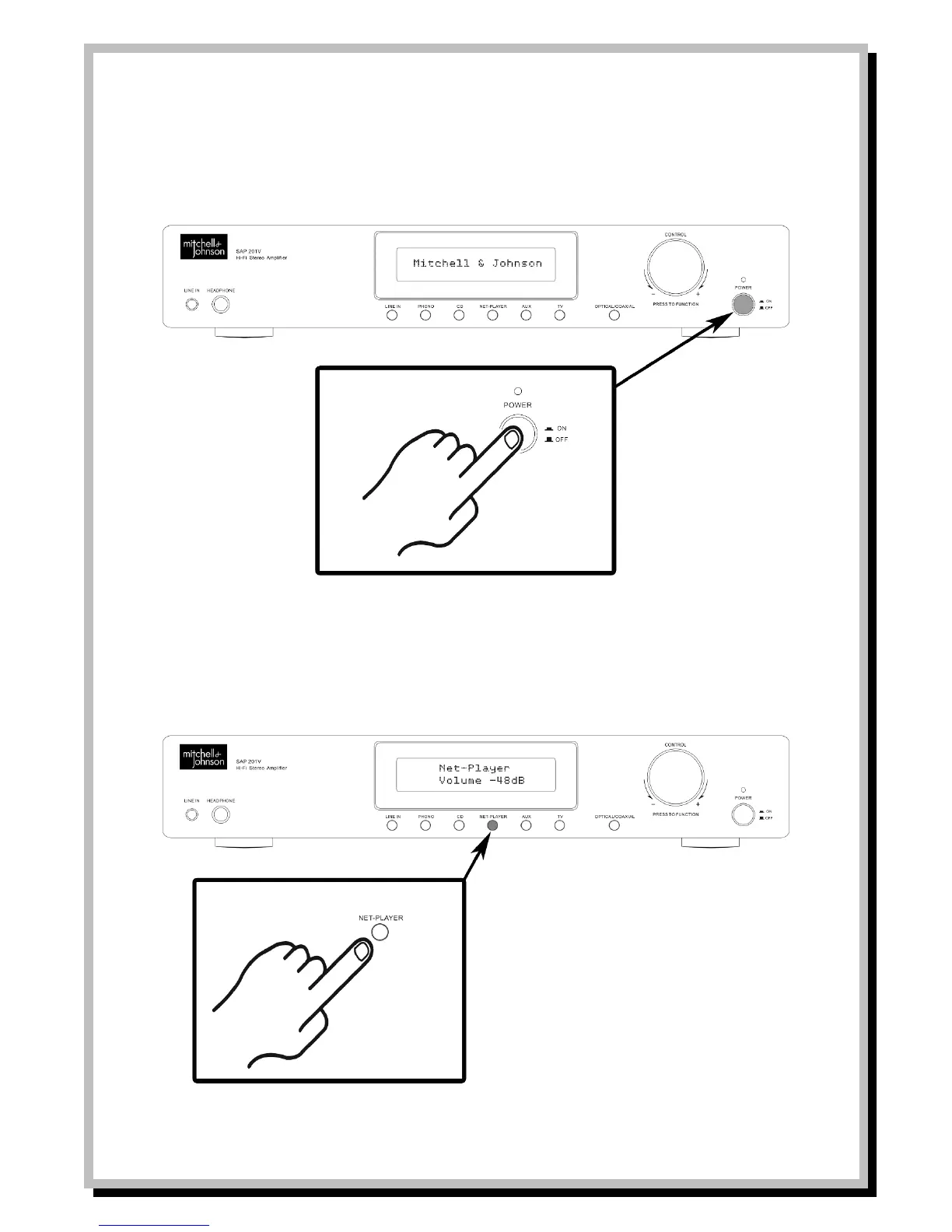
- Turn on the component connected to the unit.
- Press the POWER button on the front of the unit to turn it on.
- The POWER indicator illuminates BLUE.
Notes:
Audio output will not begin until the electrical circuit stabilizes.
The display shows Mitchell & Johnson during this time.
Audio quality will stabilize about 10 to 30 minutes after the unit is turned on.
- Press the input button to select the audio playback component.
- Start playback on the component selected.


 To Next Page