Page 18 © Mitchell & Johnson UK 2013 SAP201V IB Ver 1.0 Rev 0.0
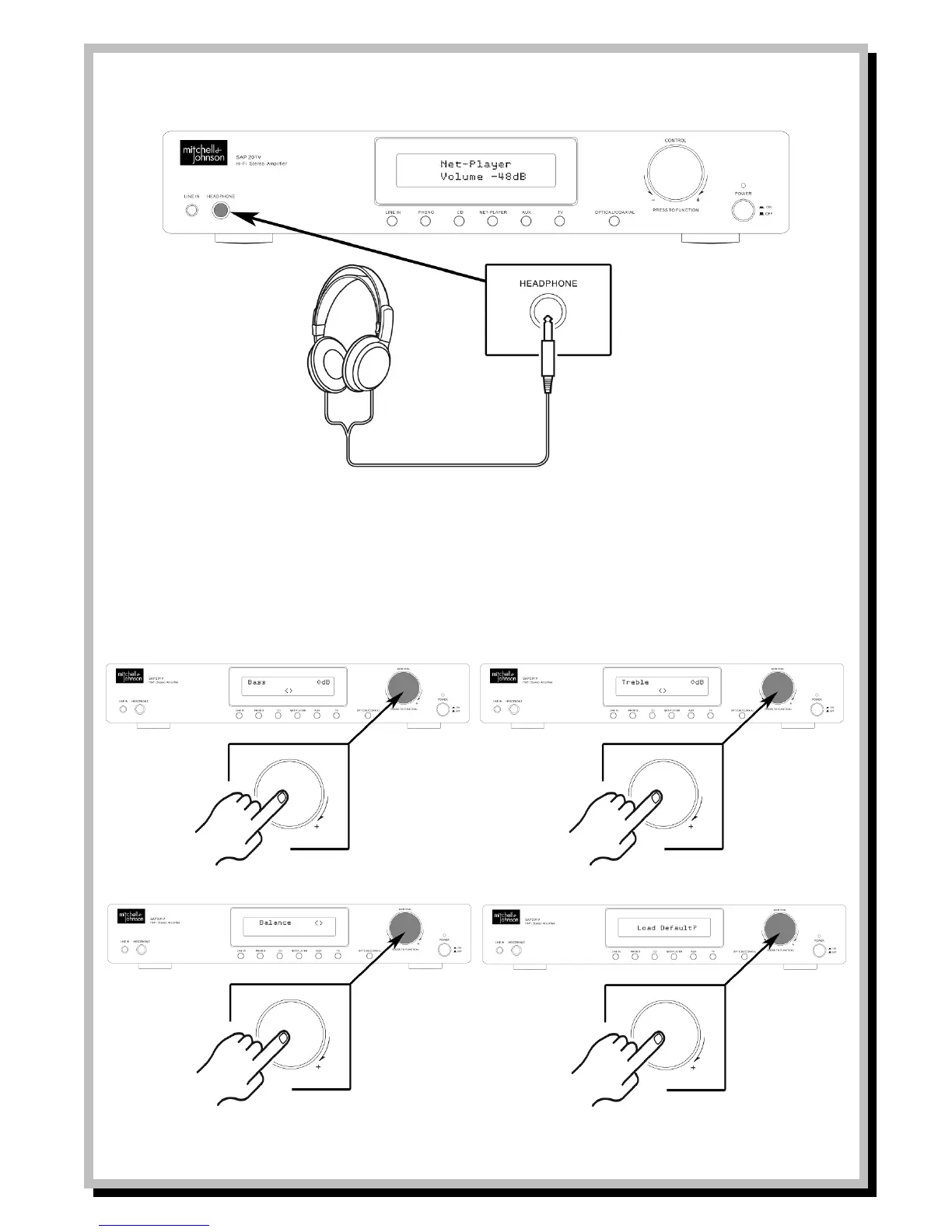
- To listen with headphones, turn down the volume, and then insert the headphone plug into the HEADPHONE
jack. When headphones are plugged in no sound will be heard from the speakers.
Adjusting the Tone and Left/Right Volume Balance
- Press the CONTROL knob to initiate the tone adjustment controls.
- Each press of the CONTROL knob will cycle through BASS, TREBLE and BALANCE.
- Turn the CONTROL knob to adjust each tone setting.
- The last option in the cycle is LOAD DEFAULT? Pressing the CONTROL knob again will reset the tone adjustment to flat.


 To Next Page