-22-
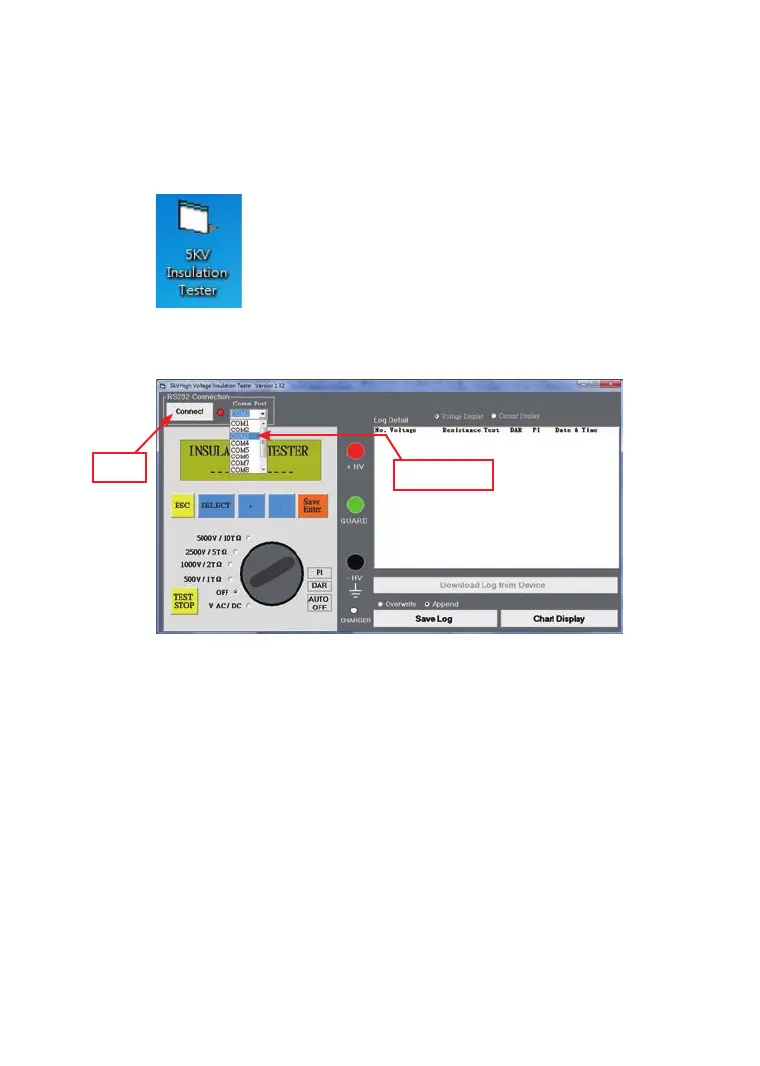
(C) 5KV Insulation Tester Software Comm Port setting:
1. Connect data transmission cable to the 5KV Insulation
Tester.
2. Click the icon of the “5KV Insulation Tester” on your
desktop of your personal computer.
3. On the 5KV Insulation Tester Windows, select the correct
“Comm Port” and click the RS 232 connection button.
Click
Comm Port



 To Next Page