EasyManua.ls Logo

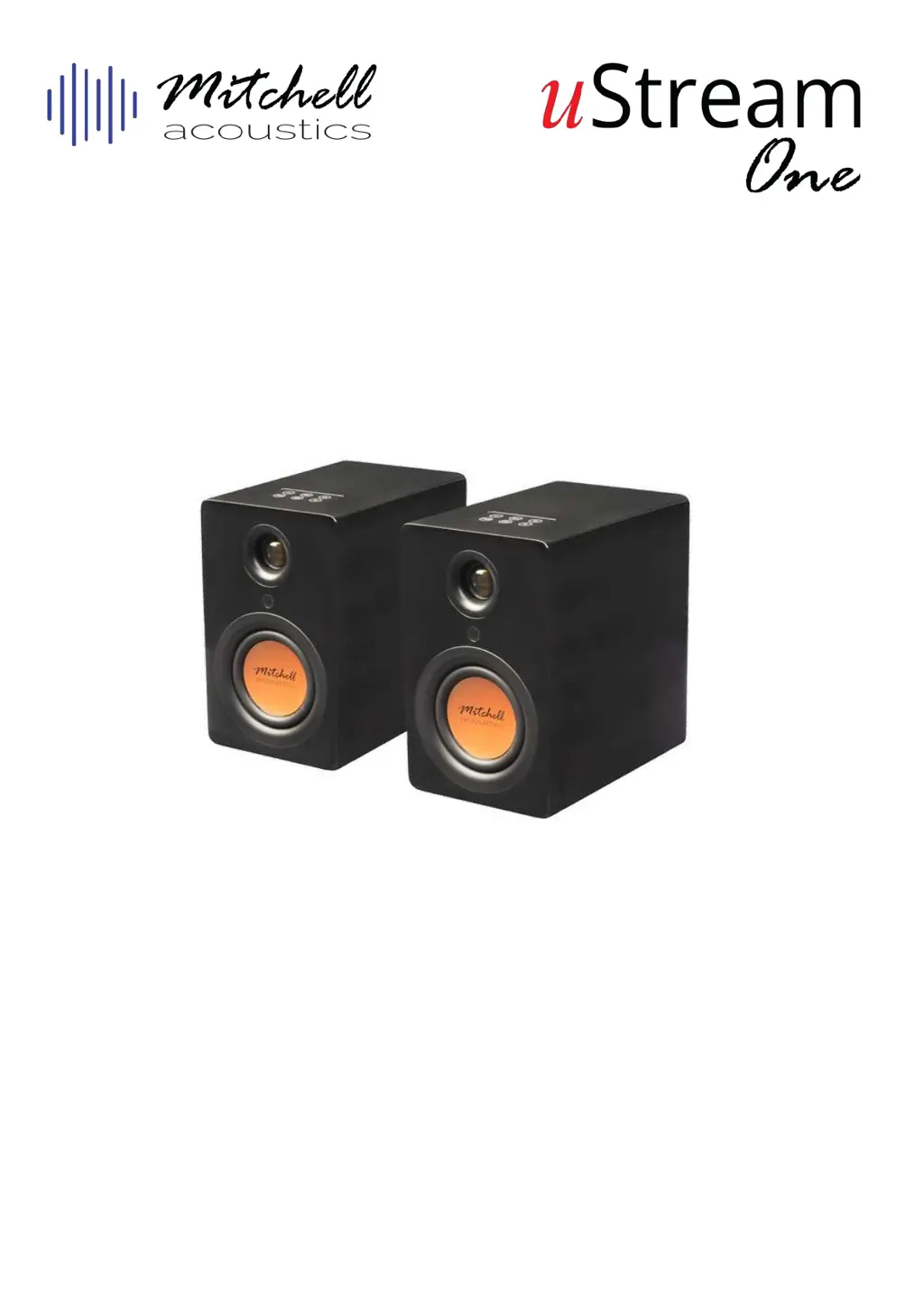
Mitchell uStream One - User Manual

Mitchell uStream One
116 pages
Print Icon
To Next Page IconTo Next Page
Loading...
User Guide
Manual de Instrucciones
Guide de l’utilisateur
Benutzerhandbuch
Guida utente
Bluetooth True Wireless Stereo Hi-Fi Speaker Set
Altavoces Bluetooth True Wireless Stereo Hi-Fi
Ensemble hi- stéréo sans l- Bluetooth
Bluetooth True Wireless Stereo-HiFi-Lautsprecherset
Set di altoparlanti Hi-Fi stereo Bluetooth True Wireless

Table of Contents

Questions and Answers

  • T
    Thomas WangAug 6, 2025
    How to fix Mitchell Speakers remote control not working?
    • W
      Wendy BellAug 6, 2025
      If your Mitchell Speakers' remote control isn't working, try these steps: First, adjust the angle at which you're pointing the remote. Then, ensure the battery is correctly inserted or replace it if it's flat. Remove any obstructions between the remote and the sensor. Finally, make sure you're within 5 meters of the speakers.
  • N
    navarropatriciaAug 10, 2025
    What to do if my Mitchell Speakers are experiencing dropouts?
    • Z
      zmcmillanAug 10, 2025
      If you are experiencing dropouts on your right Mitchell Speaker, it may be due to interference from devices operating on the 2.4GHz frequency, such as microwaves, cordless phones, Bluetooth devices, mice, or Wi-Fi devices. Try removing these devices from the area. You can also use network analyzer apps to check the network and interference status.
  • D
    Dr. Kelly Lopez DVMAug 15, 2025
    Why do my Mitchell Speakers have no sound?
    • R
      Ryan CarlsonAug 15, 2025
      If your Mitchell Speakers have no sound, ensure the power is on and the volume isn't too low. Check that your audio input equipment is correctly connected and functioning. Also, verify that the correct audio input source is selected on the top panel.
  • S
    Sara CarlsonAug 19, 2025
    What to do if Mitchell Speakers buttons do not function?
    • V
      Victoria HodgeAug 19, 2025
      If the buttons on your Mitchell Speakers or remote control aren't working, try turning the unit off and then back on. Alternatively, turn it off, unplug it from the power outlet, and then plug it back in.
  • A
    Andrew Rodriguez MDAug 23, 2025
    How to fix no sound from one Mitchell Speaker?
    • S
      Sydney CraneAug 23, 2025
      If there's no sound from one of your Mitchell Speakers, check that the audio source input cables are correctly connected and not damaged. Also, make sure the TWS function is activated.
  • E
    Emily WilliamsAug 27, 2025
    Why are my Mitchell Speakers buzzing?
    • K
      Kevin SmithAug 27, 2025
      If your Mitchell Speakers produce a buzzing or humming sound, especially at low audio levels, it could be normal for Bluetooth audio. However, also check the audio connection cables to ensure they are not damaged or incorrectly connected.
  • L
    lcollinsSep 1, 2025
    How to troubleshoot Mitchell Speakers with no power?
    • A
      Aaron AnthonySep 1, 2025
      If your Mitchell Speakers have no power when switched on at the rear, check that the wall socket is switched on and not faulty. Ensure the plug is fully inserted into the wall socket. Also, inspect the fuse in the adaptor plug, the internal mains fuse inside the AC adaptor (which needs a qualified technician for replacement), and the fuse in your household fuse box.

Summary

Quickstart Guide

Intended Use

Safety Information

In the Box

Description of Parts

Rear Panel Description

Details of the connections and controls located on the rear panel of the speaker.

Remote Control Handset

Initial Setup

Power Connection

Steps to connect the AC power adaptor and power cable to the speakers and mains supply.

Initial Positioning and Power On

Instructions for positioning and powering on the speakers for the first time.

TWS (True Wireless Stereo) Connection

Guide to pairing two speakers wirelessly for stereo sound.

Bluetooth Connection

Steps to connect a Bluetooth device to the speakers for audio playback.

Troubleshooting

Specifications

Mitchell uStream One Specifications

General IconGeneral
Configuration2-way
Frequency Response50Hz - 20kHz
Impedance8 Ohms
Sensitivity88dB
Enclosure TypeBass Reflex
TypeBookshelf
Driver Size1" Tweeter