5.2 Material Setting
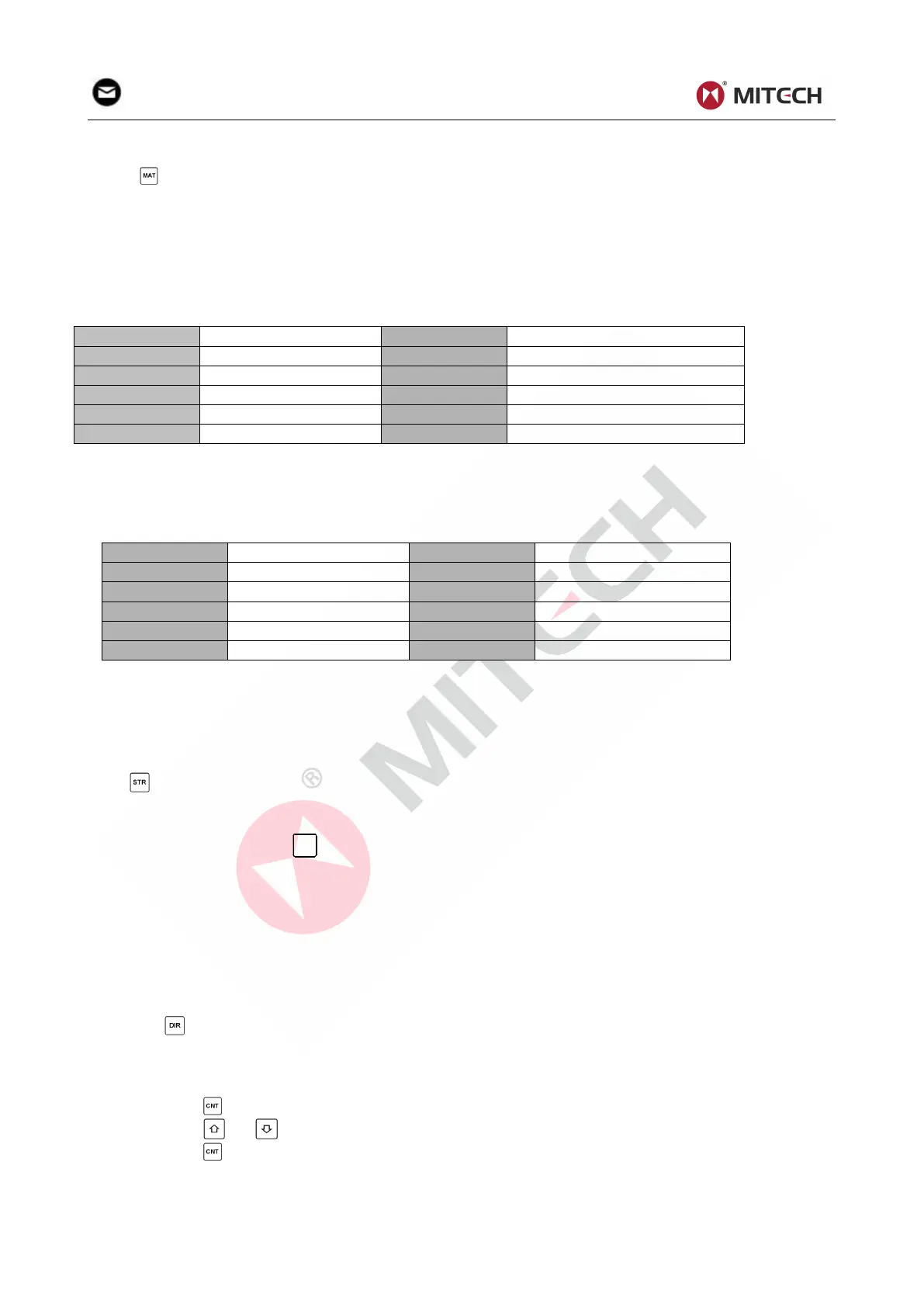
Press key to change the material to the one you want to preset. Hardness scale recovers to HL
automatically after material presetting changed. Please select material firstly, then select hardness
scale.
In hardness testing, you can select the material among the following materials: Steel and Cast Steel、
Cold Work Tool Steel、Stainless Steel、Gray Cast Iron、Nodular Cast Iron、Cast Aluminum Alloys、
Copper-Zinc Alloys 、 Copper-Aluminum Alloys 、 Wrought Copper and Wrought Steel. The relationship
between the material number displayed on the instrument screen and the material is as follows:
Table 5-1
In strength testing, the following materials are selectable: Mild Steel、High-Carbon Steel、Cr Steel、Cr-V
Steel、Cr-Ni Steel、Cr-Mo Steel、Cr-Ni-Mo Steel、Cr-Mn-Si Steel、Super Strength Steel and Stainless
Steel. The relationship between the material number displayed on the instrument screen and the
material is as follows:
Table 5-2
NOTE”
1.The hardness scale will return to HL after changing the material setting.
2.Please choose the material before choosing hardness scale.
5.3 Hardness/Strength testing
Press key to switch between hardness testing and strength testing (бb) .
Note: Only D and DC type of impact device has the function of strength testing. So hardness
testing is the only selection if the impact device is not D or DC type.
In hardness testing, Press
key to change the hardness scale. The supported hardness scale
includes: HL, HV, HB, HRC, HS, HRB and HRA.
Note:
Here only displays the valid hardness scale for the present selected impact device and
material. It would not display the hardness scale which is not valid.
Please select material firstly, then select hardness scale.
Presetting hardness scale recovers to HL automatically after presetting material is changed.
5.4 Impact Direction Setting
Press the key to move to the impact direction that you will preset.
5.5 Average Times Setting
You could modify average times within the range of 1 to 32 as following:
1) Press key in testing state. The impact times item will begin to flash.
2) Press or key to set the average times to the number you want.
3) Press key finally to exit from the operation.
5.6 Data logging
At most one hundred files (F00-F99, one group as one file) can be stored inside the gauge. By simply


 To Next Page