Configuration
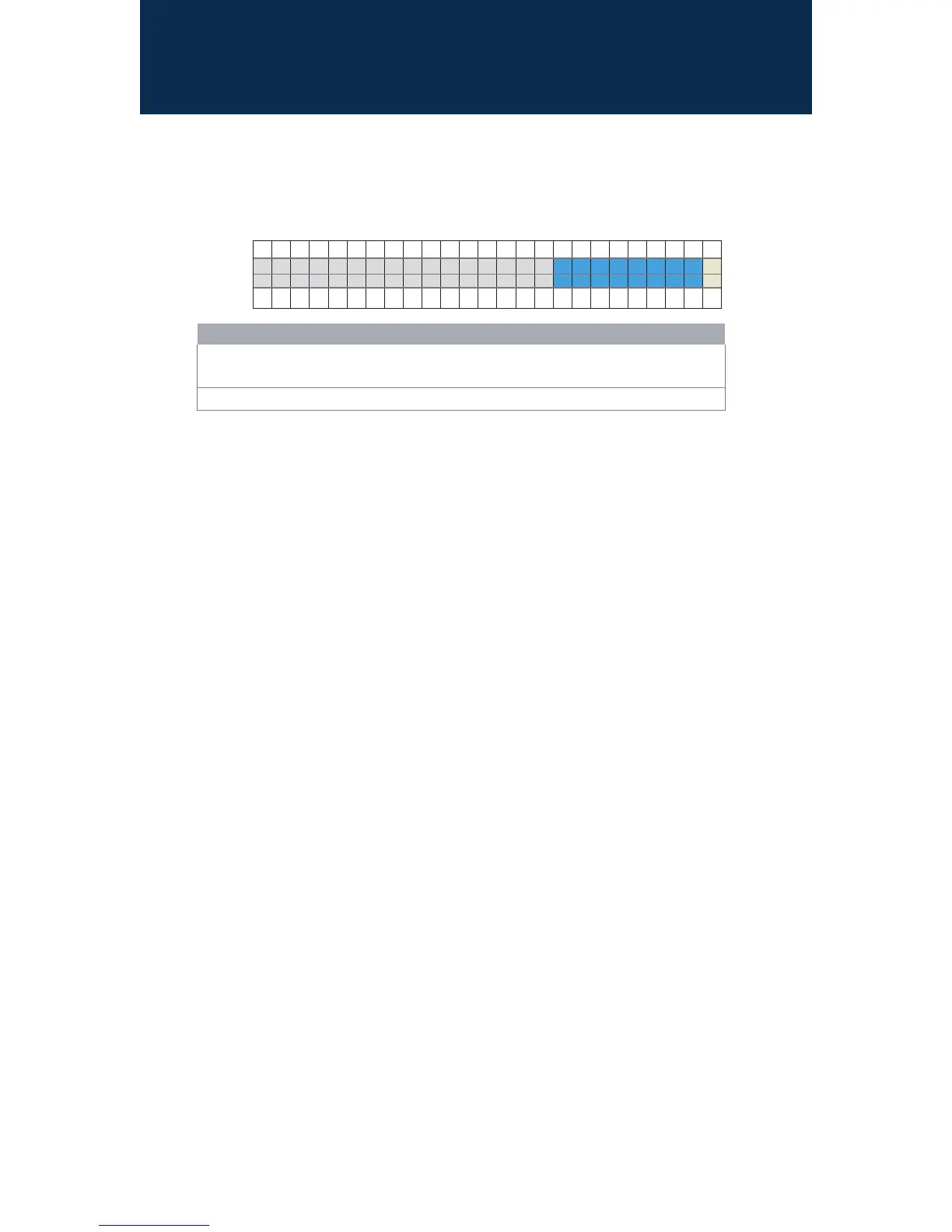
Mitel ST100DA Voice Switch RJ-21X Port Pinout
When connecting an an ST100DA to a 24-port patch panel, the voice switch’s eight analog
channels map to ports on the patch panel as shown in the table below. The Power Fail Transfer
Unit provides an electrical connection between trunk channel 1 and the extension on channel 12.
Pin No. 1 2 3 4 5 6 7 8 9 10 11 12 13 14 15 16 17 18 19 20 21 22 23 24 25
Port No. 1 2 9 10 13 11 14 12
X
Port Type T T E E E E E E
X
Pin No. 26 27 28 29 30 31 32 33 34 35 36 37 38 39 40 41 42 43 44 45 46 47 48 49 50
Pin Pairs Assignment
1,263,28 Two loop start ports (T) for trunks
17,4219,4420,4521,4622,4723,48 Sixcongurableports(E) for telephones or DID trunks.
Network Conguration
OncetheMitelvoiceswitchisinstalledandpoweredon,itmustbeconguredfornetworkoperations.
AswitchgetsanetworkcongurationbyassignmentfromaDHCPserver,ordirectlyfroman
administrator console (see procedure below).
FormoreinformationonsettingupaswitchforautomaticcongurationbyaDHCPserver,seethe
Mitel Connect Planning and Installation Guide.
Conguring the Voice Switch from a Console
1. Useastraight-throughserialcable,DB9maletoDB9female,orsuitableUSB-to-RS-232serial
adapter to connect the switch maintenance port to a console PC.
2. OnthePCorlaptop,startaterminalemulationprogramandconnecttothevoiceswitch
usingtheseserialcommunicationsettings:115,200bps,8databits,noparity,onestopbit,no
handshake.
3. At the login prompt, enter:
Login: root
Password: ShoreTel
4. Type stclitobringupacongurationtooltosetnetworkparametersandviewcurrentstatus.
ThedefaultswitchcongurationistouseDHCPfornetworkparametersandautomaticdetection
ofspeed,duplex,andowcontrolsettings.
5. ChooseMenuOptionsandfollowtheonscreeninstructionsforsettingnetworkparameters,
including IP address, subnet mask, and gateway.



 To Next Page