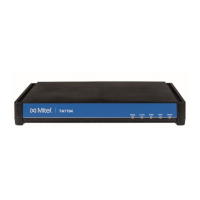
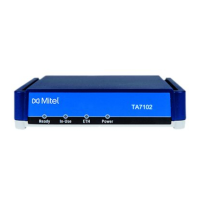
The airflow is not restricted around the TA7104/7108 or through the vents of the unit. The unit
requires a minimum of 25 mm (1 in.) clearance.
The operating temperature is between 0°C and 40°C.
The humidity is not over 85% and is non-condensing.
Wiring Requirements
Make sure that the telephone wiring, LAN and WAN cables reach the device and can be dressed in a
manner that is safe for the wiring, does not pull or create lateral stress on the connectors on the
device, and does not present a trip hazard to personnel working in the vicinity of the equipment. Do
not connect any cable or wiring at this time.
Wall-Mounting
To wall-mount the TA7104/7108:
1. Disconnect all of the cables from the TA7104/7108 before mounting.
2. Ensure that the wall you are using is smooth, flat, dry and sturdy. Attach a piece of plywood,
approximately 250 mm x 200 mm x 12 mm (10 inches x 8 inches x 0.5 inches) securely to the
wall, if necessary.
3. If not already done so, apply the BumponTM authoadhesive protective products to the bottom of
the TA7104/7108. These will improve airflow under the unit.
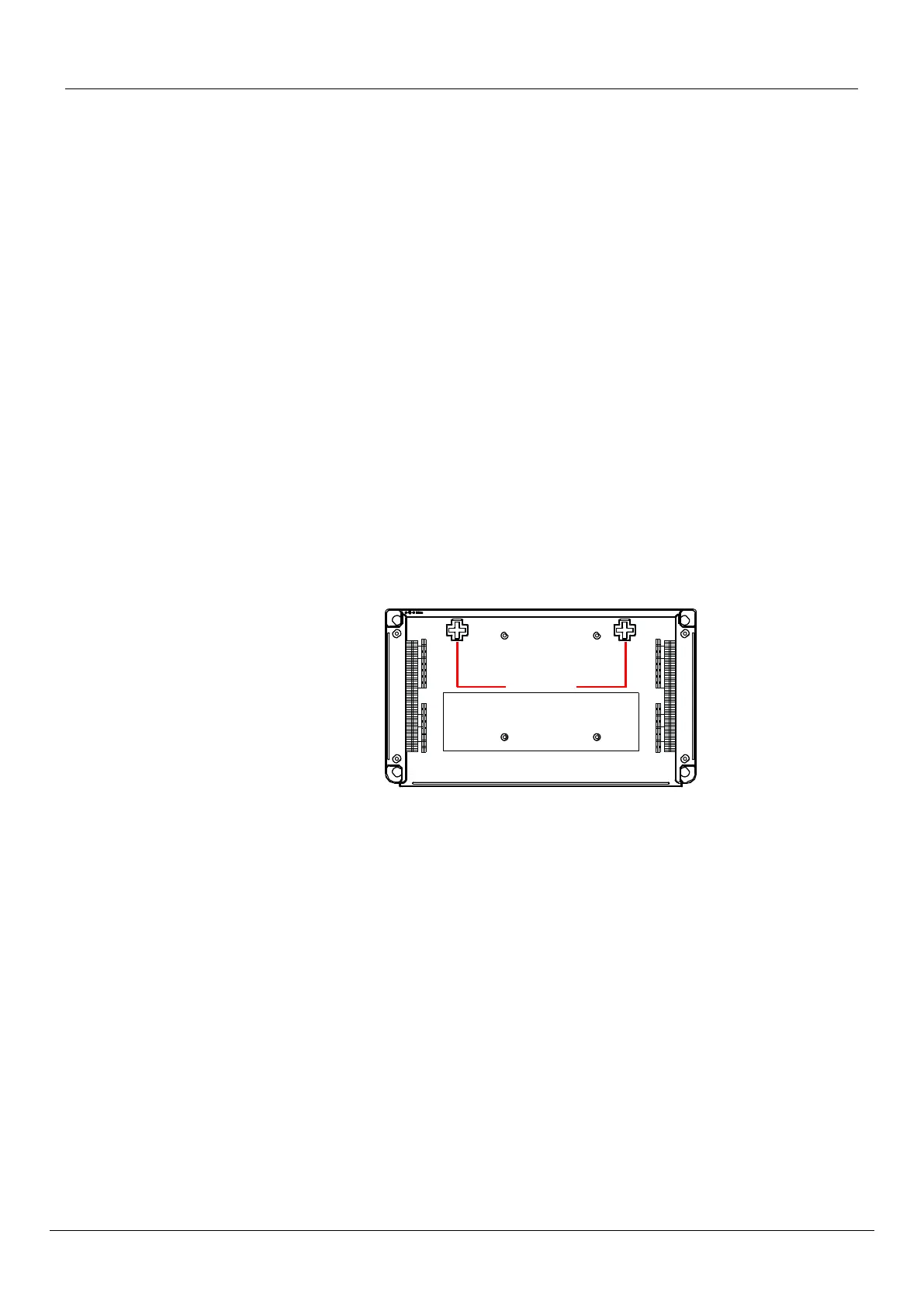
4. Position the TA7104/7108 against the wall (or plywood) as illustrated in Figure 4.
Figure 4: Bottom View - Wall Mounting Screw Holes
R
ea
r
Screw
holes
Front
You can position the TA7104/7108 any way you want.
5. Mark the position of the screw holes on the wall. Drill the two holes and install two screws.
6. Place the screw holes of the TA7104/7108 over the screws installed in the previous step.
7. Proceed to Hardware Installation.
Free Standing Unit
When installing the TA7104/7108 on a desk or table, it should be located at least 20 cm from your
monitor, computer casing or other peripherals, including speakers. Never put books or paper on the
TA7104/7108.
Condensation
When bringing the unit into a warm environment from the cold, condensation may result that might be
harmful to the unit. If this occurs, allow the unit to acclimatize for an hour before powering it on.
Cleaning



 To Next Page