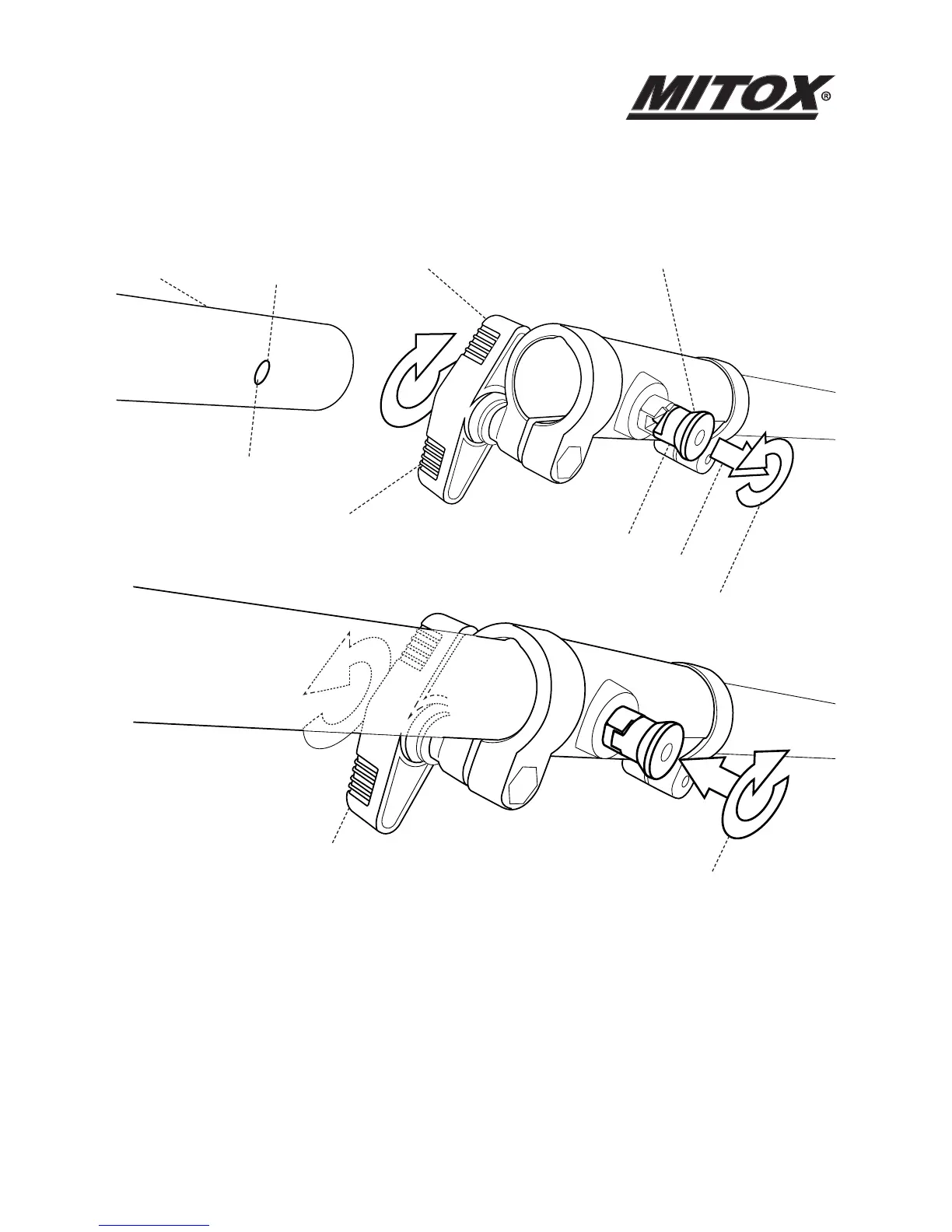
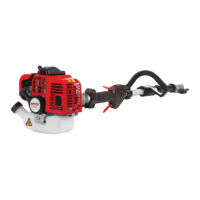
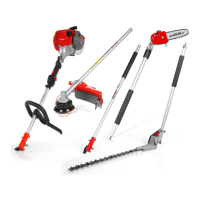
Installing the Attachments to the Power Unit
(or Optional Extension Shaft)
• Pull out the locking pin (1) and twist (2) to lock in the outer position (3).
• Loosen the clamp by turning the handle (4).
• Insert the attachment shaft, lining up the locking hole with the locking pin .
• Twist the locking pin (5) to release it from the outer position. You may need to twist the
attachment shaft to ensure that the locking pin engages with the locking hole (6).
• Tighten the clamp by turning the handle (7).
ClampAttachment
shaft
Locking
hole
Locking pin
1
2
3
4
5
7
6


 To Next Page