11
Network settings and hardware registration
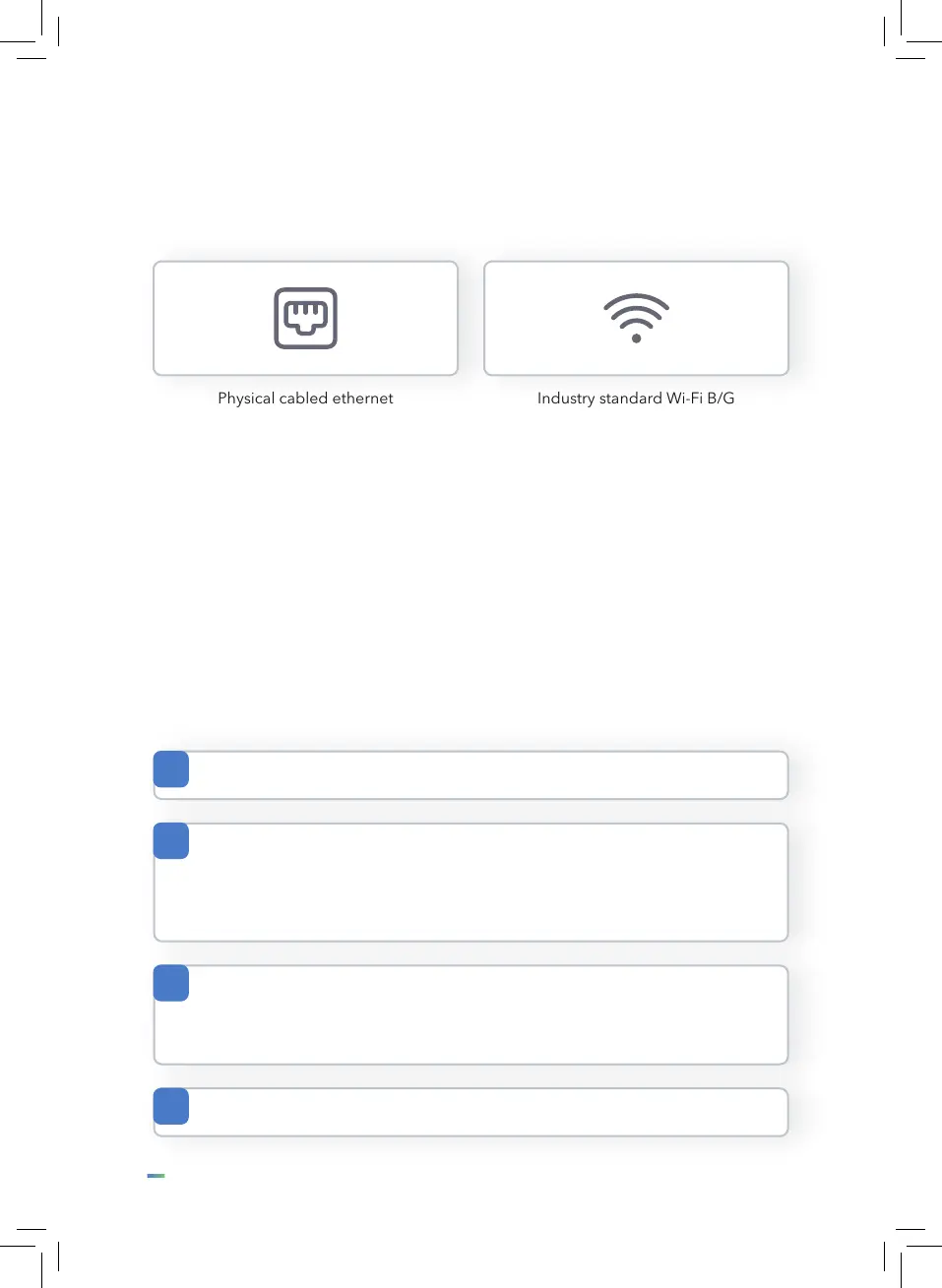
The T2 can connect to the internet in two ways.
The network will failover to the next live available network transport in the event of a
failure. If you have Ethernet and Wi-Fi and the ethernet fails, the unit will automatically
switch over to Wi-Fi.
Once booted the T2 will ask you to select your preferred network connection and
congure DHCP or a static IP address.
Physical cabled ethernet Industry standard Wi-Fi B/G
(via an industry standard
Cat5/6 RJ45)
Adding a T2 to your network
The T2 uses standard TCP/IP networking.
1
No special conguration of your rewall should be necessary providing the
IP address is granted internet access and the following outbound ports are
freely available.
3
Ports required: 80, 443, 123
4
Upon acquiring a static or DHCP IP address it will attempt to connect to
the portal to identify itself. During normal operations it will make regular
outbound connections to the T2 management portal to check for updates
and deliver operational status, clockings and alerts.
2


 To Next Page