5
Installation procedure
Before use the device should be wall mounted using the supplied steel wall bracket.
We recommend that the device is installed by a suitably qualied installation
technician.
Installation steps
Fix the steel wall bracket to the wall in an appropriate position, ensuring
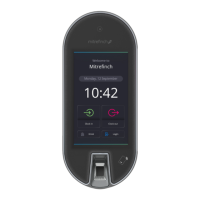
there is enough space to mount the T2.
1
Plug the cables into the T2 as specied within a Mitrench installation plan.
3
If you are a Mitrench installation professional, you may plug the power
into the T2 and turn it on at the mains.
4
Switch the battery to on. The T2 will begin to boot up.
5
Run all necessary cables to their position near the terminal. The T2 can be
cabled directly into the back via a wall conduit or from underneath. The rear
access port is recommended when an IP66 installation is required.
2
Screw the rear plate onto the back of the T2.
6
Screw the set screws into the bottom of the T2.
7
Hang the T2 on the wall bracket.
8
Install the two retaining nylon locking nuts onto the set screws and tighten.
9


 To Next Page