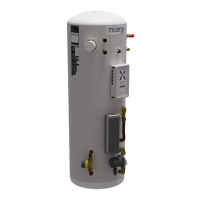
Voice control
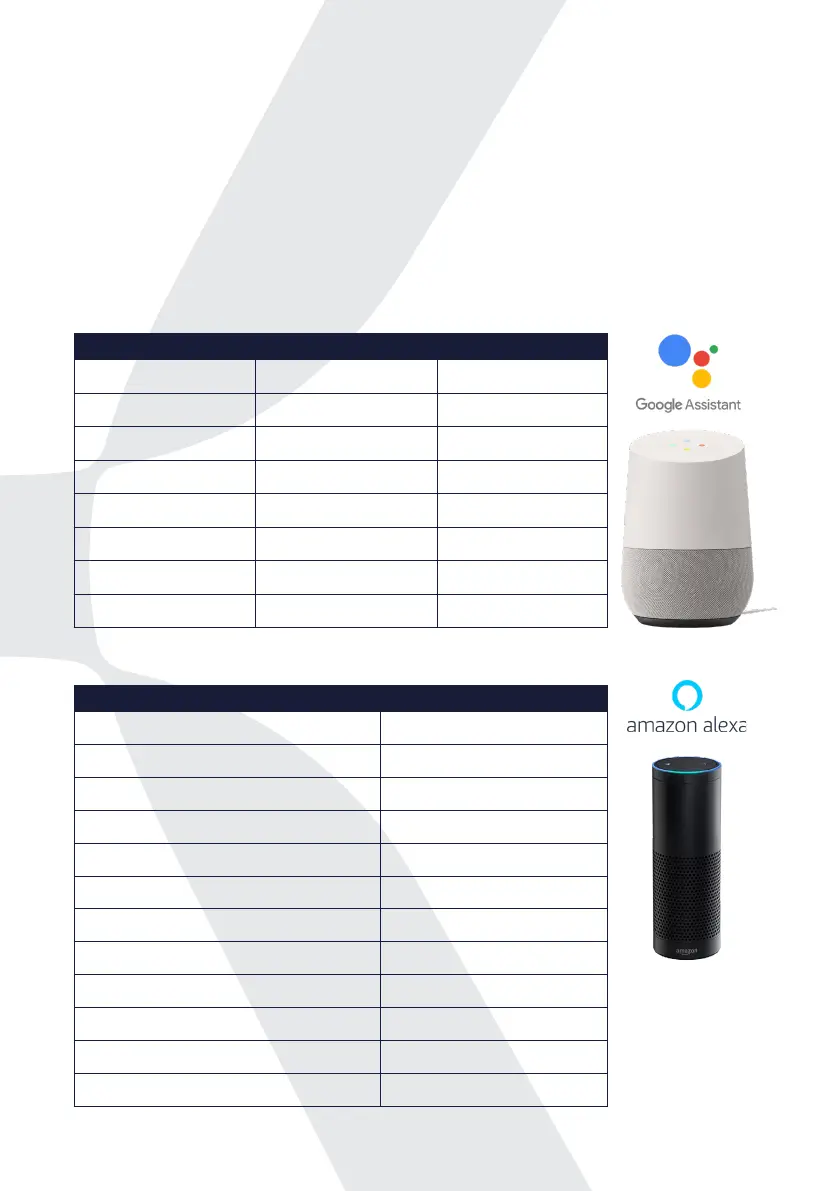
Your Mixergy tank can be controlled with voice control via Google Assistant or
Amazon Alexa.
You can use commands to set your hot water temperature, check how much
hot water you currently have or give the tank a boost. Plus many more!
A full list of commands are shown below, and we are working to add more
commands to this list.
Google assistant commands
Amazon alexa commands
Your request Alexa’s response
Alexa, boost Mixergy tank charge to XX% (e.g. 50%) OK
Alexa, increase Mixergy tank charge by XX% (e.g. 20%) OK
Alexa, what is the hot water level in the Mixergy tank? You have XX%
Alexa, what is the hot water level in my <device name> You have XX%
Alexa, what is the amount of hot water in my <device name> You have XX%
Alexa, what is the charge in Mixergy tank? Mixergy tank charge is XX%
Alexa, what is the charge in my <device name> <device name> charge is XX%
Alexa, what is the state of charge in my <device name> <device name> charge is XX%
Alexa, is Mixergy tank boost on? Mixergy tank boost is ON/OFF
Alexa, turn o Mixergy boost OK
Alexa, set Mixergy tank temperature to XX˚C (e.g. 58˚C) OK
Alexa, what is the temperature in Mixergy tank? Mixergy tank temperature is XX˚C
Your request Google’s response Notes
OK Google, turn on <device
name> heating
Sure, turning on heating on
<device name>
Heats tank to 20% above
current charge
K Google, turn o heating in
<device name>
Alright, turning o heating on
<device name>
Turns o the immersion (if
it’s on)
OK Google, ll <device name>
<amount>
OK, lling to <amount>
OK Google, ll <device name>
to X%
Got it, lling to X%
OK Google, how full is <device
name>?
<device name> is lled to X%
OK Google, is <device name>
<heating> on
<device name> heating is on/o
OK Google, what is the
temperature in <device name>
<device name> is set to X degrees X is the target temperature, not
the actual water temperature
OK Google, set <device name> to
X degrees
Sure, setting <device name> to
X degrees
Sets the target water
temperature
6


 To Next Page