7 Importing Audio
7.1 Importing Folders
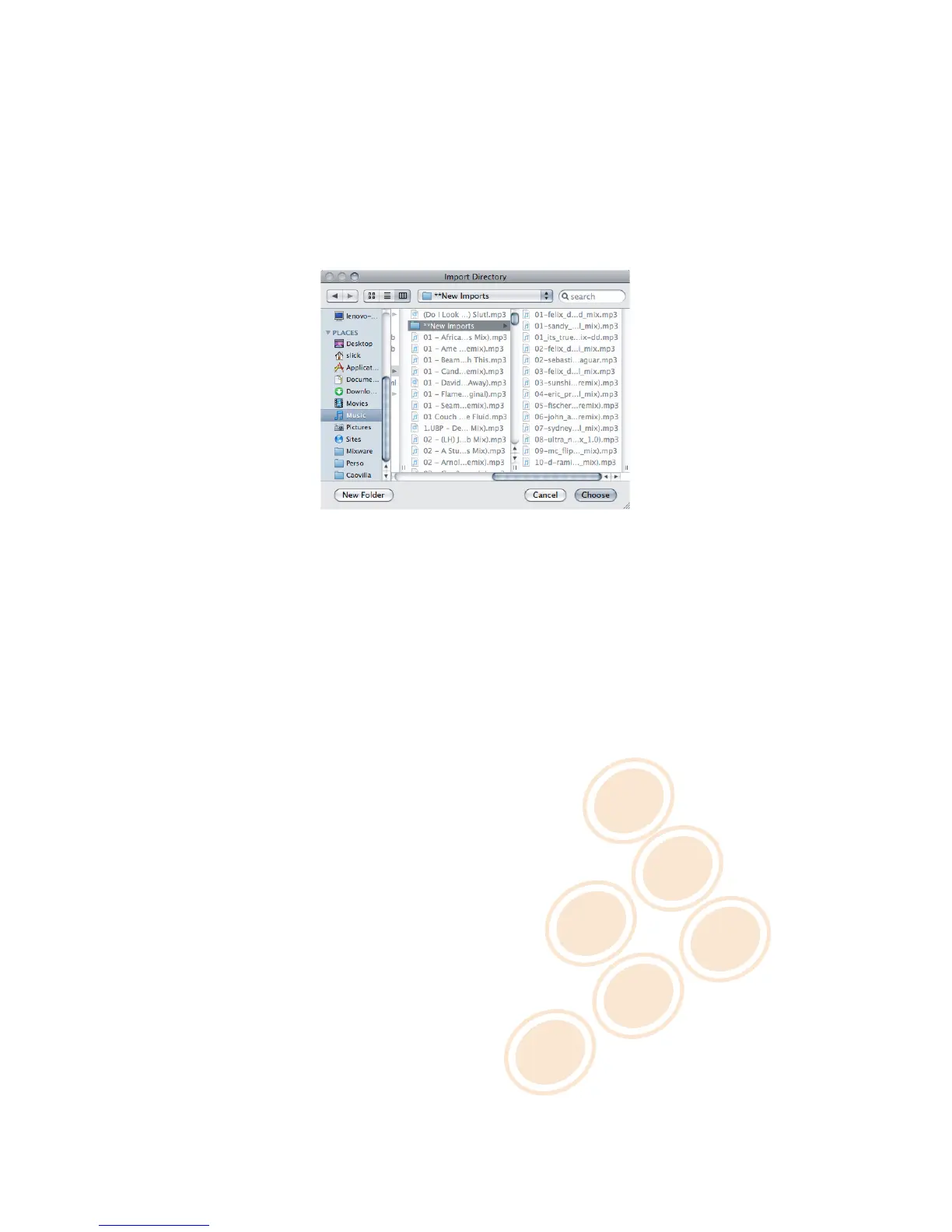
To import an entire folder of music:
1 Go to [File > Import > Directory]
2 Choose a folder or disc containing your music and click Choose.
3 CROSS will import all the audio tracks into the Collection.
Locating a Folder
You can also import files by going to [File > Import > Media] or playlists by going to [File > Import > Playlist].
7.2 iTunes® Integration
If you use Apple’s iTunes
®
software to manage your track collection, you can access your iTunes
®
Library and
playlists by clicking on the iTunes® tab in the Dock.
To import tracks from iTunes®:
1 While viewing your collection, un-dock the iTunes® tab.
2 Select the tracks you want to import.
3
Drag and drop your selection into the collection window or right-click (CTRL+click on Mac) and choose
Add to Collection.
17 / 21



 To Next Page