© MOBATIME 6 / 12 801148.05
Netzwerkkabel anschliessen
DTS mit dem zu synchronisieren-
den Netzwerk verbinden.
ACHTUNG: Bei Konfiguration
über eine serielle Schnittstelle
erst nach der Netzwerk-Konfigu-
ration anschliessen.
Connect network cable
Connect the DTS with the network
to be synchronized.
ATTENTION: If configuration
takes place over a serial interface,
connect the network cable only af-
ter the network configuration.
Raccordement du câble réseau
Connecter DTS au réseau devant
être synchronisé.
ATTENTION : Si la configuration
s'effectue via une interface série,
ne connectez le câble réseau
qu'après la configuration du ré-
seau.
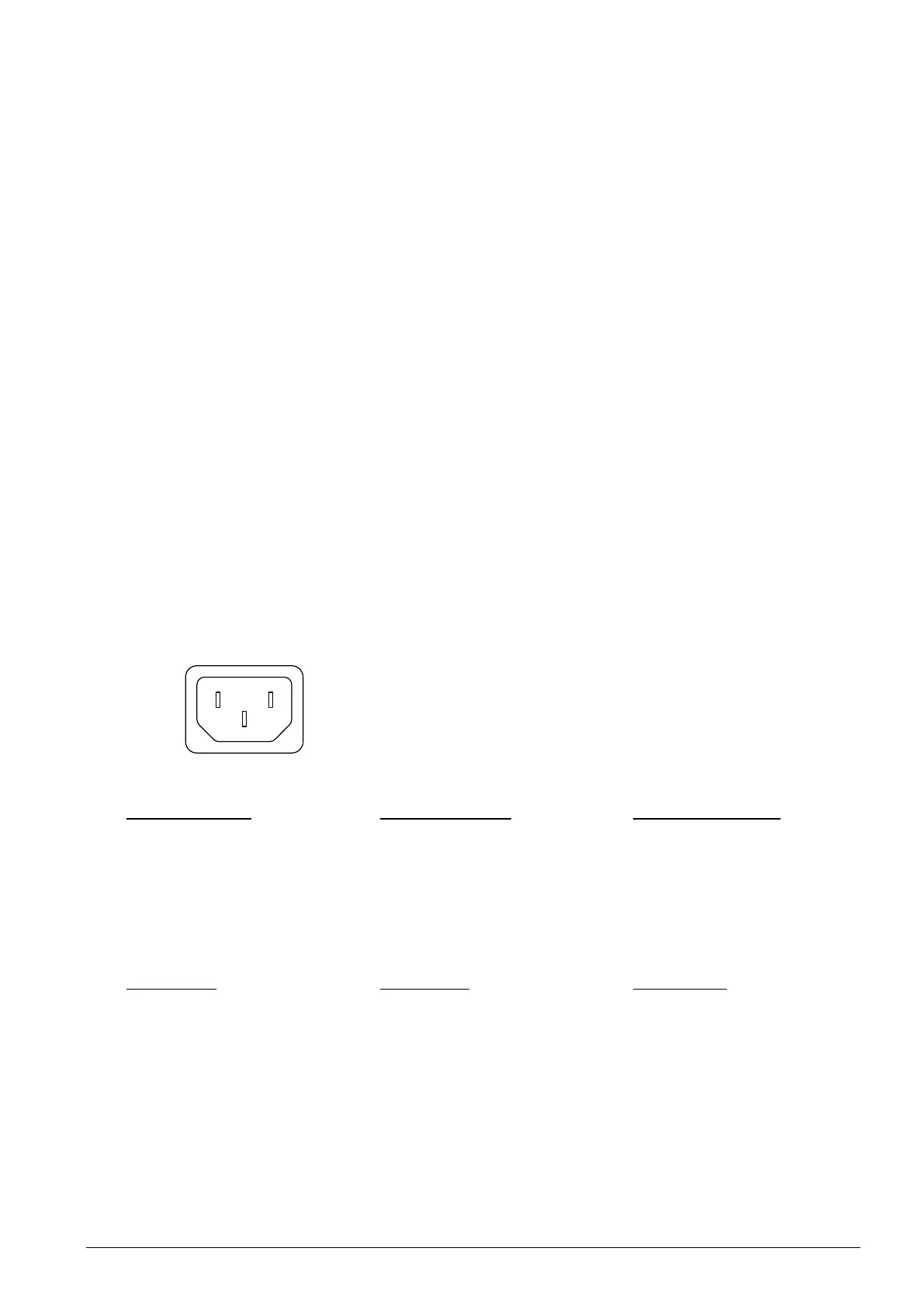
Netzspeisung anschliessen
Den mitgelieferten Netzstecker
mit einem geeigneten Netzkabel
verbinden und anschliessen.
Netzspannung: 90 -240 VAC / 50
– 60 Hz
Das DTS startet in ca. 60 Sek.
auf. Das Ende des Bootvorgangs
wird im Display angezeigt.
Konfiguration A: Der GNSS Emp-
fänger braucht nach Anschluss
der Netzspeisung bis zu 5 min um
die Zeit ab Satelitten zu empfan-
gen. Bei erfolgter Synchronisation
blinkt die LED DCF auf der Rück-
seite des DTS sekündlich.
Connect mains power
Couple the power plug included in
the delivery with a suitable power
cable and connect it.
Mains voltage: 90 -240 VAC / 50
– 60 Hz
The DTS boots in approx. 60 sec.
The end of the booting procedure
is indicated by the display.
Configuration A: The GNSS re-
ceiver needs up to 5 min after
connecting mains power to re-
ceive the time from satellites.
Upon successful synchronization,
the LED DCF blinks once every
second.
Raccordement de l'alimentation
par le réseau
Raccorder la fiche d'alimentation
fournie à un cordon d'alimentation
approprié et la brancher.
Tension du réseau : 90-240 VAC /
50-60 Hz
Le DTS met env. 60 s à démarrer.
La fin de l'initialisation est affichée
sur l'écran.
Configuration A : après le raccor-
dement de l'alimentation par le ré-
seau, le récepteur GNSS a besoin
de jusqu'à 5 min pour capter
l'heure depuis des satellites. Si la
synchronisation a réussi, la LED
DCF clignote chaque seconde.
L = Phase
N = Neutralleiter / neutral conductor / neutre
PE = Schutzerde / protective ground / terre
Mit DTS verbinden
Mit DHCP-Server:
Telnet/SSH (z.B. mit PuTTY): Mit
der IP-Adresse (rote Taste mehr-
mals drücken, bis IP-Adresse auf
dem Display erscheint) auf das
DTS zugreifen:
In PuTTY Telnet oder SSH aus-
wählen ➔ IP-Adresse eingeben
und die Verbindung öffnen.
MOBA-NMS:
Software installieren (siehe BD-
800790 Bedienungsanleitung
MOBA-NMS).
Automatische Gerätesuche:
• Unicast (IPv4) auswählen
• Haken bei entsprechendem
Gerät setzen
• Passwort eingeben (siehe un-
ten)
• IP-Suchbereich (im richtigen
Subnet) eingeben
• Das DTS-Gerät auswählen
Connect to DTS
With DHCP server:
Telnet/SSH (e.g. with PuTTY):
Connect to the DTS using the IP
address (press red button until IP
address appears on display):
Select Telnet or SSH in PuTTY ➔
enter the IP address and open the
connection.
MOBA-NMS:
Install software (see BE-800790
Instruction manual MOBA-NMS).
Automatic device search:
• Select Unicast (IPv4)
• Check box of corresponding
device
• Enter password (see below)
• Enter IP search area (in the
correct subnet)
• Select the DTS device
• Select "Finish"
Connecter à DTS
Avec serveur DHCP :
Telnet/SSH (p. ex. avec PuTTY) :
accéder au DTS avec l'adresse IP
(appuyer plusieurs fois sur la
touche rouge jusqu'à ce que
l'adresse IP apparaisse sur
l'écran) : Sélectionnez Telnet ou
SSH dans PuTTY ➔ entrez l'ad-
dresse IP et ouvrez la connexion.
MOBA-NMS :
Installer le logiciel (voir BD-800790
Mode d'emploi MOBA-NMS).
Recherche automatique d'appareil :
• Sélectionner Unicast (IPv4)
•
Cocher l'appareil correspondant
• Saisir le mot de passe (voir ci-
dessous)
• Saisir la plage de recherche IP
(dans le bon masque de sous-
réseau)
• Sélectionner l'appareil DTS



 To Next Page
 Loading...



