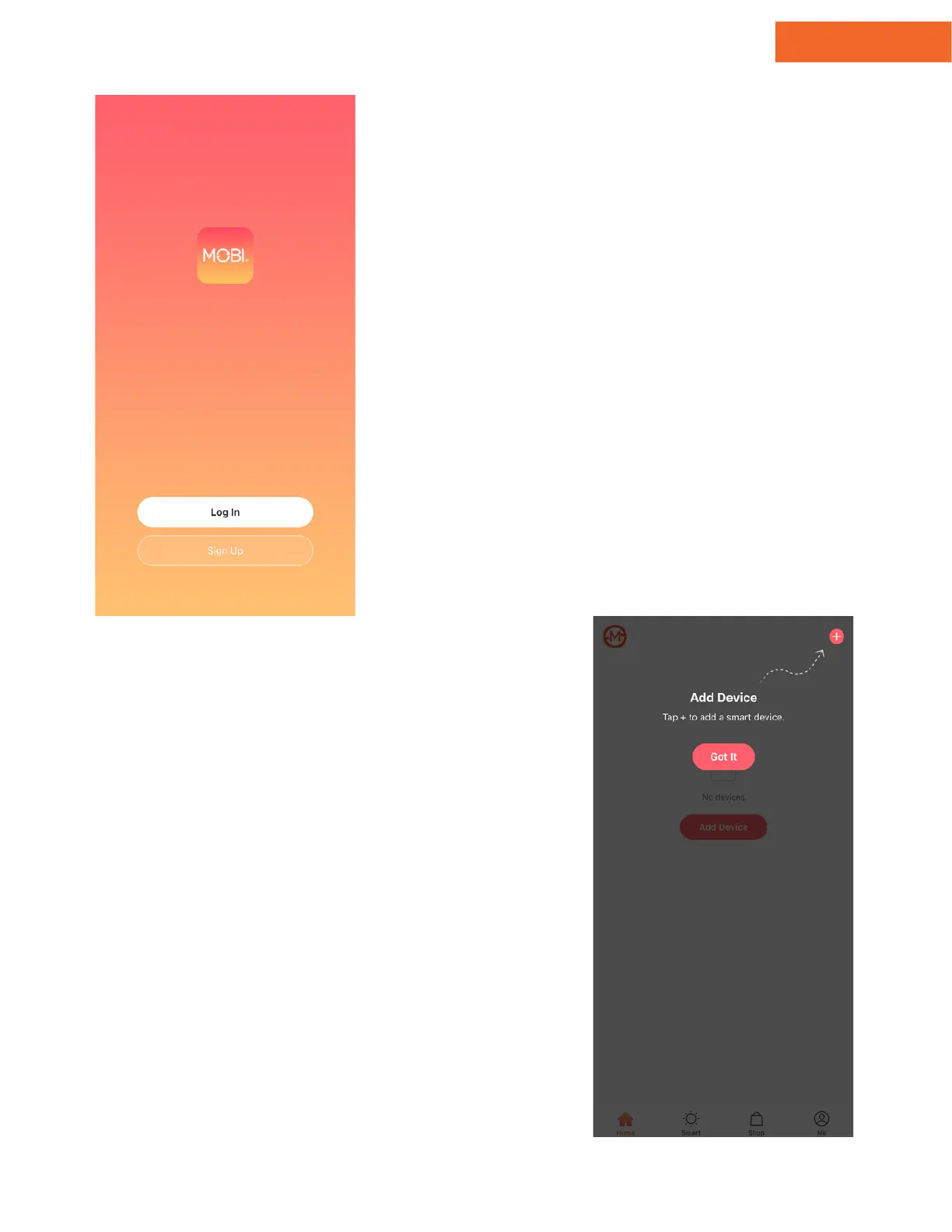
1 - Register
Open the MOBI Smart App & tap
"Register."
Agree to the Privacy Policy terms
& conditions.
Enter a valid email address & tap
"Get Verification Code."
Check your email for the
verification code & then create
your password.
If you are a first-time MOBI Smart
user, please create an account.
1.
2.
3.
4.
2 - Login
Once you've registered for an
account, tap "Login" and enter your
email address and password.
Troubleshooting: If you lose access to
your login information, tap "Forgot
Password" to reset your password
and regain access.
After logging in, you'll see a screen
that reads "Add Device."
Account Setup
www.getmobi.com +1(877) 662-44625


 To Next Page