xTablet T1190
10
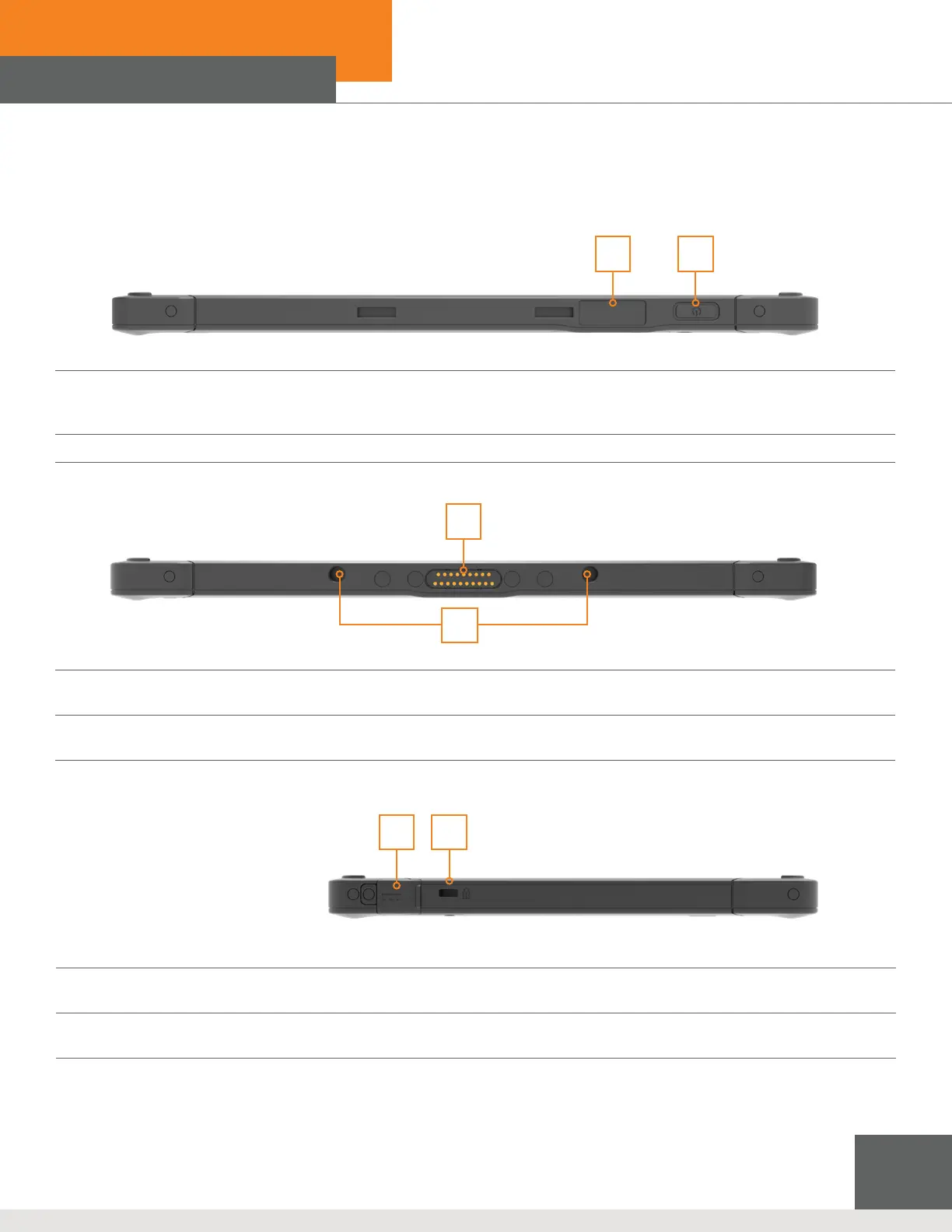
1. Power Button
The xTablet T1190 must be connected with AC power before being powered on for the rst time.
Press and hold the power button for 8 seconds to shut down the tablet.
2. Barcode Scanner (optional)
Top View
1. Dock Connector
Connect with external Docking station to increase more I/O functions.
2. Boss Hole
Used for locking the boss hole of the dock.
Bottom View
1. DC-in Jack
The electrical connector for supplying direct current (DC) power.
2. Kensington Lock
Allows users to secure tablet in place.
1 2
Right Side View
2
1
2 1



 To Next Page