General Saturn Install Instructions
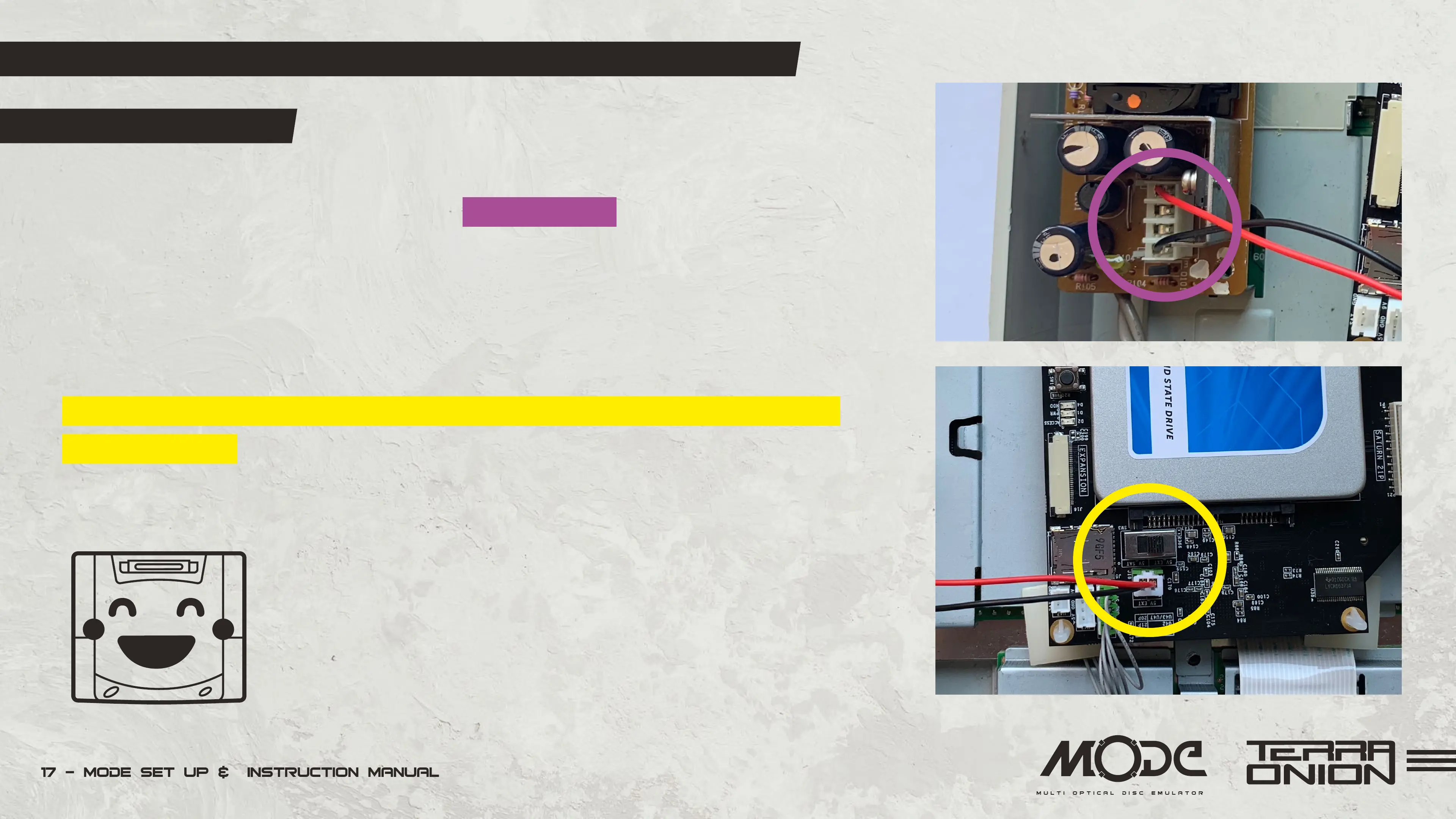
4 Pin Power Supply:
• Insert the black wire on the first pin from the bottom if the Saturn is facing you.
The red pin goes on the first pin from the top (as shown right).
• After installing the power cable, push the PSU PCB back down onto the pins
and reinstall the screw.
• If you are using the optional power cable move the switch position to external power
on the MODE PCB. By default it is set to internal power. All original connectors must still be plu-
gged into MODE even when using external power.
Close up your Saturn.
You are done!


 To Next Page