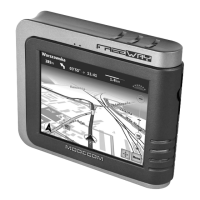
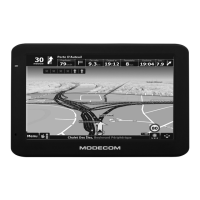
How to solve GPS problems with Modecom FreeWAY MX GPS?
P
Patricia CantuJul 30, 2025
To solve GPS problems with your Modecom GPS, make sure that the GPS antenna is adjusted to the horizontal position (parallel to the ground) and it has a clear view of the sky.
K
kristine16Aug 3, 2025
What to do if Modecom FreeWAY MX GPS cable connection is not working?
Z
Zachary WilsonAug 3, 2025
If you're experiencing cable connection problems with your Modecom GPS, ensure both your device and computer are turned on. Verify that the cable is securely plugged into both the USB port on your computer and the device itself, connecting the USB cable directly to your computer. If issues persist, reset your device before connecting the cable. Also, always disconnect your device before restarting your computer.
D
David CamposAug 8, 2025
What to do if my Modecom FreeWAY MX GPS screen is hard to read?
T
Thomas MannAug 8, 2025
If your Modecom GPS screen is hard to read, first ensure the device has sufficient power and the display backlight is on. Try moving to a location with more light. If the problem persists, reset your system.
J
Jocelyn AllenAug 12, 2025
What to do if my Modecom GPS screen freezes?
T
Trevor WilliamsAug 12, 2025
If your Modecom GPS screen freezes, reset your system.
A
Amy DrakeAug 16, 2025
What to do if the Modecom FreeWAY MX screen is off?
T
tgravesAug 16, 2025
If your Modecom GPS screen is off, connect the AC adapter to your device and to external AC power or connect the Car Charger to your device and to external DC power. If the issue continues, reset your system.
R
Robert DavisAug 20, 2025
Why Modecom GPS power does not turn on when using battery power?
B
Brenda KhanAug 20, 2025
If your Modecom GPS doesn't turn on when using battery power, it may be because the remaining battery power is too low to run your device. Connect the AC adapter to your device and to AC power or connect the Car Charger to your device and to external DC power.
T
thomasnathanielAug 25, 2025
Why is my Modecom GPS inaccurate to stylus pen taps?
A
Anna VegaAug 25, 2025
If your Modecom GPS is not responding accurately to stylus pen taps or finger touches, recalibrate the touch screen.


 To Next Page
 General