7
PERSONAL NAVIGATION DEVICE
2. Navigation
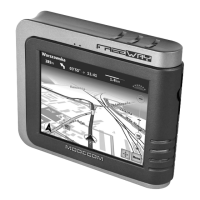
Insert the SD/SDHC card with map software (optional) into the slot of FreeWAY MX.
Note: Do not remove the card during GPS operation.
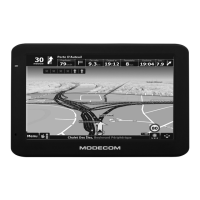
Double tap the “Navigation” icon on the Main Menu to start the navigation program.
Please refer to the manual of the map software.
Note: Normally it takes a bit longer to receive the GPS signal the rst time you turn on the
unit. Your device has to locate at least 3 satellites to function. This time to nd the satelli-
tes is signi cantly shorter after the rst time you use the device. If you move your unit over
300km without it being used, it may need a little more time to locate the satellites again.
3. Media
Tap the "Media" icon on the Main Menu and enter into the following interface.


 To Next Page