- 20 -
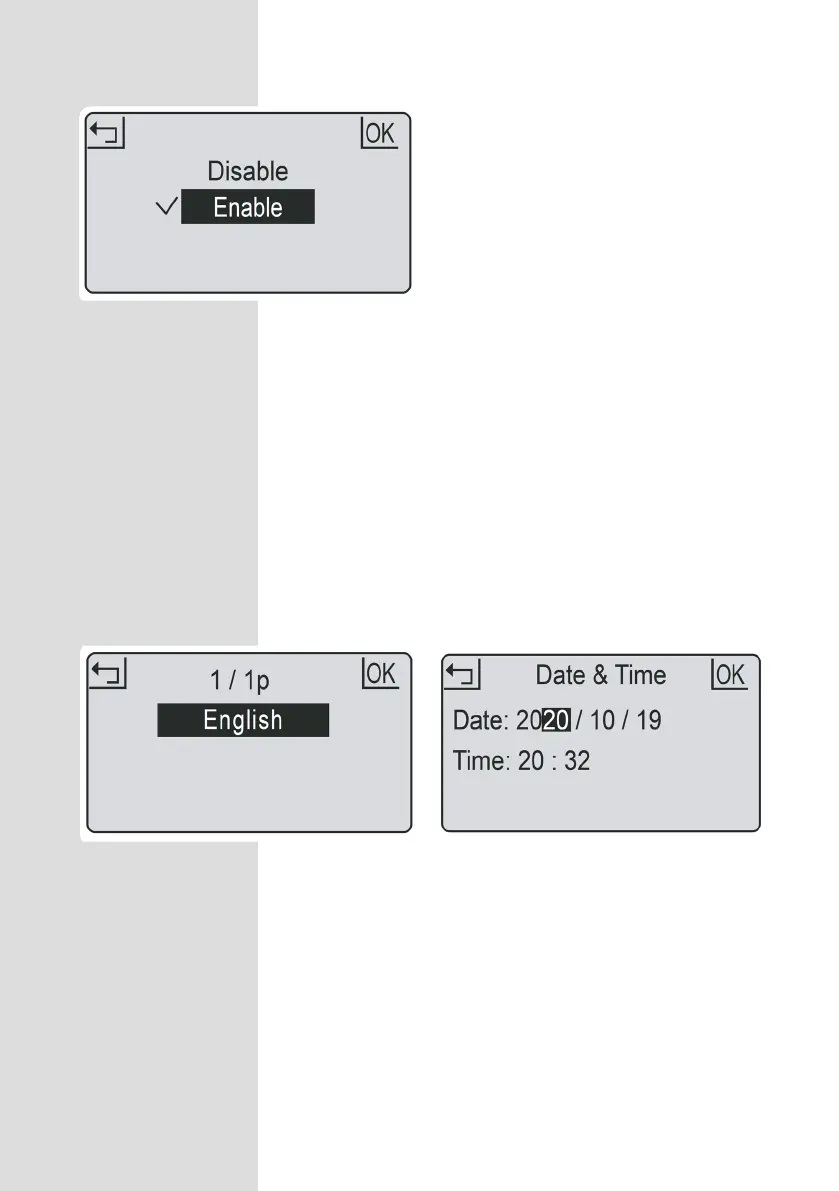
Rain mode sets if the mower will go out in rain or not. Disabling this will allow the mower to
continue to work in the rain.
WARNING avoid activation during heavy rain and storms. Wet grass will cause additional
load for the mower and mowing time may be reduced. In some cases the mower may not
return to the charge base in rain.
1. Press OK button to enter sub-menu 1.
2. Select ‘
setting’ to enter sub-menu 2.
3. Select ‘rain mode’.
4. Press UP and DOWN buttons to enable the rain mode.
5. Press OK button to confirm setting.
1. Press OK button to enter sub-menu 1.
2. Select ‘
setting’ to enter sub-menu 2.
3. Select ‘Language’.
4. Press UP and DOWN buttons to select
the desired language.
5. Press OK button to confirm setting.
1. Press OK button to enter sub-menu 1.
2. Select ‘
setting’ to enter sub-menu 2.
3. Select ‘date & time’.
4. Press UP, DOWN, LEFT and RIGHT
buttons to set the date and time.
5. Press OK button to confirm setting.
Rain mode
Language Date and time
Setting date and time accurately ensures scheduling is accurate.



 To Next Page