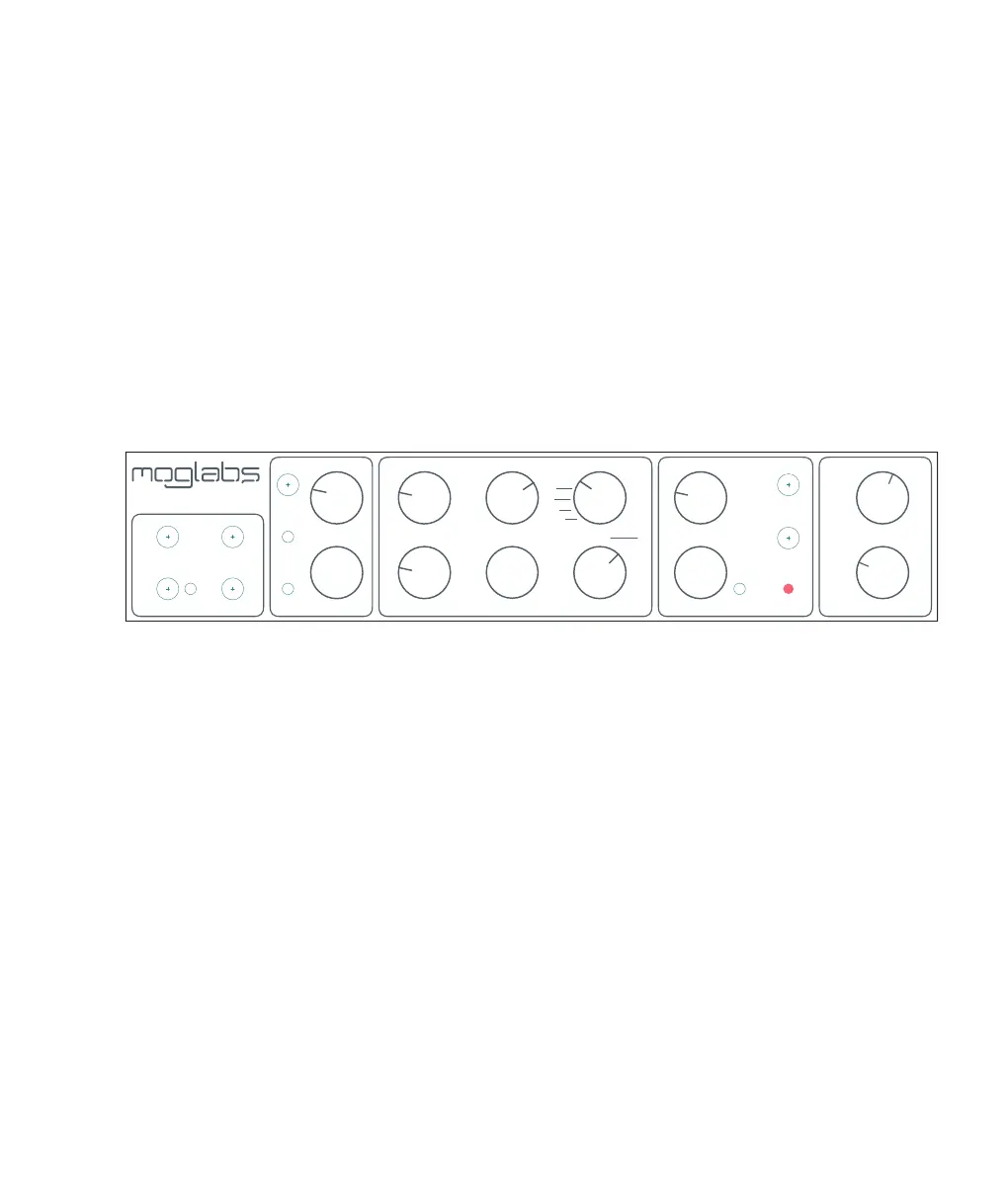
2. Connections and controls
2.1 Front panel controls
The front panel of the FSC has a large number of configuration op-
tions that allow the servo behaviour to be tuned and optimised.
Please note that switches and options may vary between hardware
revisions, please consult the manual for your specific device as in-
dicated by the serial number.
INT
SCAN
SCAN+P
LOCK
NESTED
SCAN
LOCK
RATE
BIAS
INPUT
AC
DC
Δ
FAST SIGN
SLOW GAIN FAST GAIN DIFF GAIN
GAIN LIMIT
0
10
20
30
60
40
50
MAX
FAST DIFF/FILTER
SPAN
FREQ OFFSET ERR OFFSET
FAST INTSLOW INT
EXT
SLOW SIGN
FAST
SLOW
CHA
CHB
FAST ERR
SLOW ERR RAMP
BIAS
FAST
SLOW
MON1
MON2
Fast Servo Controller
CHB
PD
0
REF
+
–
+
–
100k
200k
OFF
10M
1M
750k
500k
5M
2.5M
50k
25k
100k
250k
OFF
10k
20k
50k
500k
1M
2M
100k
200k
OFF
25
50
75
500
750
1k
100
250
CHA
CHB
FAST ERR
SLOW ERR RAMP
BIAS
FAST
SLOW
STATUS
0
6 18
24
12
2.1.1 Configuration
INPUT Selects error signal coupling mode; see figure 1.5.
AC Fast error signal is AC-coupled, slow error is DC coupled.
DC Both fast and slow error signals are DC-coupled.
∆ Signals are DC-coupled, and the front-panel ERROR OFFSET is
applied for control of the lock point.
CHB Selects input for channel B: photodetector, ground, or a variable
reference adjustable with the adjacent trimpot.
FAST SIGN Sign of the fast feedback.
SLOW SIGN Sign of the slow feedback.
11



 To Next Page