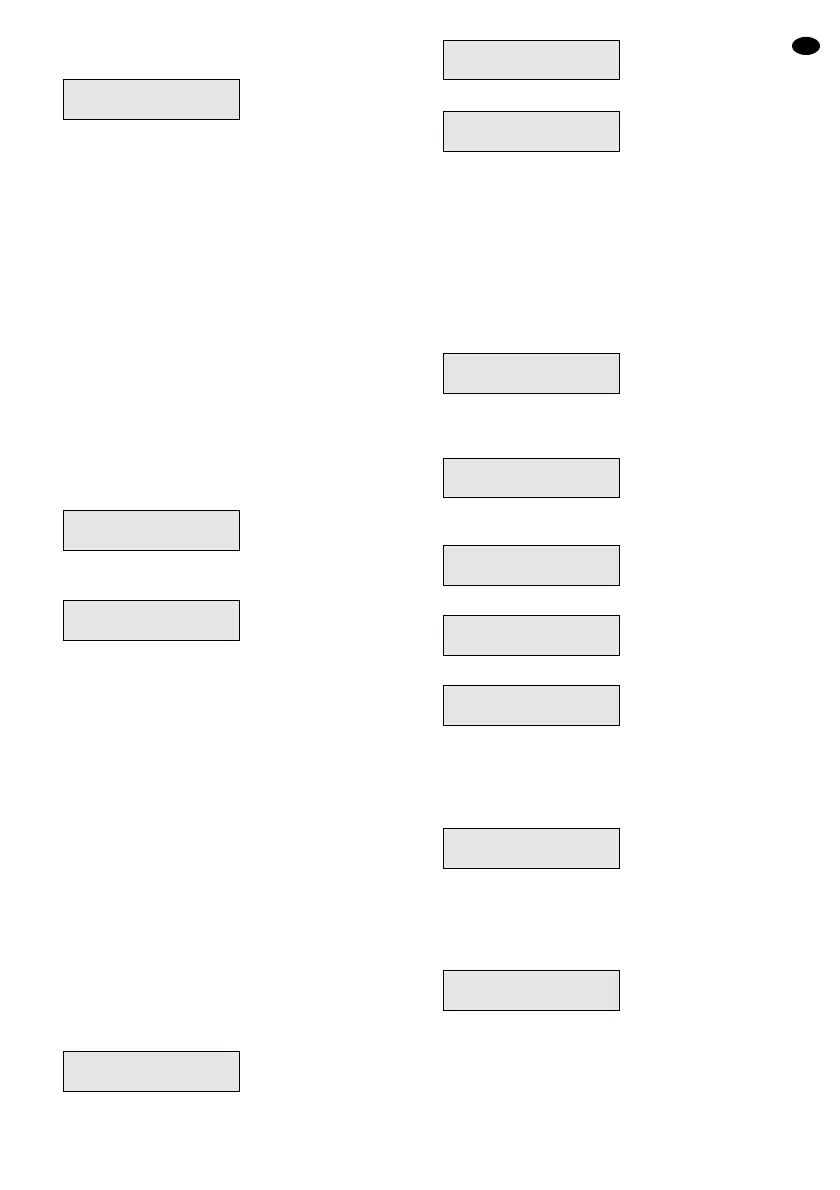
As soon as the alarm control system is activated,
the display changes to:
Notes
1. To activate the alarm control system within the
next three seconds (still before the end of exit
delay) the button Quick can be pressed (e. g. after
exiting the last “E/E” zone).
2. For interrupting the activation process during the
exit delay, enter a corresponding access code.
3.2 Partial activation mode “Part 1”
In this mode the alarm zones are excluded from an
alarm triggering for which the mode “Part 1”, “Ch/P1”,
“Part 3”, or “Ch/P3” has been programmed (if neces-
sary, see overview on the last page).
1) If the function for quick activation is possible (if
necessary, see overview on the last page), press
the button Quick. If not, enter a valid access code.
2) Actuate the button Part.
3) The signal for the run of the exit delay time sounds
and the display shows in the meantime:
As soon as the alarm control system is activated,
the display changes to:
Notes: see chapter 3.1.
3.3 Partial activation modes “Part 2” and “Part 3”
In the mode “Part 2” the alarm zones are excluded
from an alarm triggering for which the mode “Part 2”,
“Part 3”, “Ch/P2”, or “Ch/P3” has been programmed (if
necessary, see overview on the last page).
In the mode “Part 3” the alarm zones are excluded
from an alarm triggering for which the mode “Part 1”,
“Part 2”, “Part 3”, “Ch/P1”, Ch/P2”, or “Ch/P3” has
been programmed (if necessary, see overview on the
last page).
1) If the function for quick activation is possible (if
necessary, see overview on the last page), press
the button Quick. If not, enter a valid access code.
2) Actuate the button Part.
3) In addition press the numerical key 2 for the mode
“Part 2” or the numerical key 3 for the mode
“Part 3”. The signal for the run of the exit delay
time sounds and the display shows in the mean-
time:
As soon as the alarm control system is activated,
with mode “Part 2” the display changes to:
In the mode “Part 3” the display shows:
Notes: see chapter 3.1.
3.4 Excluding certain zones from the alarm
recording
Certain zones, e. g. in which the work is not yet termi-
nated, can be excluded from the recording so that the
alarm control system can be activated in spite of this
and takes over the surveillance of the other zones.
1) The alarm control system must be deactivated.
Then the display shows:
2) Enter a valid master access code (user numbers 1
to 3) with the numerical keys (e. g. that of the
default setting 5, 6, 7, 8). The display shows:
3) Press the button No within 15 seconds, otherwise
the menu will be exited. The display shows:
4) Press the button No again. The display shows:
5) Now press the button Yes. The display shows:
In the second line of the display the zones are indi-
cated which are active with the alarm control
system activated.
6) Successively press the numerical keys which cor-
respond to the zones to be deactivated, e. g.:
7) A zone which is not selected any more can be se-
lected again by pressing the corresponding nu-
merical key once more.
8) After the selection press the button 0 twice so that
the display e. g. shows:
9) Now activate the alarm control system with the fol-
lowing buttons within 15 seconds:
Full for the full activation mode or
Part for the partial activation mode 1 or
Part and 2 for the partial activation mode 2 or
Part and 3 for the partial activation mode 3
Do You Want to..
Set User 1 ?
Enabled Zones...
-234--78
Enabled Zones...
12345678
Do You Want to..
Delete Zone ?
Do You Want to..
Test ?
Do You Want to..
Set User 1 ?
21 Jun 17:53
<<<
UNSET
>>>
22 Jun 16:12
<<< SET 3 >>>
22 Jun 16:12
<<< SET 2 >>>
Exit Now!... 2
Ok!
22 Jun 16:12
<<< SET 1 >>>
Exit Now!... 1
Ok!
21 Jun 18:05
<<< SET >>>
GB
15


 To Next Page