2
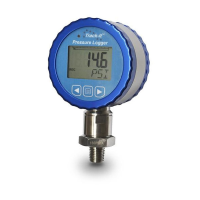
The Track-It pressure logger with display has a rugged waterght
anodized aluminum and stainless steel housing. The pressure sensor has
a standard ¼”-NPT or ½”-NPT fing.
2.0 GETTING STARTED
2.1 Install USB Driver and Track-It SoŌware
IMPORTANT: Do NOT plug the Track-It Data Logger into the USB
port unƟl AFTER the USB Driver and Track-It SoŌware have been
installed.
Unzip the downloaded file to a local directory on your PC.
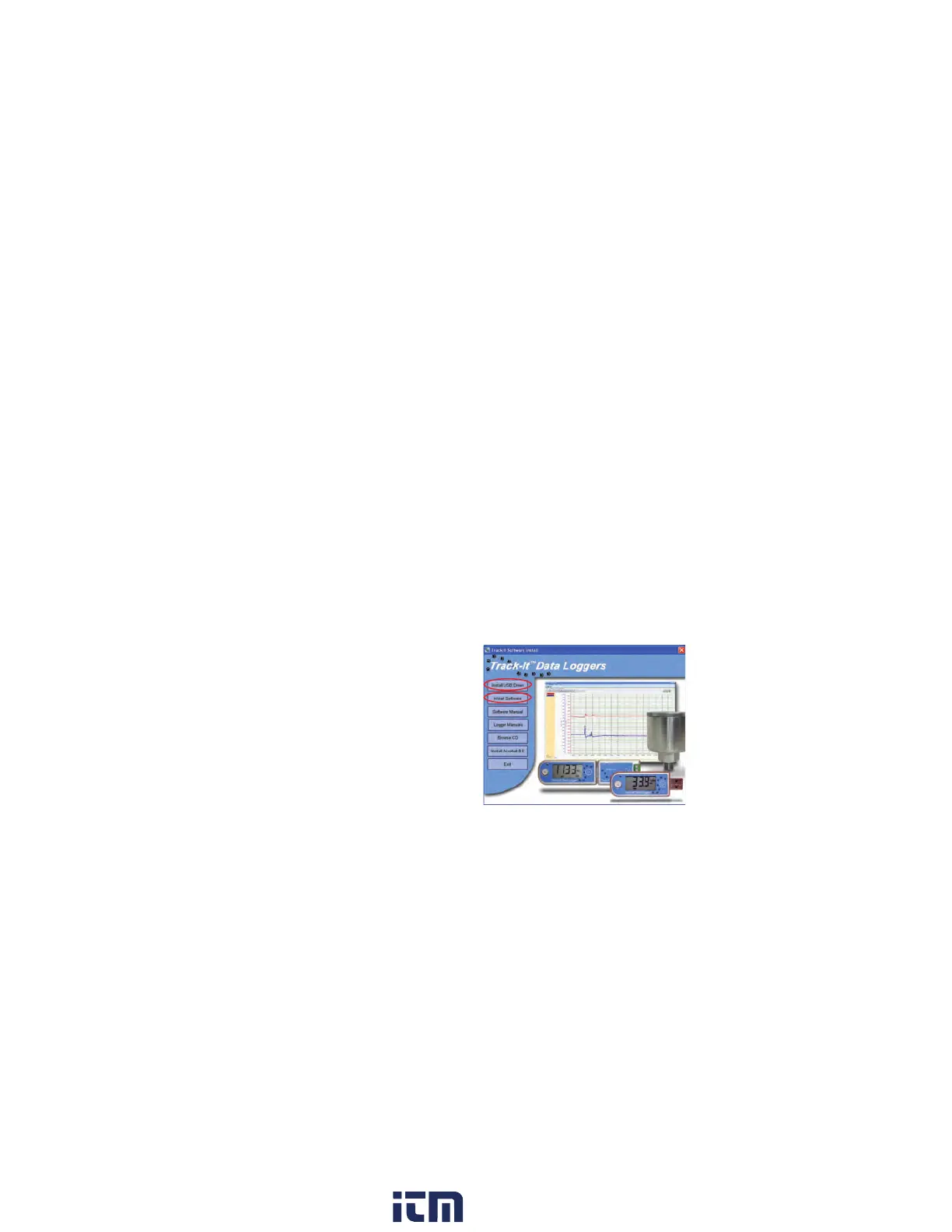
Double-click “CD_Start.exe”. This will launch the Track-It Data
Loggers installation screen shown right:
1. Click “Install the USB
Driver” and follow the
prompts. Click “ConƟnue
Anyway” if you see the
message about soware
installaon.
2. Click “Install SoŌware”
and follow the
instrucons to complete
the installaon. The soware is now ready for use.
Logger and Soware manuals may also be accessed from the
installaon screen.
w ww . . co m
information@itm.com1.800.561.8187


 To Next Page