Potensi Elevator
11
/
13
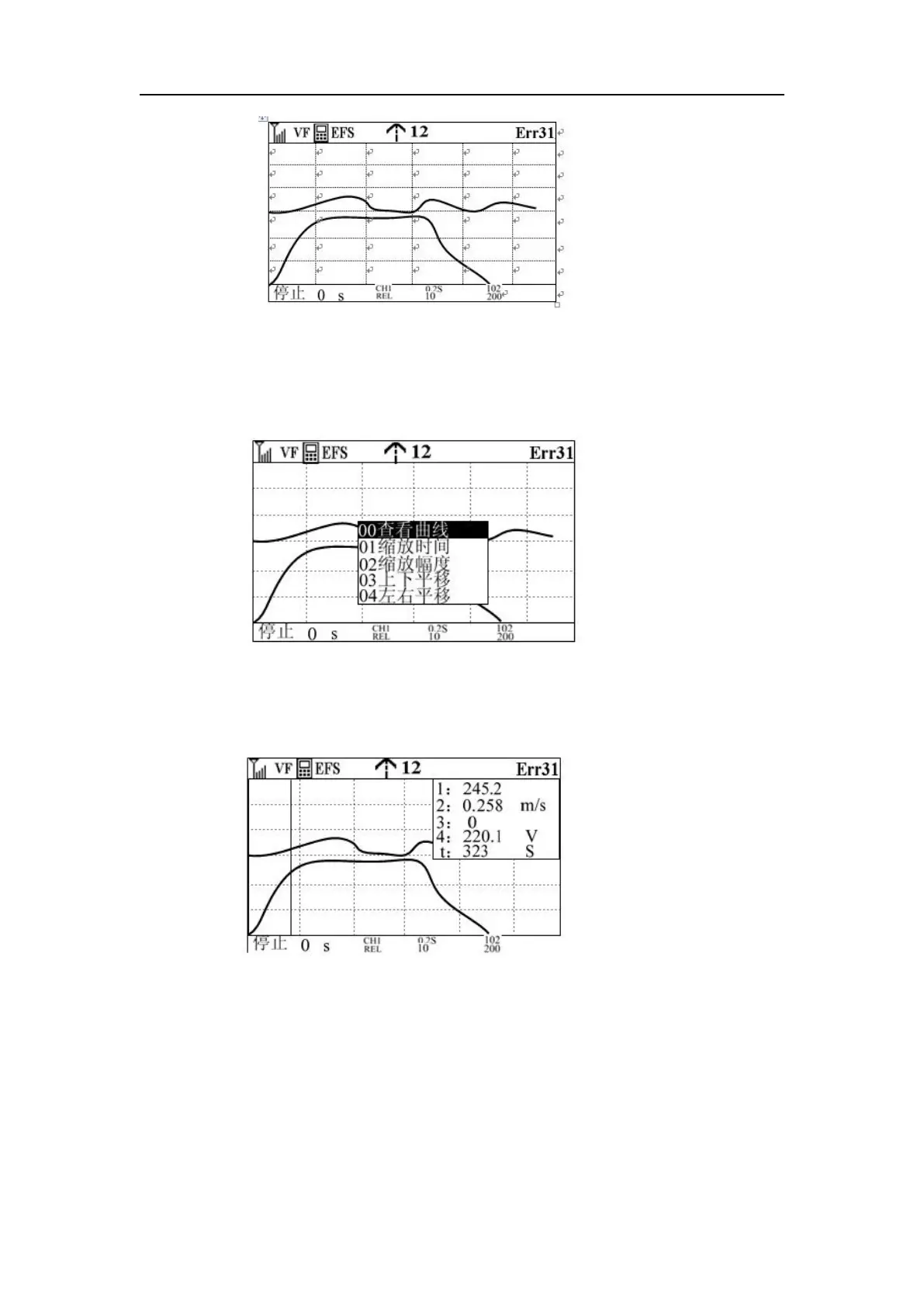
Step 6: When the curve display is complete or the debugger believes that the drawn curve has
met the analysis requirements, press function key 1 to stop drawing the curve. At this point, the
curve has been preserved on the screen, and the debugger presses the knob button to determine
the key to enter the following screen (Note: this screen will not be entered when running.)
Step 7: When the knob to determine the key, the view curve interface appears, as shown in the
following figure, at this time rotate the knob, a cursor will appear in the middle, the intersection
of the cursor and the four curves is the current value of the curve displayed in the display box.
Step 8: If you select the zoom time in the sixth step, pan left and right, pan up and down, zoom
amplitude, the corresponding curve will be enlarged, reduced, panned, etc., so that debuggers
can view the curve, which will not be repeated here.
Note: 1) Cache mode and real-time mode are no different for debuggers, but the curve time
displayed is different.
2) The delay time only works in cached mode, when the delay time is set, the curve is not drawn
until the delay reaches 0.
3) When drawing the curve, the operator draws the curve according to the default value, if the



 To Next Page