Moneris Go Plus Integrated: Getting Started Guide 9
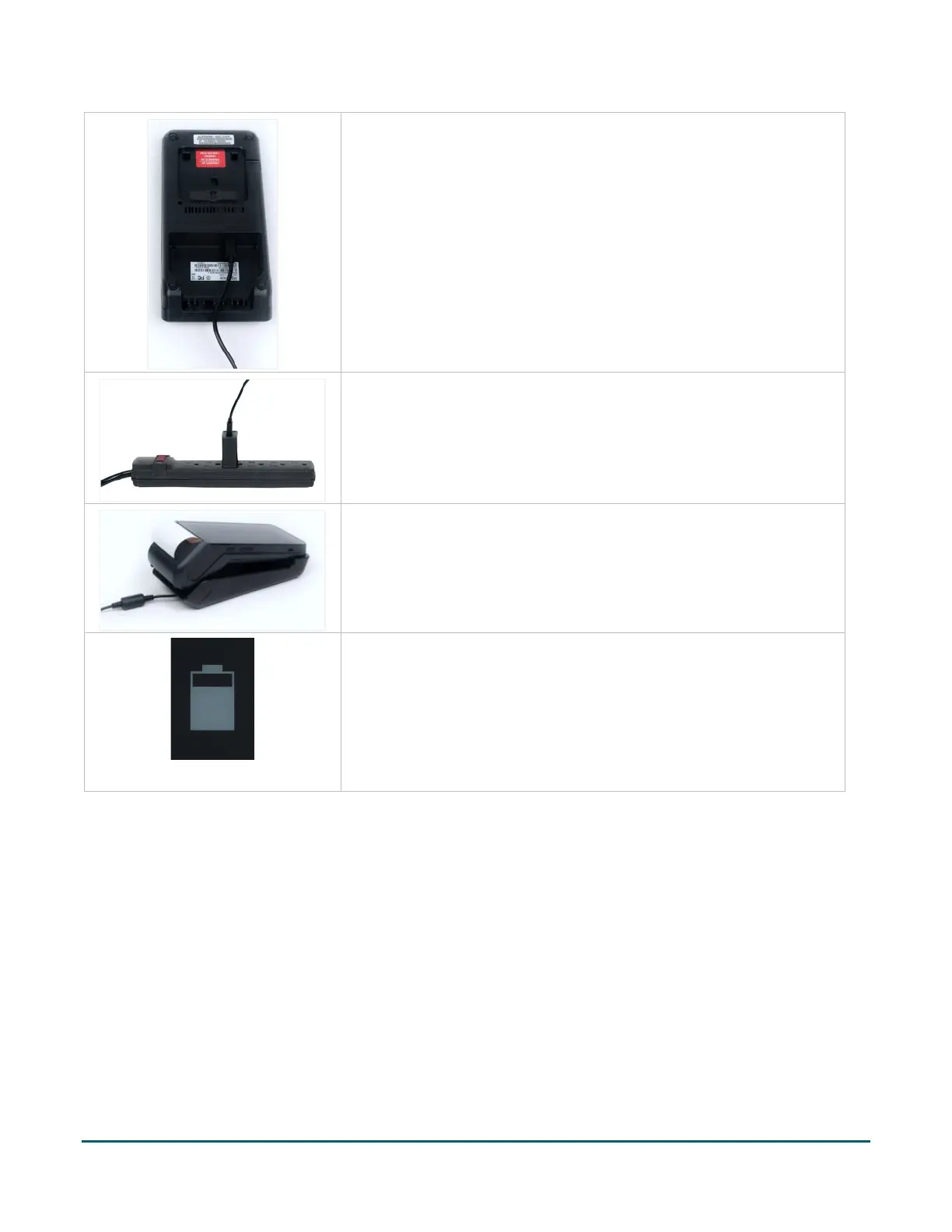
6. Insert the USB connector into the USB port in the back of the
base.
7. Make sure the AC adaptor is connected to the other end of the
charging cable. Plug the AC adaptor into a working electrical
outlet.
Note: Use a power bar to avoid electrical surges.
8. Dock the terminal on the base. Ensure the terminal fits securely
over the two prongs on the base.
9. The terminal displays the charging screen.
a. Wait for the battery charging icon to display. This
indicates that the terminal is receiving power and the
battery is charging.
b. Continue charging the terminal during the rest of the
setup procedures.



 To Next Page