EasyManua.ls Logo

Moneris Go Plus - User Manual

Moneris Go Plus
68 pages
Print Icon
To Next Page IconTo Next Page
Loading...
(October 2022)
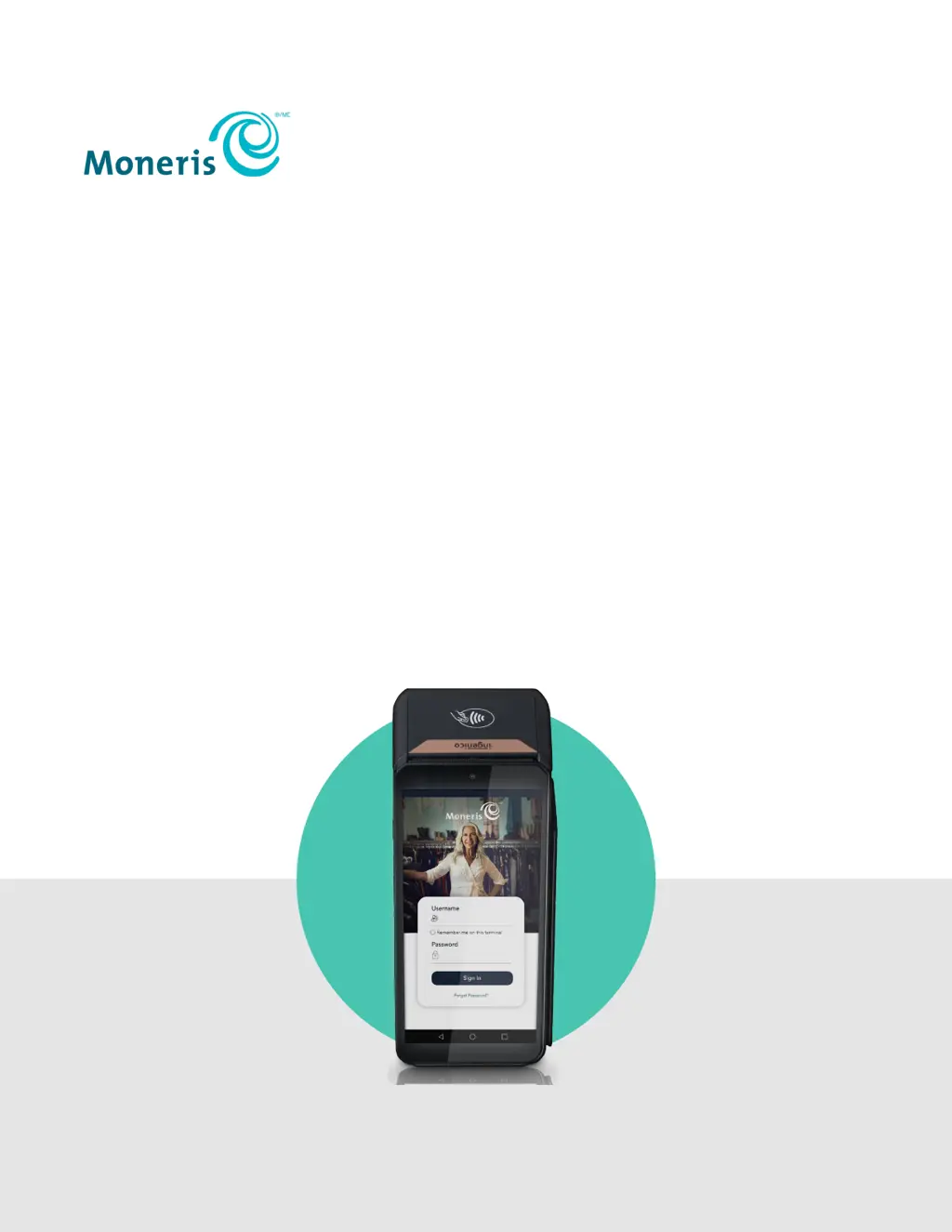
Moneris® Go Plus
Using Your Terminal

Other manuals for Moneris Go Plus

Questions and Answers

  • S
    sheajohnAug 15, 2025
    What to do if my Moneris Payment Terminal shows 'No connection'?
    • B
      Brian RhodesAug 16, 2025
      This error occurs when the terminal cannot establish a connection to Moneris. For a 4G connection: * Tap OK to clear the error message. * Check the battery charge level. * Confirm that your terminal is connected to a cellular network. * Check the signal strength. It is best to have at least 2 bars. * Restart the terminal. To troubleshoot a Wi-Fi connection: * Tap OK to clear the error message. * Check the battery charge level. * Ensure that your terminal is within range of your wireless router. * Ensure the terminal is connected to the desired Wi-Fi network. * Ensure that your Wi-Fi network is working. Tap Mobile data to turn it on if it is off. * Restart your terminal.
  • P
    Patrick TownsendAug 21, 2025
    What to do if Moneris Payment Terminal login failed?
    • J
      Joseph PachecoAug 22, 2025
      If your Moneris Payment Terminal login failed, tap OK to clear the message. Then, enter your username and password exactly as you created them during the Admin user setup.
  • P
    Phyllis Morgan MDAug 25, 2025
    Why does my Moneris Go Plus Payment Terminal show 'Invalid completion amount'?
    • A
      april18Aug 26, 2025
      This error message appears when the amount of a pre-auth completion is greater than $1,500 and also more than 4 times the pre-authorization amount. To resolve this, reduce the amount of the completion. If necessary, void the pre-authorization, then either process a new pre-authorization or process a purchase instead.
  • M
    murphycrystalAug 27, 2025
    What to do if I see 'Login failed' on my Moneris Go Plus Payment Terminal?
    • S
      seansnyderAug 27, 2025
      Tap OK to clear the message. Ensure that you are entering the correct username and password when signing in.
  • M
    markyoderAug 30, 2025
    Why does my Moneris Payment Terminal say 'Cannot Process Please Re-Try'?
    • K
      Katie NelsonAug 30, 2025
      This error may indicate a problem with the customer’s card. Try the transaction again. If it fails again, ask the customer for another card or another form of payment.
  • S
    Samuel HarrisonSep 2, 2025
    Why is my Moneris Go Plus touch screen slow or unresponsive?
    • T
      Tiffany MooreSep 3, 2025
      A slow or unresponsive touch screen on your Moneris Payment Terminal can be due to several factors. First, ensure that other electronic devices are away from the terminal. Second, confirm that the screen's surface is free of liquids. If a protective film is on the screen, remove it. Also, check for any metallic objects touching the screen. Finally, check for any sources of magnetic waves near the device and move them further away.
  • W
    williamstiffanySep 5, 2025
    How to determine connection mode (4G or Wi-Fi) on Moneris Go Plus Payment Terminal?
    • M
      matthewkleinSep 5, 2025
      To determine the connection mode on your Moneris Payment Terminal, swipe down from the top of the screen to view the status bar. Also, ensure that your network signal is strong and charge the battery as needed. Review the IP Checklist for additional information.
  • J
    jamesdanielSep 8, 2025
    What to do if unable to swipe down further to view the full Android terminal settings (Wi-Fi, Bluetooth, screen brightness, etc) on Moneris Payment Terminal?
    • N
      natalie83Sep 8, 2025
      If you are unable to swipe down to view the full Android terminal settings on your Moneris Payment Terminal, try exiting from cloud integration mode. Alternatively, at the sign-in screen, swipe down from the top of the screen.
  • C
    christinasmithSep 12, 2025
    Why does Moneris Payment Terminal begin 60 second countdown when placed in cloud mode?
    • J
      John WarnerSep 12, 2025
      The terminal might be trying to communicate using cellular service, but the SIM card is either missing or not properly seated. Contact Moneris for assistance.
  • A
    April VazquezNov 18, 2025
    Why does my Moneris Payment Terminal say no connection?
    • F
      frank17Nov 18, 2025
      The Moneris Payment Terminal might display a 'No connection' error because it cannot establish a connection. If you are using a 4G connection: * Tap OK to clear the error message. * Check the battery charge level and charge the battery if needed. * Confirm that your terminal is connected to a cellular network by checking for the cellular network icon in the status bar. * Check the signal strength; it is best to have at least 2 bars. * Restart the terminal by pressing and holding the power button, then tap Reboot. If you are using a Wi-Fi connection: * Tap OK to clear the error message. * Check the battery charge level and charge the battery if needed. * Ensure that your terminal is within range of your wireless router. * Ensure the terminal is connected to the desired...

Summary

Getting Started with Moneris Go Plus

Setting Up Your Terminal

Instructions and guides for initial terminal setup and configuration.

Terminal Hardware and Interface

Overview of physical components, on-screen buttons, and navigation.

User Sign-In and Security

Process for logging in, managing passwords, and signing out securely.

Transaction Processing

Card Entry Options

Details available methods for entering customer card information.

Processing Various Transactions

Covers purchases, pre-authorizations, refunds, voids, and balance inquiries.

Reporting and Configuration

Accessing and Filtering Reports

How to view, search, and filter transaction data.

Configuring Terminal Settings

Configuration options for receipts, tips, transactions, and users.

End of Day Process

Steps for settling transactions and generating daily reports.

Troubleshooting and Support

Resolving Terminal Issues

Solutions for error messages, equipment problems, and other issues.

Merchant Support and Resources

Contact information and helpful links for users.

Moneris Go Plus Specifications

General IconGeneral
BrandMoneris
ModelGo Plus
CategoryPayment Terminal
LanguageEnglish

Related product manuals