Moneris® Go Plus: Using Your Terminal 7
Signing out
Sign out at the end of the day or whenever the terminal will be left unattended to prevent unauthorized
transactions.
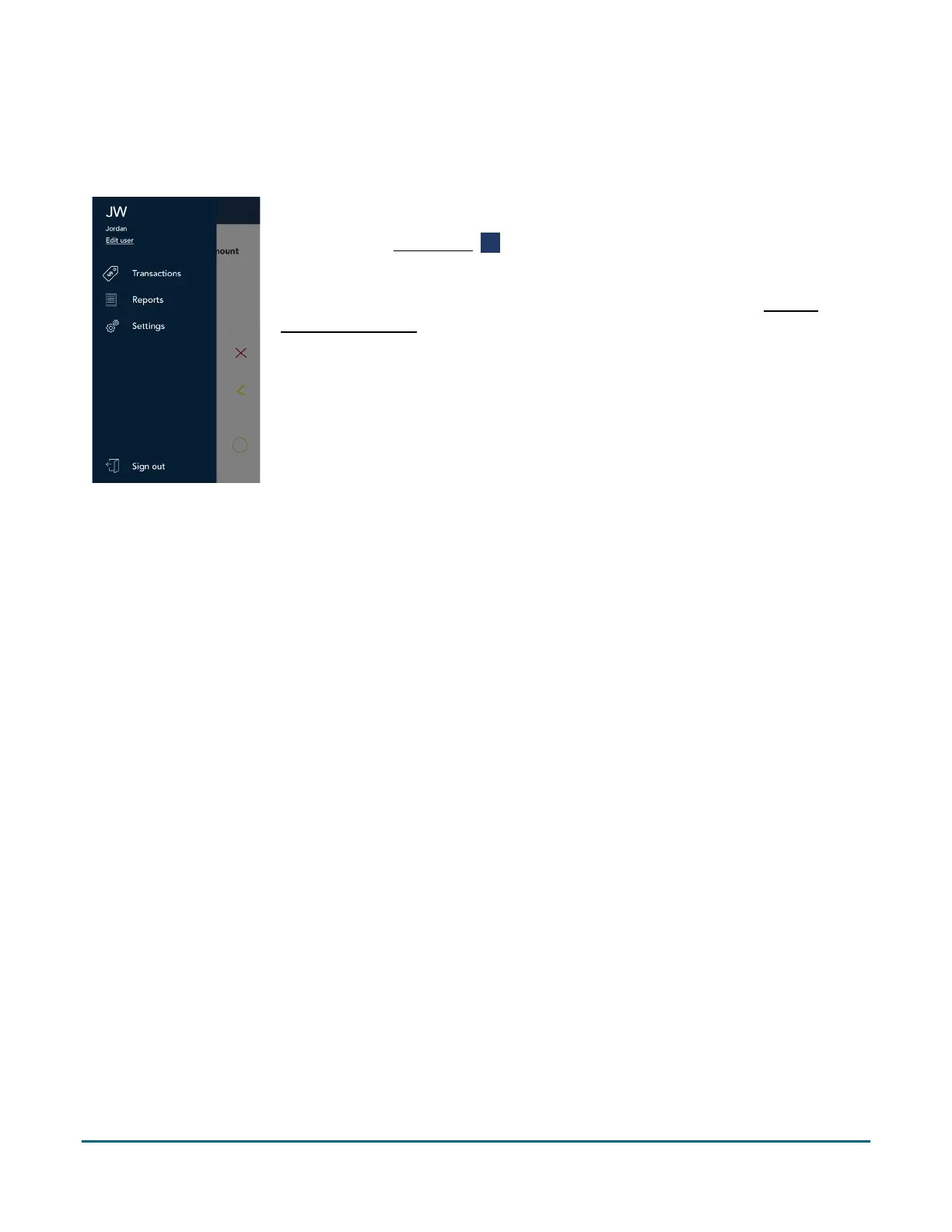
1. To sign out of Moneris Go Plus:
a. Tap the Main menu ≡ icon.
b. At the bottom of the menu, tap Sign out.
Note: To allow the application to sign you out automatically, refer to General
application settings (page 62). There are 2 methods of automatic sign out.



 To Next Page