Moneris® Go Plus: Using Your Terminal 52
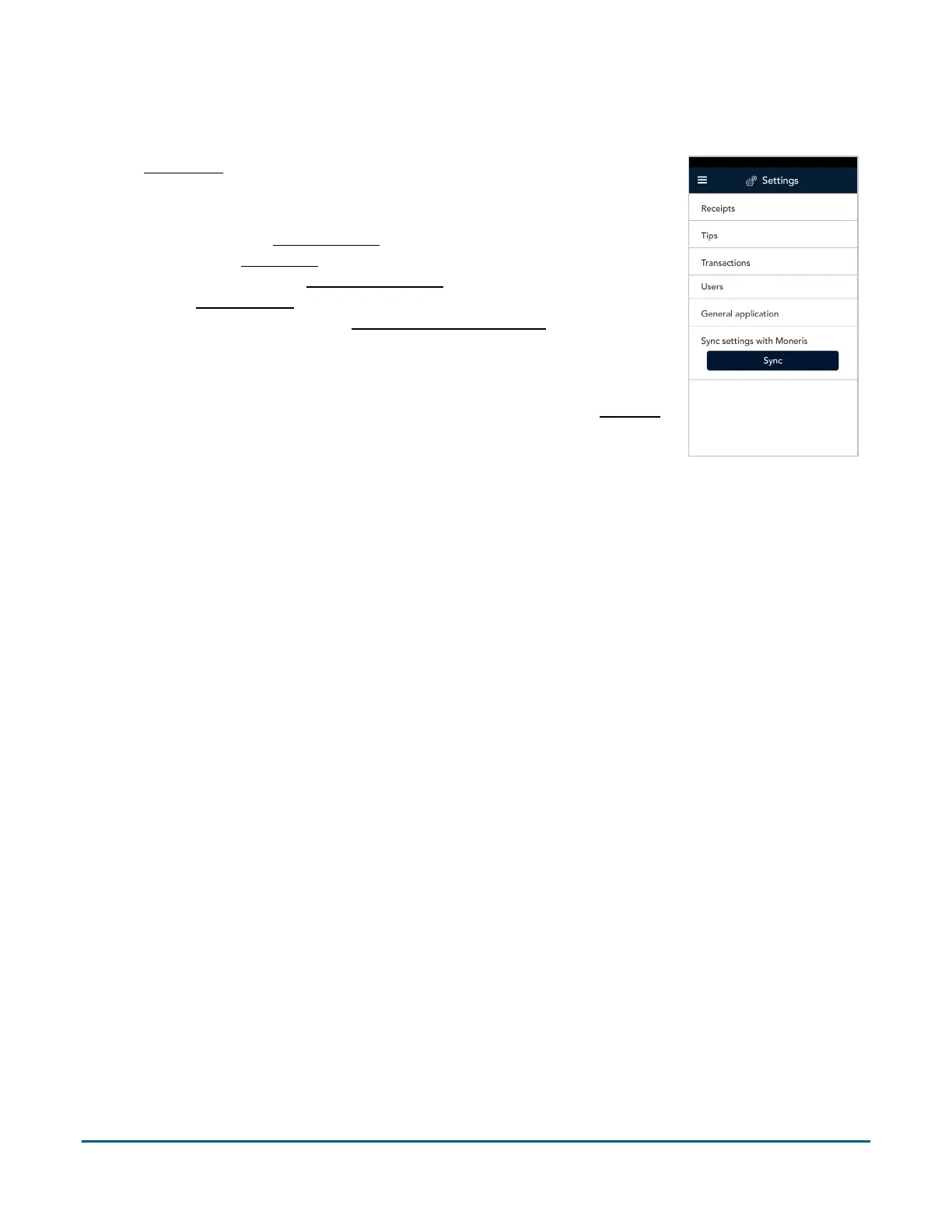
Settings
On the Main menu, tap Settings. When prompted, enter your password – the
same password you used to sign in. Each item on the Settings menu allows you to
configure the application to meet the needs of your business.
Receipts: Change receipt settings (page 53).
Tips: Change tip settings (page 54).
Transactions: Change transaction settings (page 55).
Users: Manage users (page 56).
General application: Change General application settings (page 62)
Sync settings with Moneris. Tap Sync to synchronize all settings with
Moneris.
Changing your own password for low access users: If you do not have access to
the Settings menu, and you want to change your own password, refer to Edit user
(page 61).



 To Next Page