Moneris® Go Plus: Using Your Terminal 8
Wireless communication: 4G and Wi-Fi
The Moneris Go Plus uses long-range cellular communication (4G or 3G) to send and receive information to and
from the Moneris host. The terminal communicates via 4G by default for faster communication and uses 3G as a
fallback where 4G is not available.
If you set up a Wi-Fi network, the terminal will switch to Wi-Fi when the Wi-Fi signal is stronger. To setup a Wi-Fi
network, refer to the Moneris® Go Plus Setting up your terminal guide.
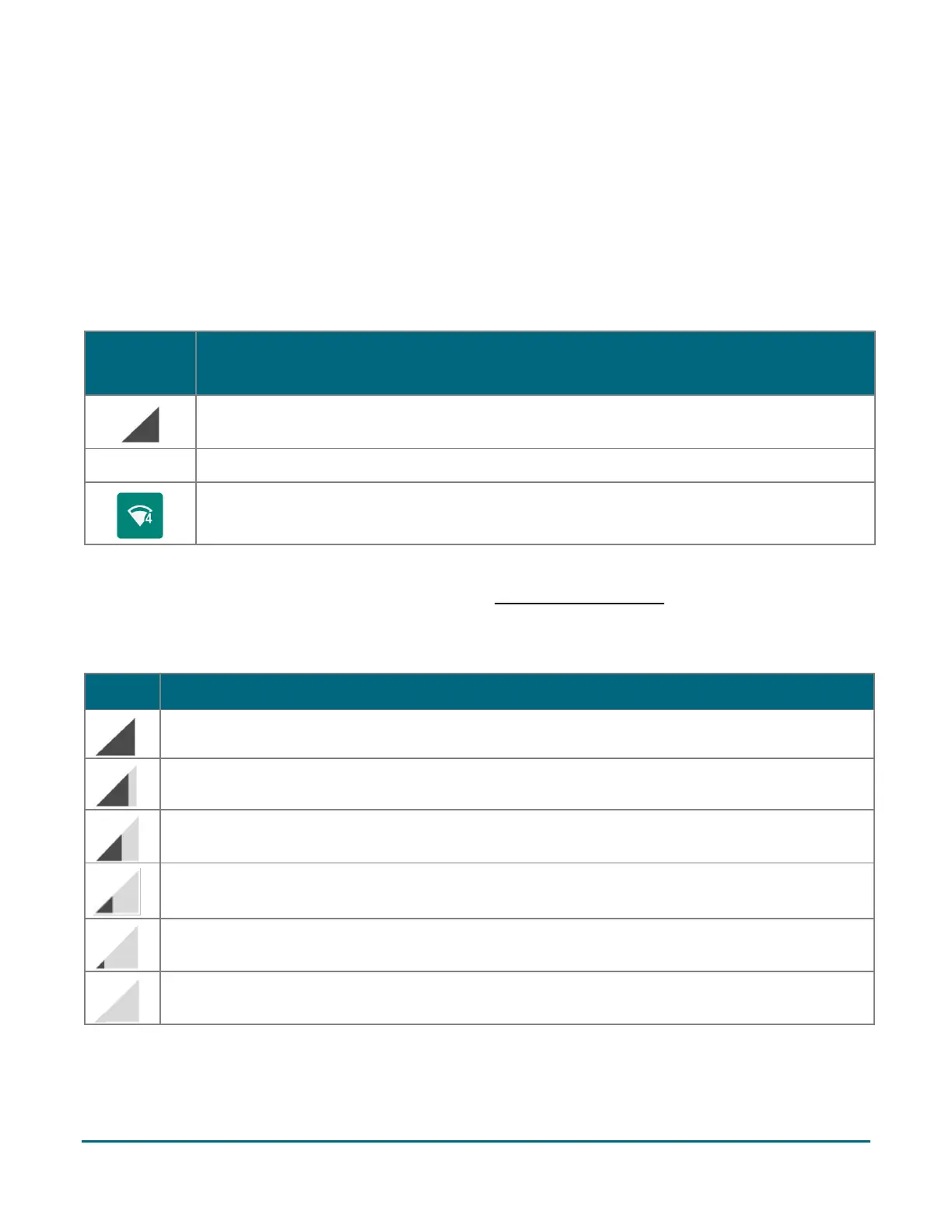
Network status indicator
Icons on the
status bar
Description
The terminal is currently connected to and using the authorized carrier's 4G wireless network.
4G and 3G do not appear in the status bar for the DX8000.
The terminal is currently connected to and using your local Wi-Fi network.
To confirm 4G/3G wireless communication:
1. Confirm that there is sufficient signal strength (see the Signal strength indicator
table below).
Signal strength indicator for cellular communication
Icon Description
5 bars: Terminal is receiving a very strong signal from the network and can process transactions.
4 bars: Terminal is receiving a strong signal from the network and can process transactions.
3 bars: Terminal is receiving a good signal from the network and can process transactions.
2 bars: Terminal is receiving a signal from the network and can process transactions but may take
longer to complete them.
1 bar: The terminal is receiving a weak signal and may not be able to process transactions and/or
print receipts.
0 bars: The terminal is not receiving any signal and CANNOT process transactions.



 To Next Page