Moneris® Go Plus: Using Your Terminal 27
13. The default screen appears.
The application is ready to process your next transaction.
Follow up transactions
Complete or void a pre-authorization
(page 28)
Pre-authorization – card not present
Follow these steps to perform a pre-authorization when the customer and their card are not physically present,
for example, when the customer is making a reservation by telephone for a hotel stay or car rental.
1. Refer to the Pre-authorization
(page 24) procedure (for card present) and follow steps 1 to 3.
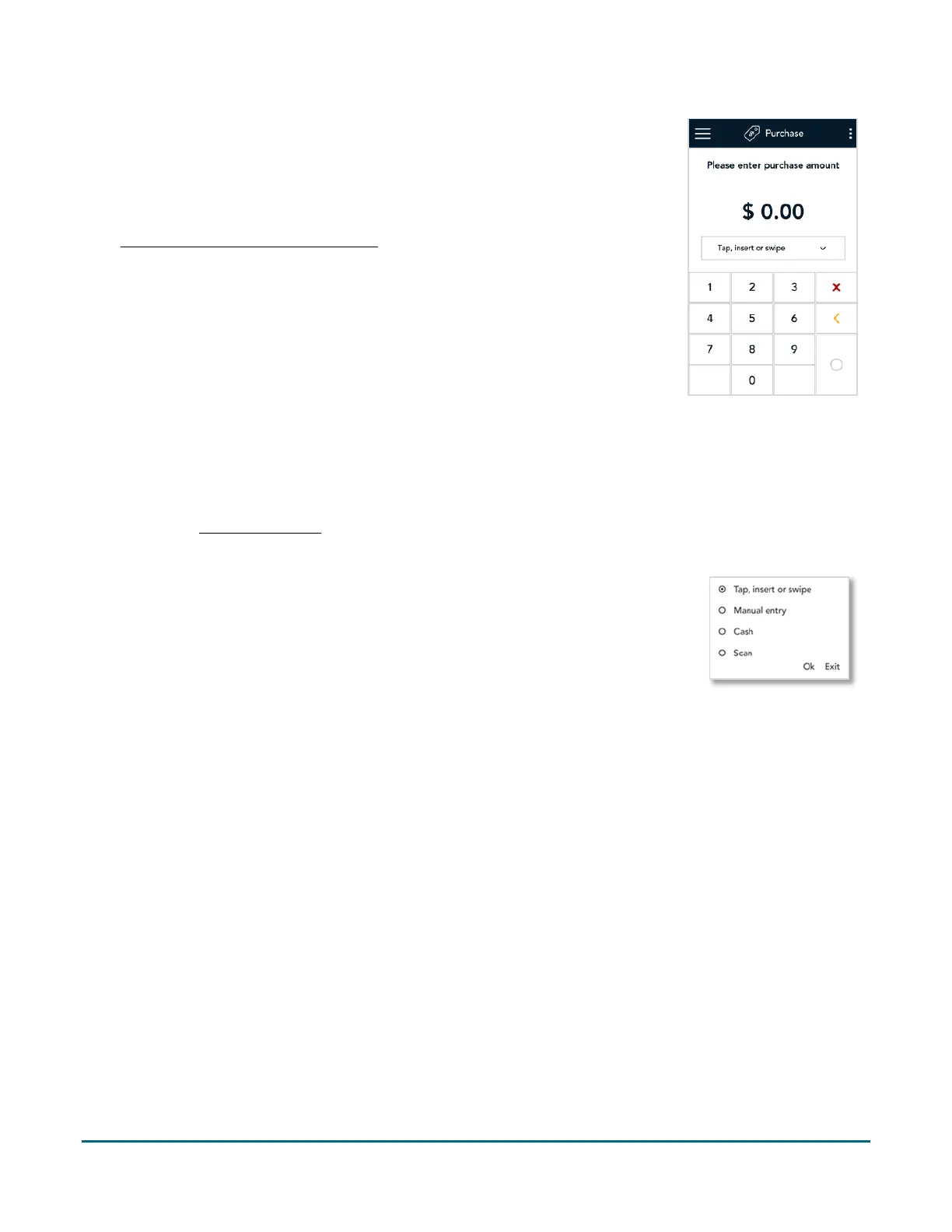
2. On the Pre-authorization screen, tap the card entry field (Tap, insert or swipe) to display the card entry
options.
3. Tap Manual Entry, and then OK.
4. When prompted, enter the credit card information using the on-screen keypad,
then tap Confirm.
5. Follow the prompts on screen to process the pre-authorization.
For a full set of instructions, refer to the Online User Manual for your Moneris Go Plus available at
moneris.com/support.



 To Next Page